
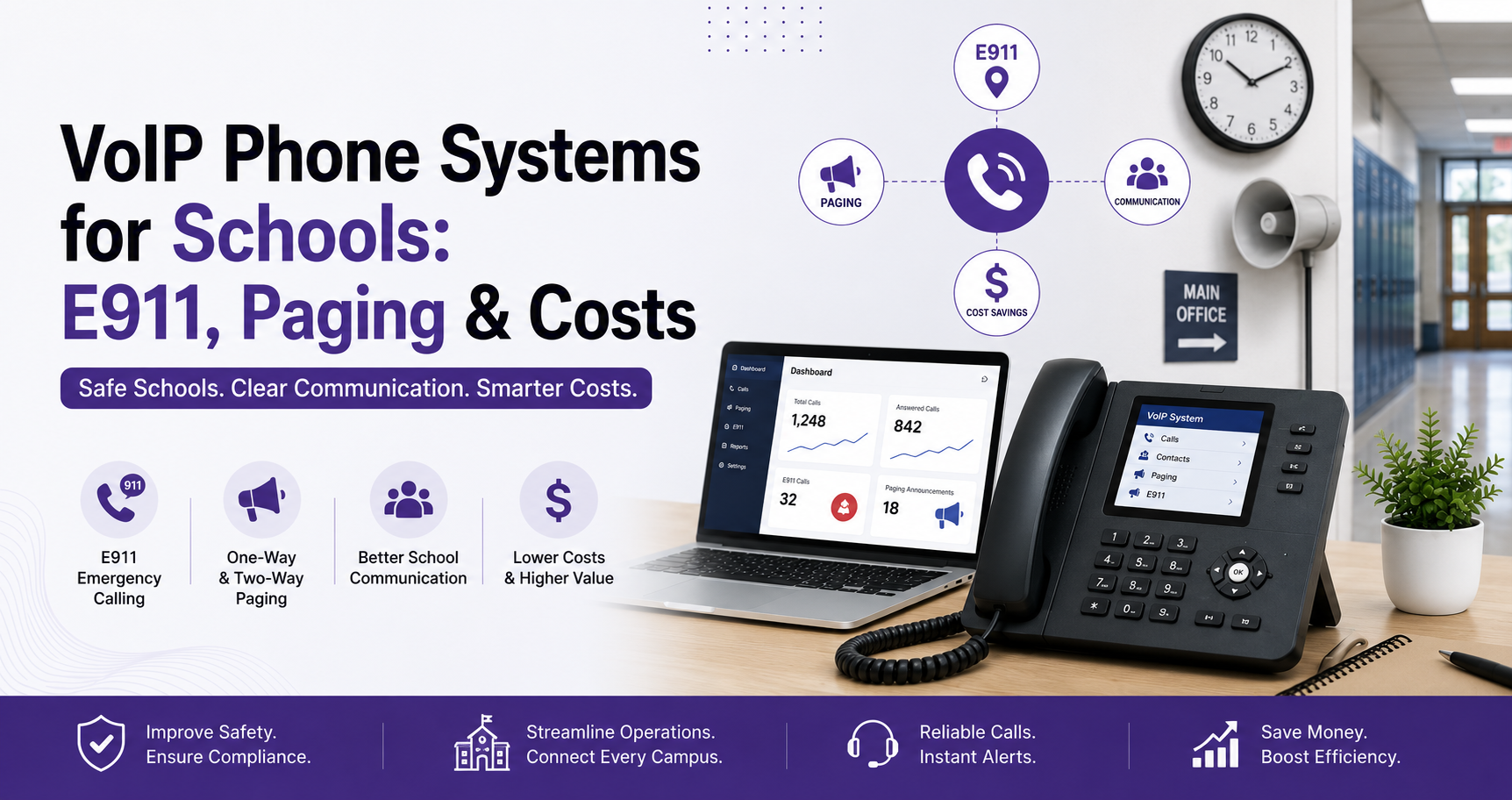
VoIP Phone Systems for Schools: E911, Paging & Costs
A practical guide to VoIP phone systems for schools, covering E911, paging, costs, hardware, and migration for reliable campus communication.
Quick Answer
VoIP phone systems for schools connect offices, classrooms, staff, and campuses through a centrally managed cloud phone platform. A strong setup includes direct 911 dialing, dispatchable location, paging integration, backup routing, and a tested migration plan.
Dial Raven Team
VoIP Communication Expert
A school phone system must do more than connect office calls. It should help parents reach the right department, give staff dependable extensions, support paging and emergency communication, and keep multiple buildings manageable from one place. VoIP phone systems for schools can meet those needs when call flows, E911 locations, network readiness, hardware, and migration are planned together.
Dial Raven provides VoIP solutions for schools and educational institutions through a centrally managed cloud business phone system. This guide explains what schools should evaluate before replacing a legacy PBX, adding paging integration, or standardising communications across a district.
What Are VoIP Phone Systems for Schools?
VoIP phone systems for schools use an IP network to manage calls instead of relying only on copper lines or an on-site PBX. Administrators can manage extensions, queues, auto-attendants, voicemail, mobile users, and multiple campuses through one platform.
Teachers and office staff can still use familiar desk phones. The difference is that routing and administration move into software, making it easier to add users, change room assignments, update schedules, and support authorised mobile staff.
What a School Phone System Must Cover
| School Area | Typical Call Need | Recommended Phone-System Workflow |
|---|---|---|
| Main office | General parent and visitor calls | Auto-attendant, receptionist queue, and overflow route |
| Attendance | High-volume absence and late-arrival calls | Dedicated queue, voicemail-to-email, and clear callback ownership |
| Admissions | Prospective family enquiries and tours | Direct routing, shared voicemail, and mobile access |
| Nurse's office | Time-sensitive parent and staff calls | Priority route with approved fallback destinations |
| Transportation | Bus delays, route questions, and urgent changes | Department number, queue, and after-hours message |
| Security | Urgent internal and external communication | Direct extensions, priority routing, and tested emergency procedures |
| Classrooms | Internal calls, office contact, and emergency access | Simple extensions with accurate location records |
| Multiple campuses | Shared administration with local call flows | Central management, campus-specific routing, and unified reporting |
A generic office configuration often falls short because schools have more rooms, shared spaces, rotating staff, public-facing departments, and safety-sensitive locations. Start with the school's workflows, not a feature list.
Essential Features for a School Phone System
- Auto-attendant routing for attendance, admissions, transportation, the main office, and other departments
- Department queues for morning attendance, enrolment, and other high-volume periods
- Direct extensions for offices, classrooms, shared areas, and authorised staff
- Paging and intercom integration for routine and emergency communication
- Voicemail-to-email plus mobile and desktop access for approved employees
- Time-based routing for closures, holidays, events, and after-hours calls
- Central management and reporting for several buildings or campuses
- Backup routing for internet, power, device, or site failures
A well-planned school auto-attendant should keep menus short and route callers by need. Department queues, schedules, and the fallback methods in Dial Raven's call-forwarding workflow guide can handle the next steps.
E911 Requirements for Schools
E911 planning is central to a school phone-system project. Under federal rules for covered multi-line telephone systems, users must be able to dial 911 directly without an outside-line prefix. The system must also support required notification and convey a dispatchable location to the public safety answering point.
The 47 CFR § 9.16 requirements distinguish fixed, on-premises non-fixed, and off-premises devices. A school location plan may need to identify the campus, building, floor, room, wing, or another detail that helps responders find the caller.
- Confirm every dial-capable station can reach 911 without first dialing 9 or another access code
- Define who receives the required notification when a 911 call is placed
- Map each fixed phone to an accurate dispatchable location
- Create a location-update process for mobile, softphone, and non-fixed users
- Use the provider's approved testing process and update records after device or room changes
Dial Raven's E911 compliance guide explains direct dialing, notification, and dispatchable location in more detail. Schools should also review applicable state and local requirements with qualified advisers.
Paging, Intercom, and Bell-System Integration
Many schools already have analogue speakers, zone controllers, intercom stations, bells, or public-address equipment. Moving to VoIP does not always require replacing every component, but compatibility must be confirmed before the old phone system is removed.
- Document every paging zone and the rooms it covers
- Identify whether the system accepts analogue, SIP, multicast, or another input
- Confirm whether a gateway can connect existing paging equipment to the new platform
- Test zone paging, all-call paging, emergency announcements, and expected outage scenarios
The audit should also cover IP phones, analogue adapters, PoE switches, gateways, and backup power. Dial Raven's business phone hardware for VoIP guide explains the main device categories.
School Phone System Cost: What Affects the Budget?
School phone system cost cannot be estimated accurately from a per-user licence alone. A project may include classroom and office devices, paging gateways, network work, backup power, installation, emergency-location configuration, number porting, support, and training.
| Cost Area | What to Evaluate |
|---|---|
| Software licences | Named users, shared devices, common-area phones, and required features |
| Phone hardware | New IP phones, compatible existing phones, conference devices, and analogue adapters |
| Paging and intercom | Existing system compatibility, gateways, controllers, speakers, and installation |
| Network readiness | Switch capacity, Power over Ethernet, voice prioritisation, cabling, and internet resilience |
| Emergency calling | Location mapping, notifications, configuration, maintenance, and testing |
| Migration | Number inventory, porting, temporary routes, parallel testing, and cutover support |
Ask providers to separate recurring charges from one-time project costs and state what is excluded. Dial Raven's business phone system pricing is a starting point, but a school-specific quote should reflect campuses, devices, paging, emergency locations, and migration.
Single-Campus vs. Multi-Campus Phone Systems
| Requirement | Single Campus | Multi-Campus or District |
|---|---|---|
| Administration | One local administrator may be sufficient | Central control with delegated campus permissions |
| Call routing | One main flow with department options | Shared district numbers plus campus-specific menus and hours |
| Extension plan | Simple room and department numbering | Consistent numbering across sites with local identification |
| E911 | Room-level mapping within one property | Separate campus, building, floor, and room records |
| Reporting | School-level reports | District-wide visibility with campus filtering |
| Continuity | Local backup destinations | Site-specific failover that avoids one campus disrupting another |
A multi-campus education phone system should be centrally manageable without forcing every site into one call flow. Each campus may need its own number, hours, announcements, paging zones, emergency contacts, and fallback routes.
How to Migrate a School Phone System Without Disruption
1. Inventory Every Number, Extension, and Connected Line
List main numbers, direct numbers, classroom extensions, fax services, paging connections, alarms, elevator phones, fire panels, modems, and other connected equipment. Do not assume every legacy line belongs on VoIP. Dial Raven's business landline shutdown guide explains why specialised and life-safety lines need separate review.
2. Map Buildings, Rooms, Users, and Paging Zones
Create one worksheet listing each campus, building, floor, room, extension, device, assigned user, E911 location, paging zone, backup route, and migration status.
3. Audit the Network and Power Plan
Confirm switch capacity, PoE, voice prioritisation, cabling, internet performance, backup connectivity, and UPS runtime. Include busy arrival and dismissal periods when estimating simultaneous call demand.
4. Build and Test the New Call Flows
Configure and test routes for the main office, attendance, admissions, transportation, security, the nurse, closures, and after-hours calls.
5. Port Numbers Before Cancelling Existing Service
Keep existing service active until every number has transferred and passed inbound and outbound testing. See Dial Raven's guide to porting a business phone number to VoIP.
6. Train Staff and Complete Post-Launch Testing
Train office staff, administrators, and security teams on transfers, paging, voicemail, emergency notifications, and outage procedures. After launch, retest public numbers, department routes, paging zones, caller ID, voicemail, and approved E911 configurations.
Student Privacy, Call Recording, and FERPA
A platform is not automatically 'FERPA compliant' because it offers encryption or access controls. Schools must evaluate how recordings, voicemail, transcripts, and notes are created, maintained, accessed, retained, and disclosed.
The U.S. Department of Education says FERPA does not specifically prohibit disclosure over the telephone, but schools must reasonably identify and authenticate recipients before disclosing personally identifiable information from education records. Review the Department's student privacy FAQs and obtain institution-specific guidance.
- Limit access to recordings, voicemail, transcripts, and settings by role
- Define recording notices, retention, deletion, and export rules
- Document how authorised staff verify parents, students, and other callers
- Review vendor access, contracts, and data-sharing controls
Common School Phone-System Mistakes
- Treating the project as a simple desk-phone replacement
- Using one emergency address for every classroom and building
- Forgetting paging, alarms, lifts, fax lines, and other analogue equipment
- Porting numbers before every inbound route is documented
- Scheduling the cutover during a high-risk academic period
- Assuming the network is ready without testing demand and power resilience
- Making broad FERPA or security claims without reviewing data practices
- Skipping staff training and post-launch verification
How to Choose a VoIP Provider for a School
- Can the provider map and maintain dispatchable locations for each device type?
- Can the platform integrate with the existing paging and intercom environment?
- Can administrators manage several campuses with appropriate local permissions?
- What happens during internet, power, carrier, device, or site failures?
- Who handles number inventory, porting, call-flow configuration, and testing?
- Are training, documentation, and ongoing support included?
- Are licence, hardware, installation, paging, and support costs itemised?
- How are recordings, voicemail, transcripts, exports, and administrator access controlled?
A strong proposal should map the complete communication environment rather than quote only a user count. It should explain the architecture, E911 process, hardware plan, paging approach, migration sequence, support model, and total cost.
Plan a Safer, Easier-to-Manage School Phone System
The best school phone system is not the one with the most features. It is the system that makes everyday calls easier, supports safety procedures, remains manageable as staff and rooms change, and has a tested plan for failures and migration.
Dial Raven can review your campuses, PBX, numbers, paging, emergency locations, hardware, network, and desired cutover date. Request a school phone-system assessment for a practical migration and configuration recommendation.
Frequently Asked Questions
What is the best phone system for a school?
The best school phone system is one that supports reliable office and classroom calling, direct 911 dialing, accurate dispatchable locations, paging integration, department routing, mobile access, central administration, and tested backup procedures. The correct architecture depends on campus count, existing equipment, network readiness, and safety requirements.
How do VoIP phone systems for schools work?
A school VoIP system carries calls over an IP network and manages extensions, queues, auto-attendants, voicemail, mobile users, paging connections, and multiple campuses through software. Staff can use compatible desk phones or applications while administrators control routing and settings centrally.
What are the main E911 requirements for schools?
Covered U.S. multi-line telephone systems must support direct 911 dialing, required notification, and dispatchable location under applicable federal rules. Schools should map fixed and non-fixed devices carefully and review federal, state, local, and provider-specific testing requirements.
Can VoIP work with an existing school paging system?
Often, yes. Compatibility depends on whether the existing paging equipment uses analogue, SIP, multicast, or another interface. A gateway or adapter may allow the paging system to remain, but every zone and emergency announcement path should be tested before cutover.
How much does a school phone system cost?
The cost depends on users, shared devices, IP phones, paging integration, network upgrades, backup power, emergency-location work, installation, number porting, support, and training. Schools should request an itemised proposal rather than comparing per-user licences alone.
Can one VoIP system manage several school campuses?
Yes. A multi-campus platform can provide central administration, shared extension plans, district-wide reporting, and cross-campus calling while preserving campus-specific numbers, schedules, call menus, paging zones, emergency locations, and backup routes.
Replacing a school PBX is easier when numbers, rooms, emergency locations, paging zones, hardware, and call flows are documented before the cutover. Book a school communications review and Dial Raven will help turn that inventory into a practical migration plan.
Related pages
Ready to modernize your phone system?
Talk to a Dial Raven specialist and get a plan built around how your team works.