
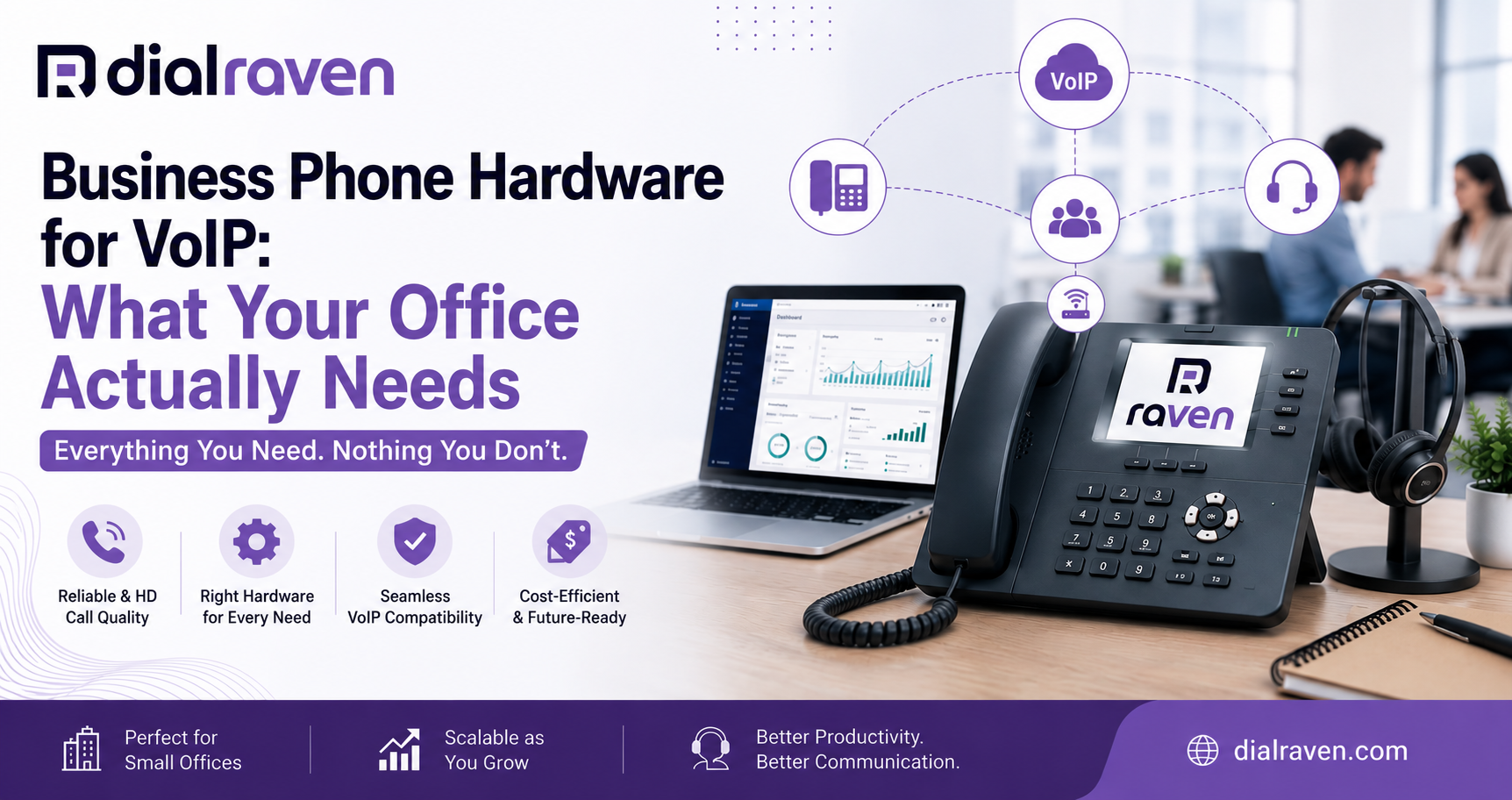
Business Phone Hardware for VoIP: What Your Office Actually Needs
Not sure what hardware you need to run a VoIP phone system? This guide covers every device type, what to look for, and how to choose right.
Quick Answer
To run a VoIP phone system, businesses typically need IP desk phones or softphones, a reliable internet connection, a PoE switch or router, and optionally headsets or conference phones. The exact hardware depends on your team size, work setup, and whether you choose physical phones or app-based calling.
Dial Raven Team
VoIP Communication Expert
When a business decides to switch to VoIP, the first practical question is almost always the same: what hardware do I actually need? It is a fair question. VoIP runs over the internet, which sounds simple — but the physical side of the setup involves more choices than most businesses expect. Do you need new desk phones? Can you keep your old handsets? What about headsets, conference rooms, and remote employees? This guide covers everything you need to know about business phone hardware for VoIP — the different device types, what each one does, how to evaluate your options, and what to prioritize based on how your team actually works.
What Are VoIP Hardware Requirements for a Business?
VoIP hardware requirements vary depending on your office setup, team size, and calling volume — but every business transitioning to VoIP needs at least three things in place:
- A stable broadband internet connection with sufficient upload and download speed (generally 100 Kbps per simultaneous call, minimum)
- Compatible endpoint devices — IP phones, softphones, or analog telephone adapters (ATAs)
- A network switch or router capable of handling voice traffic, ideally with Quality of Service (QoS) settings enabled
Beyond those three essentials, additional hardware like Power over Ethernet (PoE) switches, headsets, and conference phones may be needed depending on your specific environment. The good news: modern cloud VoIP systems like Dial Raven are designed to work with the hardware you already have — or to scale up as your needs grow.
Types of Business Phone Hardware for VoIP
Not all VoIP hardware serves the same purpose. Here is a breakdown of the main device types and when each one makes sense for your business.
1. IP Desk Phones (VoIP Desk Phones)
An IP desk phone — also called a VoIP desk phone or SIP phone — looks and feels like a traditional office telephone. The key difference is that it connects to your phone system over the internet rather than a traditional landline. IP phones for business are the most common hardware choice for office-based teams. They offer reliable call quality, dedicated buttons for hold, transfer, mute, and voicemail, and a familiar user experience that requires no training. Best for: Front-desk staff, sales teams, receptionists, and any employee who spends significant time on calls from a fixed workstation. Recommended brands: Yealink, Poly (formerly Polycom), Grandstream, Cisco. These brands are widely supported by cloud VoIP providers and offer open SIP compatibility, meaning they work across multiple platforms.
2. Softphones (App-Based Calling)
A softphone is not physical hardware at all — it is a software application installed on a computer, laptop, or smartphone that turns the device into a fully functional business phone. Most cloud VoIP providers include a softphone app with every plan. Softphones have become the default choice for remote and hybrid teams because they work from anywhere with an internet connection. They also tend to include more features than dedicated desk phones, such as video calling, team messaging, and CRM integration. Best for: Remote workers, hybrid teams, traveling employees, and businesses that want to avoid upfront hardware costs entirely.
3. Conference Phones
Conference phones are purpose-built for meeting rooms and group calls. They use omnidirectional microphones to pick up voices from every seat at the table and deliver full-duplex audio so everyone can speak and listen without cutting each other off. For businesses running regular team meetings, client calls, or all-hands sessions, a dedicated conference phone delivers a noticeably better experience than putting a desk phone on speaker or relying on laptop audio. Best for: Conference rooms, boardrooms, huddle spaces, and any shared space used for group calls. Popular models: Yealink CP960, Poly Sync 60, Poly Trio series.
4. Headsets
Headsets free your hands while keeping call quality high — a practical necessity for customer service teams, sales reps, and anyone spending several hours a day on the phone. Most IP phones and softphones support USB, Bluetooth, or 3.5mm headsets. For office environments with background noise, look for headsets with active noise cancellation (ANC). For softphone users, a USB headset with a built-in microphone is typically the simplest and most reliable option. Best for: Customer support teams, call centers, sales teams, and any role requiring extended call time.
5. Analog Telephone Adapters (ATAs)
If you have existing analog phones that you want to keep using with a new VoIP system, an Analog Telephone Adapter (ATA) converts the analog signal from your traditional handsets into digital data that VoIP can transmit. An ATA plugs into your router and allows older phones to connect to a modern cloud phone system. This is a practical bridge solution for businesses that want to phase out old hardware gradually rather than replacing everything at once. Best for: Businesses with existing analog phones looking to transition to VoIP without immediate full hardware replacement.
Softphone vs Desk Phone: Which Is Right for Your Business?
| VoIP Desk Phone | Softphone | |
|---|---|---|
| Physical IP phone | Computer, laptop, or smartphone | Hardware needed |
| $80–$300+ per device | Often included with VoIP plan | Upfront cost |
| Excellent (dedicated hardware) | Excellent (dependent on device/connection) | Call quality |
| Office-based, fixed workstations | Remote, hybrid, mobile workers | Best for |
| Plug-in via Ethernet or Wi-Fi | App download, no hardware required | Setup |
| Dedicated call buttons, physical keypad | Video, messaging, CRM integrations | Features |
| Fixed location | Works from anywhere | Mobility |
Many businesses use both. A receptionist or office manager may prefer a physical desk phone while field agents and remote staff use the mobile softphone app. Dial Raven supports both simultaneously under a single business number.
What to Look for When Choosing VoIP Hardware
Before purchasing any business phone hardware for VoIP, confirm these four things:
- SIP compatibility: Look for phones that support open SIP (Session Initiation Protocol). This ensures your hardware works with your VoIP provider and is not locked to a proprietary ecosystem.
- PoE support: Power over Ethernet lets your desk phone draw power through the same Ethernet cable used for data, eliminating the need for a separate power adapter. Useful for keeping desks clean and simplifying installation.
- Wi-Fi or Ethernet: Wired Ethernet connections offer the most consistent call quality. If cabling is not practical, ensure your IP phone supports dual-band Wi-Fi (2.4GHz/5GHz).
- Provider compatibility: Not every VoIP provider supports every hardware model. Before buying, confirm with your provider that the phone is supported and ideally auto-provisionable — meaning the provider can configure the phone remotely without manual setup.
How SIP Phone Setup Works With a Cloud VoIP System
Setting up a SIP phone with a cloud VoIP system is simpler than most businesses expect. The general process looks like this:
- Your VoIP provider assigns you a SIP account with credentials (username, password, server address)
- You enter those credentials into your IP phone's web interface or the phone provisions automatically if your provider supports auto-provisioning
- The phone registers with the cloud PBX and is ready to make and receive calls within minutes
With Dial Raven, new hardware can be up and running within 24 hours. Our team handles provisioning and configuration — so you are not spending time reading through phone manuals or troubleshooting SIP settings on your own.
Do You Need to Buy New Hardware to Switch to VoIP?
Not necessarily. If your existing phones are SIP-compatible, they may work with your new VoIP system without any changes. Many Yealink, Poly, and Grandstream models from the past several years support standard SIP and can be re-provisioned for a new provider. The exceptions are phones tied to proprietary systems — older Avaya, Toshiba, or Mitel hardware that uses vendor-specific protocols. These typically cannot be migrated and will need to be replaced. If you are unsure whether your current phones are compatible, Dial Raven's team can assess your existing hardware and advise on the fastest, most cost-effective path forward.
Choosing the right VoIP hardware matters — but it is only one part of the equation. The quality of your VoIP phone system, the reliability of your provider, and how well your hardware is configured all have just as much impact on call quality and team productivity. Dial Raven works with all major open SIP phone brands, provides free hardware compatibility checks, and gets new systems live within 24 hours. Whether you are starting fresh with new IP phones or bringing your existing hardware over, the setup process is handled for you.
Frequently Asked Questions
What hardware do I need for a VoIP phone system?
At minimum, you need a reliable broadband internet connection, compatible endpoint devices (IP phones or softphone apps), and a router or switch with QoS enabled. Optional additions include PoE switches, conference phones, and headsets depending on your team setup.
Can I use my existing phones with a new VoIP system?
If your phones support open SIP protocol — common in Yealink, Poly, and Grandstream models — they can typically be re-provisioned for a new VoIP provider. Proprietary hardware from older Avaya or Mitel systems usually cannot be migrated and may need replacement.
What is the difference between a VoIP desk phone and a softphone?
A VoIP desk phone is physical hardware that connects to your internet network. A softphone is a software application on your computer or smartphone that provides the same functionality without dedicated hardware. Both deliver high call quality; the choice depends on your team's work style and mobility needs.
What is a SIP phone and how does it work?
A SIP phone (Session Initiation Protocol phone) is any phone — hardware or softphone — that uses the SIP standard to connect to a VoIP phone system. SIP is the most widely used protocol for business VoIP, and SIP-compatible phones work across multiple providers and platforms.
Do I need special network equipment for VoIP?
Your existing router can usually handle VoIP traffic, but enabling Quality of Service (QoS) settings is strongly recommended to prioritize voice packets and prevent call quality issues. If you have many concurrent users, a managed switch with QoS support improves performance significantly.
How much does business VoIP hardware cost?
Entry-level IP desk phones start around $50–$80. Mid-range models with color screens and Wi-Fi typically run $120–$200. Premium executive phones and conference phones can cost $250–$500+. Softphones are usually included with your VoIP plan at no additional hardware cost.
Ready to upgrade your business phone system? Dial Raven makes it simple. Whether you are outfitting a new office, adding remote lines, or replacing an outdated PBX, our team handles hardware compatibility, provisioning, and setup — with your system live within 24 hours. Get a Free Quote → or Talk to a VoIP Specialist — no contracts, no pressure.
Related pages
Ready to modernize your phone system?
Talk to a Dial Raven specialist and get a plan built around how your team works.