
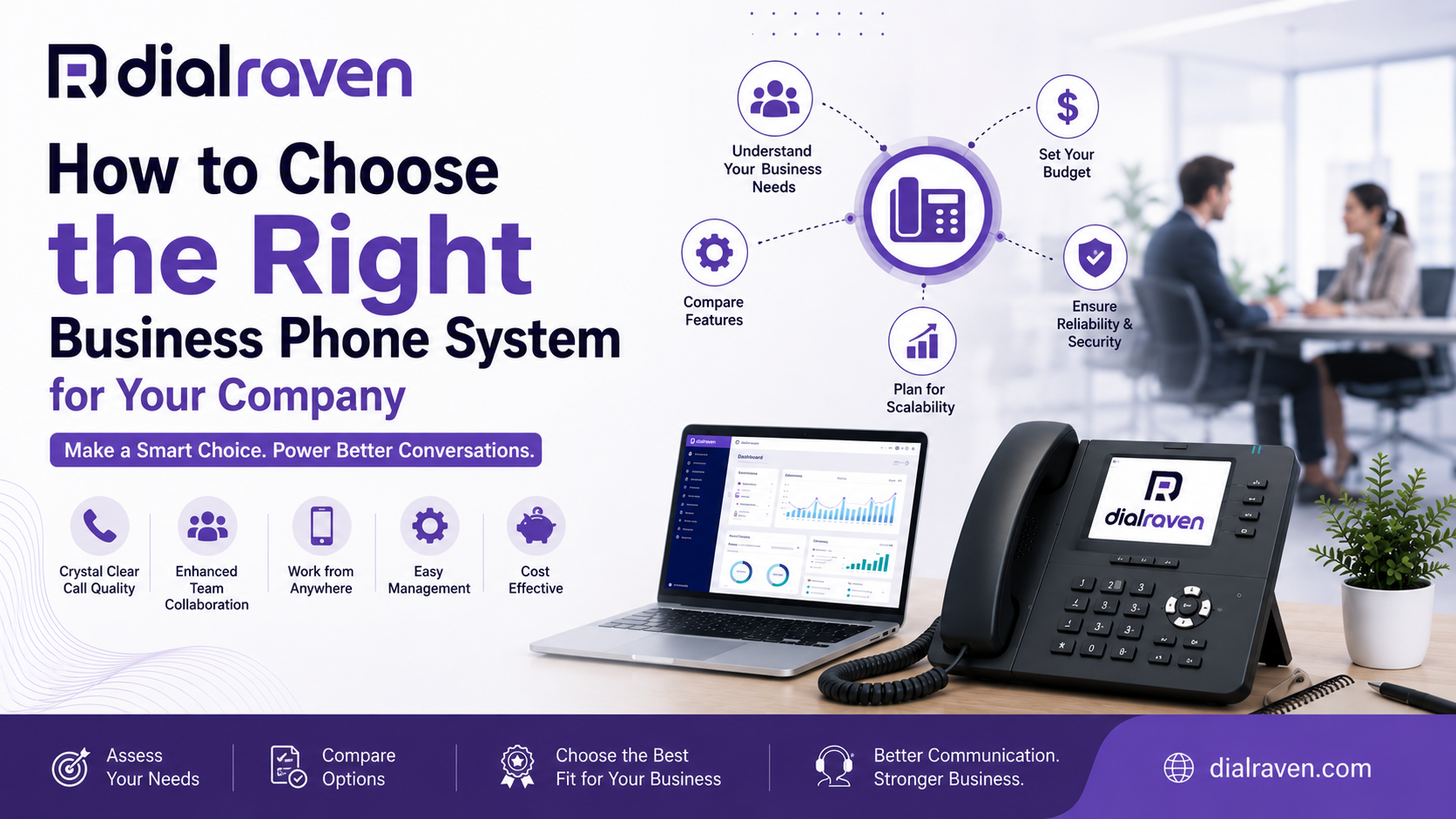
How to Choose the Right Business Phone System for Your Company
Not sure how to choose a business phone system? This step-by-step guide covers types, features, costs, and key questions every SMB should ask before switching.
Quick Answer
To choose a business phone system, assess your team size, call volume, and budget. Compare VoIP, cloud-hosted, and on-premise PBX options. Prioritize features like auto-attendant, call routing, mobile access, and scalability.
Dial Raven Team
VoIP Communication Expert
Choosing the wrong business phone system can cost you customers, drain your budget, and slow your team down for years. Choosing the right one can cut communication costs by up to 50%, give your team the flexibility to work from anywhere, and make every customer interaction feel professional from the first ring. This guide walks you through exactly how to choose a business phone system — the right way. Whether you're a small business still on a legacy landline or a growing company evaluating cloud options for the first time, the steps below will help you make a confident, informed decision.
What Is a Business Phone System?
A business phone system is a network of phone lines and communication tools that allows a company to manage incoming and outgoing calls, route them to the right people, and integrate voice communication with other business workflows. Modern business phone systems go far beyond basic calling. Today's solutions include auto-attendants, call routing, voicemail-to-email, call recording, SMS messaging, mobile apps, video conferencing, and AI transcription — all managed from a single dashboard. The right system depends on your business size, call volume, team structure, and growth goals.
Types of Business Phone Systems Explained
Before comparing features or pricing, you need to understand the three main types of business phone systems available today:
- Traditional Landline (PSTN): Uses copper phone lines and physical on-premise hardware. Reliable but expensive to maintain, difficult to scale, and increasingly obsolete. Best suited to businesses in areas with poor internet connectivity.
- On-Premise PBX: A private branch exchange installed at your office. Gives full control but requires upfront hardware investment, ongoing IT maintenance, and is inflexible for remote or hybrid teams.
- Cloud-Based VoIP (Hosted PBX): Calls travel over your internet connection. The provider manages all infrastructure. No hardware investment, easy to scale, accessible from any device, and packed with modern features. This is the most common choice for SMBs in 2026.
- SIP Trunking: A hybrid solution that connects your existing on-premise PBX to the cloud via internet-based SIP channels. Ideal for businesses that want to keep current hardware but gain cloud connectivity and cost savings.
For most small and mid-sized businesses, a cloud phone system or VoIP phone system is the most practical and cost-effective choice. It eliminates hardware costs, scales with your team, and supports remote and hybrid work without any added complexity.
How to Choose a Business Phone System: 6 Steps
Here is a clear step-by-step process to evaluate your options and select the right system for your company.
Step 1: Assess Your Business Communication Needs
Start by auditing how your business actually communicates today. Ask yourself:
- How many employees need phone access — now and in the next 12 months?
- What is your average daily inbound and outbound call volume?
- Do you have a single location, multiple offices, or a remote/hybrid team?
- Are you currently using a landline, on-premise PBX, or an older VoIP system?
- What specific problems are you trying to solve — dropped calls, high phone bills, missed customer calls, or lack of mobility?
Your answers determine the type of system you need and the features that matter most. A 5-person team with basic calling needs has very different requirements from a 50-person team managing customer support across three time zones.
Step 2: Know What to Look for in a Business Phone System
Once you understand your needs, evaluate systems against the features that will actually make a difference in your day-to-day operations. Here is what to look for in a business phone system:
- Auto-Attendant / IVR: Greets callers and routes them to the right department automatically. Reduces missed calls and gives even a small business a professional, enterprise-level presence.
- Call Routing & Forwarding: Directs calls based on time of day, department, agent availability, or skill set. Critical for any business that cannot afford to miss calls.
- Voicemail-to-Email: Converts voicemails to text or audio and delivers them to your inbox. Ensures no message gets missed.
- Mobile App: Lets your team make and receive business calls from their smartphones using the business number — not their personal lines.
- Call Recording: Essential for quality assurance, training, and compliance.
- AI Transcription: Automatically converts calls to searchable text. Saves time and improves accountability.
- Analytics & Reporting: Tracks call volume, missed calls, agent performance, and peak hours.
- Integrations: Connects with your CRM, helpdesk, or productivity tools.
- Scalability: Can you add or remove users instantly without hardware changes or long delays?
- Uptime SLA: What reliability guarantee does the provider offer? 99.9% or higher is the standard expectation.
Not every business needs every feature. Prioritize your must-haves versus nice-to-haves before evaluating providers, and avoid paying for features you will never use.
Step 3: Set a Realistic Budget
Business phone system pricing varies widely depending on the type of system and the provider. Here is a general overview to set expectations:
| Communication System Types | Cost, Setup Requirements & Hardware Comparison | ||
|---|---|---|---|
| System Type | Typical Monthly Cost Per User | Setup Cost | Hardware Required |
| Traditional Landline | $30–$60+ | High (wiring, installation) | Yes — desk phones, wiring |
| On-Premise PBX | $20–$50+ | Very High (hardware + IT) | Yes — full PBX hardware |
| Cloud VoIP / Hosted PBX | $15–$35 | Low to none | Optional (softphone or desk phone) |
| SIP Trunking | $10–$25 per channel | Low to medium | Existing PBX hardware |
Cloud-based VoIP systems offer the lowest total cost of ownership for most SMBs. There are no large upfront investments, no maintenance contracts, and no surprise hardware replacement bills. Pricing is typically per user per month, making budgeting predictable. When comparing providers, always calculate the total cost of ownership — not just the advertised monthly rate. Factor in setup fees, hardware costs, per-minute charges (if any), and the cost of features sold as add-ons.
Step 4: Evaluate Providers Against Your Requirements
With your needs, features, and budget defined, you are ready to shortlist providers. When evaluating vendors, focus on:
- Call quality and network reliability — Ask about uptime guarantees and redundancy infrastructure.
- Ease of setup and administration — Can you add a new user in minutes, or do you need an IT consultant?
- Support quality — Is support available 24/7? Can you reach a real person, or only a ticket bot?
- Contract terms — Month-to-month flexibility versus long-term contracts with early exit penalties.
- Number porting — Can you transfer your existing business phone number without service interruption?
- Scalability — Can the system grow with you from 5 users to 50 without a platform migration?
Request a demo from any provider you are seriously considering. A reputable VoIP provider should be happy to walk you through the system, answer detailed questions, and let you test the platform before committing.
Step 5: Consider Switching from Landline to VoIP
If your business is still running on a traditional landline or aging on-premise PBX, switching from landline to VoIP is often the single most impactful communication upgrade you can make. The transition is simpler than most business owners expect:
- Your existing business phone number can be ported to the new system with no interruption.
- Desk phones you already own are likely compatible, or you can use softphones on computers and smartphones at zero additional cost.
- Setup typically takes hours or days — not weeks — with a cloud VoIP provider.
- Monthly costs almost always decrease compared to traditional phone service.
The FCC confirms that VoIP services have become a mainstream alternative to traditional telephone infrastructure, with millions of businesses completing the switch each year. For SMBs, the cost and flexibility advantages are clear.
Step 6: Plan for Growth and Future Needs
The phone system you choose today should still serve you well in three to five years. Evaluate scalability not just in terms of user count, but also in terms of:
- Adding new locations or remote workers without hardware changes
- Integrating with CRM, ERP, or helpdesk platforms as your tech stack evolves
- Supporting new communication channels like business SMS or AI-powered virtual receptionists
- Compliance requirements if you operate in healthcare, legal, finance, or government sectors
A system that works for 10 users but hits a ceiling at 25 will force a disruptive migration at exactly the wrong time — when your business is growing. Choose a provider that scales with you.
VoIP Phone System for Small Business: Why It Wins for Most SMBs
For the vast majority of small and mid-sized businesses, a VoIP phone system checks every box: lower cost, more features, easier management, and full support for remote and hybrid teams. Unlike traditional landlines that lock you to a physical office, VoIP delivers your full business phone system over your internet connection. Your team can take business calls on a desk phone in the office, a laptop at home, or a smartphone while traveling — all under the same business number, with the same professional experience for the caller.
At Dial Raven, we built our hosted VoIP platform specifically for SMBs that want enterprise-grade communication without enterprise-level complexity or cost. From auto-attendant and call routing to AI transcription and business SMS, everything is managed from one dashboard — and our team is available when you need help, not just during business hours. Explore our VoIP phone system features.
Questions to Ask a Business Phone System Provider Before You Sign
Before committing to any provider, get clear answers to these questions:
- What is your guaranteed uptime SLA, and what happens if it is not met?
- Can I port my existing business number, and how long does it take?
- Is support available 24/7, and how do I reach a real person?
- What are the total monthly costs, including any per-feature add-on fees?
- Can I add users or remove lines on a month-to-month basis?
- Do you offer a trial period or demo before I commit?
- Is the system compatible with the desk phones or hardware I already own?
- What security protocols protect my calls and customer data?
A provider that cannot answer these clearly — or deflects with vague promises — is a red flag. Your phone system is mission-critical infrastructure. You deserve straight answers.
Frequently Asked Questions
What type of phone system is best for small businesses?
For most small businesses, a cloud-based VoIP phone system is the best choice. It offers lower monthly costs, no hardware investment, easy scalability, and full support for remote and mobile workers — all without requiring an IT team to manage it.
What should I look for when choosing a business phone system?
Focus on call routing, auto-attendant, voicemail-to-email, mobile app access, call recording, uptime reliability, ease of management, and transparent pricing. Prioritize features your team will actually use, and avoid paying for capabilities you don't need.
How much does a business phone system cost per month?
Cloud VoIP systems typically cost $15–$35 per user per month, with low or no setup fees. Traditional landlines and on-premise PBX systems cost significantly more when you factor in hardware, installation, and ongoing maintenance.
Is it difficult to switch from a landline to VoIP?
Not at all. Most businesses complete the switch in a matter of days. Your existing business phone number can be ported over, and many VoIP providers offer guided onboarding to make the transition seamless.
Can a VoIP system support a remote or hybrid team?
Yes. VoIP is specifically designed for distributed teams. Employees can make and receive business calls from any device — desk phone, laptop, or smartphone — from any location with an internet connection.
Do I need special hardware for a VoIP phone system?
Not necessarily. You can use existing VoIP-compatible desk phones, or simply use a softphone app on your computer or the mobile app on your smartphone. Many businesses run entirely on software-only setups with zero hardware costs.
Ready to Choose the Right Business Phone System?
Making the right choice starts with understanding your needs — and having a provider who will guide you through the process honestly, not just push you toward the most expensive plan. At Dial Raven, we work with small and mid-sized businesses across the US to design phone systems that actually fit how they operate. Whether you are switching from a landline, replacing an old PBX, or setting up communication for a new business, our team will help you find the right solution — and get you live faster than you expect.
Get a free, no-pressure quote today. Tell us about your business, and we will recommend the right system, walk you through the features, and answer every question you have before you commit to anything. Get a Free Quote & Explore Our VoIP Plans & Pricing
Related pages
Ready to modernize your phone system?
Talk to a Dial Raven specialist and get a plan built around how your team works.