
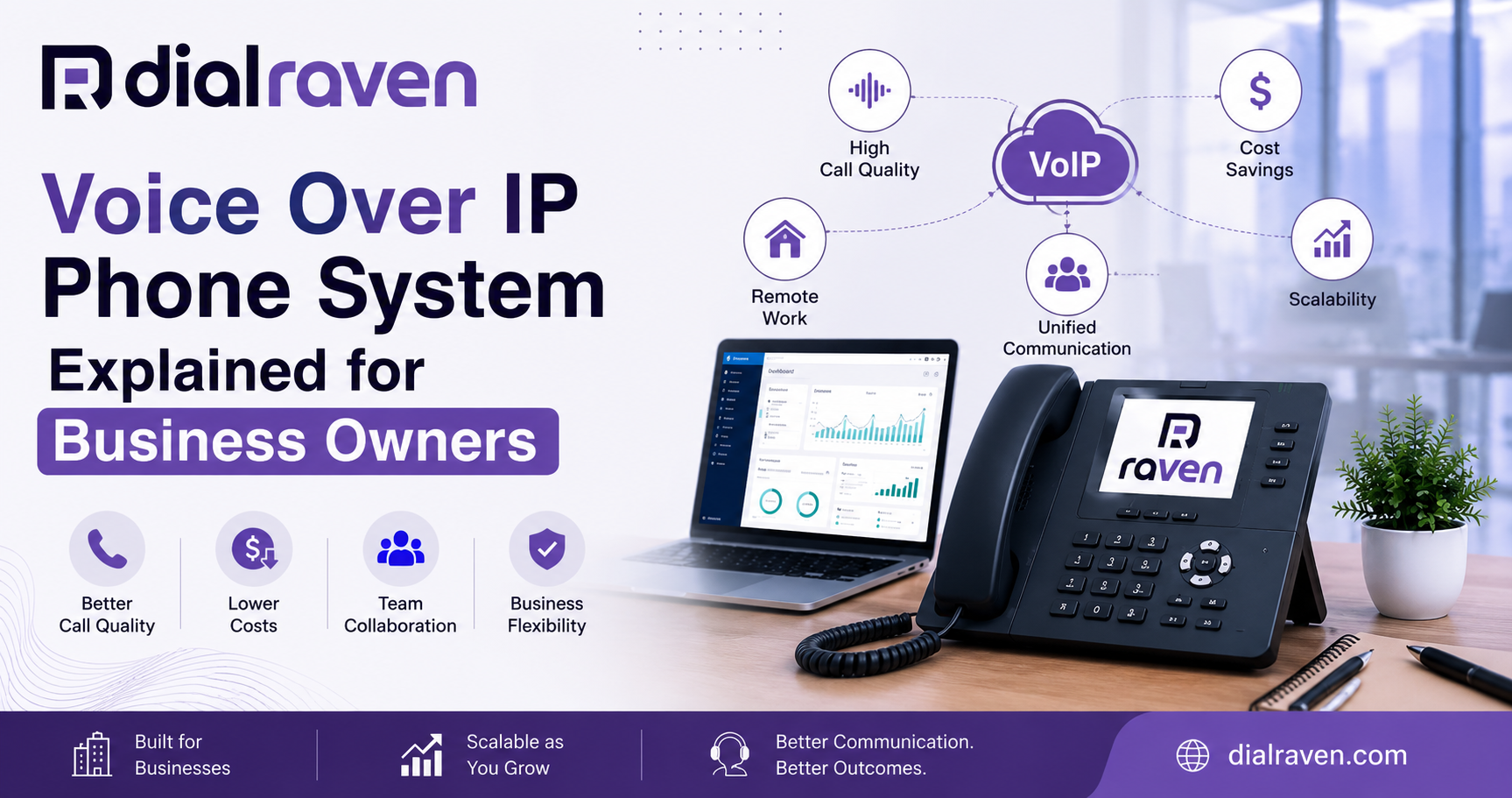
VoIP Phone System for Small Business: A Complete Guide
Learn what a VoIP phone system is, how it works, and why thousands of small businesses are ditching traditional landlines for cloud-based calling.
Quick Answer
A VoIP phone system for small business routes voice calls over the internet instead of traditional copper phone lines. It converts your voice into digital data packets, transmits them over your broadband connection, and delivers crystal-clear calls to any device — desk phone, mobile, or laptop — without expensive hardware or long-distance charges.
Dial Raven Team
VoIP Communication Expert
If you're still paying for a traditional landline or a clunky on-premise PBX system, you're likely overpaying for something your business has already outgrown. A modern VoIP phone system for small business gives you everything your old phone system had — plus auto-attendant, mobile calling, voicemail-to-email, call analytics, and AI-powered features — all delivered over your existing internet connection. This guide explains exactly what VoIP is, how it works, what it costs, how it compares to traditional phone systems, and how to get started. Whether you're switching for the first time or evaluating options for a growing team, you'll have a clear picture by the end.
What Is a VoIP Phone System and How Does It Work for Business?
A VoIP phone system — short for Voice over Internet Protocol — allows businesses to make and receive calls over the internet rather than traditional telephone lines. Instead of routing your voice through copper wires, VoIP converts your voice into small digital data packets and transmits them over your broadband connection in real time. According to the Federal Communications Commission (FCC), VoIP enables voice calls to travel across IP networks rather than the traditional circuit-switched telephone infrastructure. For small business owners, this means one thing in practice: you get a full-featured business phone system without the hardware costs, installation fees, or geographic limitations of a legacy phone line.
How a VoIP Call Actually Works (Step by Step)
Here is what happens in the seconds between you pressing "call" and the other person hearing your voice: 1. Your device connects — Your desk phone, laptop softphone, or mobile app registers with your VoIP provider over your internet connection. 2. You dial a number — Your device sends a request to the VoIP server to initiate a call session using Session Initiation Protocol (SIP). 3. Voice gets converted — Your voice is encoded into compressed digital packets by specialized software called a codec (such as G.711 or Opus). 4. Packets travel over the internet — Those packets route across IP networks to the recipient's device, similar to how emails travel as data. 5. Audio is reassembled — The recipient's device decodes the packets back into audio. The entire process happens in milliseconds. As Cloudflare's technical guide on VoIP explains, packet-based transmission allows multiple calls to travel simultaneously through a single internet connection — which is why VoIP scales so efficiently and costs so much less than dedicated phone lines.
VoIP vs Traditional Phone System: What's the Real Difference?
Many business owners assume VoIP is just a "cheaper landline." That undersells it significantly. The differences go far beyond price.
| Feature | VoIP Phone System vs Traditional Phone System | |
|---|---|---|
| Infrastructure | Cloud-based, runs over internet | Copper wires, on-premise PBX |
| Setup Cost | Low to none | High (hardware + installation) |
| Monthly Cost | $15–$35 per user/month (estimated) | $50–$100+ per line/month (estimated) |
| Scalability | Add users in minutes | Requires new hardware/wiring |
| Remote Work | Full mobility — any device, anywhere | Office-bound |
| Features | Auto-attendant, call routing, voicemail-to-email, analytics, mobile app | Basic calling, voicemail |
| Long-Distance Calls | Free or flat-rate | Per-minute charges apply |
| Maintenance | Provider-managed, zero hardware | Requires IT or vendor visits |
| Internet Required | Yes | No |
For most small businesses in 2026, the only meaningful disadvantage of VoIP is its dependency on a reliable internet connection. With modern broadband quality across the US, this is rarely a barrier in practice.
Types of VoIP Systems: Which Cloud Phone System Is Right for Your Business?
Not all VoIP setups are the same. Before choosing a system, it helps to understand the three primary deployment models.
1. Hosted VoIP (Cloud Phone System)
This is the most popular option for small businesses. Your VoIP service is hosted entirely in the cloud by your provider — no hardware on your premises beyond desk phones or apps. You pay a monthly per-user fee and your provider handles all infrastructure, updates, and maintenance. This is the model Dial Raven operates on: a 100% cloud-based internet phone system for business that you can activate and scale without touching a server.
2. On-Premise VoIP (IP PBX)
Your business owns and manages the VoIP server internally. This gives you maximum control but requires upfront hardware investment and IT resources to manage. Typically used by larger enterprises with dedicated IT staff — not the right fit for most SMBs.
3. Hybrid VoIP (SIP Trunking)
Hybrid systems connect your existing on-premise PBX to the internet using SIP trunking, allowing you to modernize gradually without replacing all your hardware at once. If you have an existing PBX investment you're not ready to abandon, this is often the right transition step. Learn more about how this compares in our guide on SIP trunking vs VoIP — Key Differences for Business.
Key Benefits of a VoIP Phone System for Small Business
Here is why hundreds of thousands of US small businesses have already made the switch — and why the ones that haven't are paying a premium for less.
- Lower operating costs. Eliminate per-line charges, expensive hardware maintenance, and high long-distance fees. Most small businesses reduce communication costs by 30–50% after switching to VoIP (estimated, based on industry benchmarks).
- Full mobility. Your team can make and receive calls from anywhere using a desktop app, mobile app, or softphone — using their business number, not a personal phone.
- Professional call management. Auto-attendant, intelligent call routing, call queues, and IVR give even 5-person teams an enterprise-grade caller experience.
- Voicemail-to-email. Every voicemail gets transcribed and delivered to your inbox. No missed messages, no manual checking.
- Easy scalability. Add a new team member in minutes. No wiring, no hardware orders, no IT visit.
- Built-in analytics. Track call volume, response times, missed calls, and agent performance from a simple dashboard.
- Remote and hybrid team support. Your entire team uses one system whether they're in the office, working from home, or in the field.
What Do You Need to Set Up a VoIP Phone System for Your Business?
Setup is simpler than most business owners expect. You don't need a server room or an IT department. Here is what you actually need.
- A reliable internet connection. The standard recommendation is approximately 100 Kbps of dedicated bandwidth per simultaneous call. For a 10-person team, a standard business broadband connection is typically more than sufficient.
- VoIP-enabled devices. This can be IP desk phones, softphone apps on laptops, or a mobile VoIP app on smartphones. Many businesses run entirely on apps — no physical phones at all.
- A VoIP service provider. Your provider manages the cloud infrastructure, phone numbers, call routing, and features. All you do is log in and configure your settings.
- A business phone number. You can port your existing number or choose a new local or toll-free number.
That's it. For most small businesses, the entire setup takes less than a day.
How to Set Up a VoIP Phone System for Your Business
If you're ready to move forward, here is the straightforward process from decision to first call. Step 1: Assess your internet connection Run a speed test to confirm you have sufficient bandwidth for your expected call volume. Most standard business broadband connections handle VoIP without any issues. Step 2: Choose a VoIP provider Look for a provider that offers the features your business actually needs — auto-attendant, mobile app, call recording, voicemail-to-email, and CRM integration if relevant. Evaluate pricing on a per-user basis and check what's included in each plan. Step 3: Select your phone numbers Decide whether to port your existing business numbers (your provider handles this) or get new local or toll-free numbers. Porting typically takes 5–10 business days. Step 4: Configure your call routing Set up your auto-attendant greetings, call routing rules (business hours vs after hours), extensions, and voicemail. Most hosted VoIP platforms have an intuitive admin portal — no technical knowledge required. Step 5: Choose your devices Decide whether your team will use IP desk phones, the provider's mobile app, or desktop softphones. For remote or hybrid teams, the mobile app alone is often sufficient. Step 6: Train your team and go live Most VoIP platforms are intuitive enough that team training takes under an hour. Once your settings are configured and your numbers are active, you're ready to make your first call.
How Much Does a VoIP Phone System Cost for Small Business?
VoIP pricing is almost always structured as a per-user monthly subscription, which makes it easy to budget and scale. Based on current market data, here is a realistic price range for US small businesses:
| Estimated Cost Per User/Month | What's Typically Included | |
|---|---|---|
| $15–$20 | Unlimited calling (US/Canada), voicemail, basic call routing | Entry-level |
| $20–$35 | Auto-attendant, call recording, analytics, mobile app, SMS | Mid-tier |
| $35–$50+ | CRM integration, AI transcription, contact center features, advanced reporting | Advanced |
Note: Pricing varies by provider and is subject to change. Always verify directly with your chosen provider. Compare this to a traditional landline or PBX: per-line costs commonly run $50–$100+ per month before long-distance charges, hardware maintenance, and upgrade fees. The math for switching to VoIP is straightforward for most SMBs.
What to Look for When Choosing a VoIP Phone System
Not every VoIP system is built the same. Here are the features that genuinely matter for small business owners — not a checklist of 40 things you'll never use.
- Reliability and uptime. Your phone system is business-critical infrastructure. Look for providers that operate on redundant cloud infrastructure with a documented uptime guarantee (99.9% or better).
- Mobile app quality. If your team works outside the office at all, the mobile app must be rock-solid — not an afterthought. Test it before committing.
- Auto-attendant and call routing. A professional auto-attendant creates the right first impression and routes callers efficiently. This feature should be standard, not an expensive add-on.
- Voicemail-to-email transcription. Listening to voicemails manually is a time drain. This feature alone pays for itself in productivity.
- Transparent pricing. Watch for providers who quote a low base price then charge separately for SMS, call recording, AI features, and integrations. Calculate your real per-seat cost.
- US-based support. When something goes wrong — and occasionally something will — you need responsive support from people who actually understand your setup.
- Number portability. Confirm your provider supports porting your existing business numbers. Losing your established number is not an acceptable tradeoff.
Frequently Asked Questions
Is VoIP reliable enough for business use?
Yes. Modern hosted VoIP platforms operate on redundant, geographically distributed cloud infrastructure — often delivering higher uptime than traditional phone lines. The main reliability variable is your internet connection. A stable broadband connection with 10 Mbps or more easily supports business-quality VoIP calls.
Can I keep my existing business phone number when switching to VoIP?
Yes. Most VoIP providers support number porting, which transfers your existing phone number to the new system. The process typically takes 5–10 business days and your current number remains active throughout the transition.
What internet speed do I need for a VoIP phone system?
The standard recommendation is approximately 100 Kbps of dedicated bandwidth per concurrent call. A 10-person office where 5 staff members are on calls simultaneously needs roughly 500 Kbps — easily handled by any standard business broadband connection.
What is the difference between VoIP and a cloud phone system?
The terms are often used interchangeably. VoIP (Voice over Internet Protocol) is the underlying technology. A "cloud phone system" or "hosted VoIP" is the service model where that technology is delivered by a provider over the internet, without any on-premise hardware. All cloud phone systems use VoIP technology.
Is VoIP secure for business communications?
Yes, when properly configured. Reputable VoIP providers encrypt voice traffic using TLS and SRTP protocols, protecting calls from interception. Look for providers who clearly document their encryption standards and offer multi-factor authentication for account access.
How long does it take to set up a VoIP phone system for a small business?
For a hosted VoIP system, setup can be completed in as little as a few hours for a basic configuration. A full rollout including number porting, call routing setup, and team training typically takes 1–3 business days for most small business environments.
Ready to Upgrade Your Business Phone System?
Switching to a VoIP phone system for small business doesn't require a big IT project or an enterprise budget. For most SMBs, it's the fastest way to reduce communication costs, give your team mobile flexibility, and present a more professional experience to every caller. Dial Raven provides a fully cloud-based business phone system built specifically for small and mid-sized businesses. HD audio, smart call routing, voicemail-to-email, a powerful mobile app, and US-based support — all on a simple per-user plan with no long-term contracts required. Book your free demo today and see how Dial Raven can replace your current phone system — without the headaches. Or explore our VoIP features for business to see exactly what's included before you commit.
Related pages
Ready to modernize your phone system?
Talk to a Dial Raven specialist and get a plan built around how your team works.