
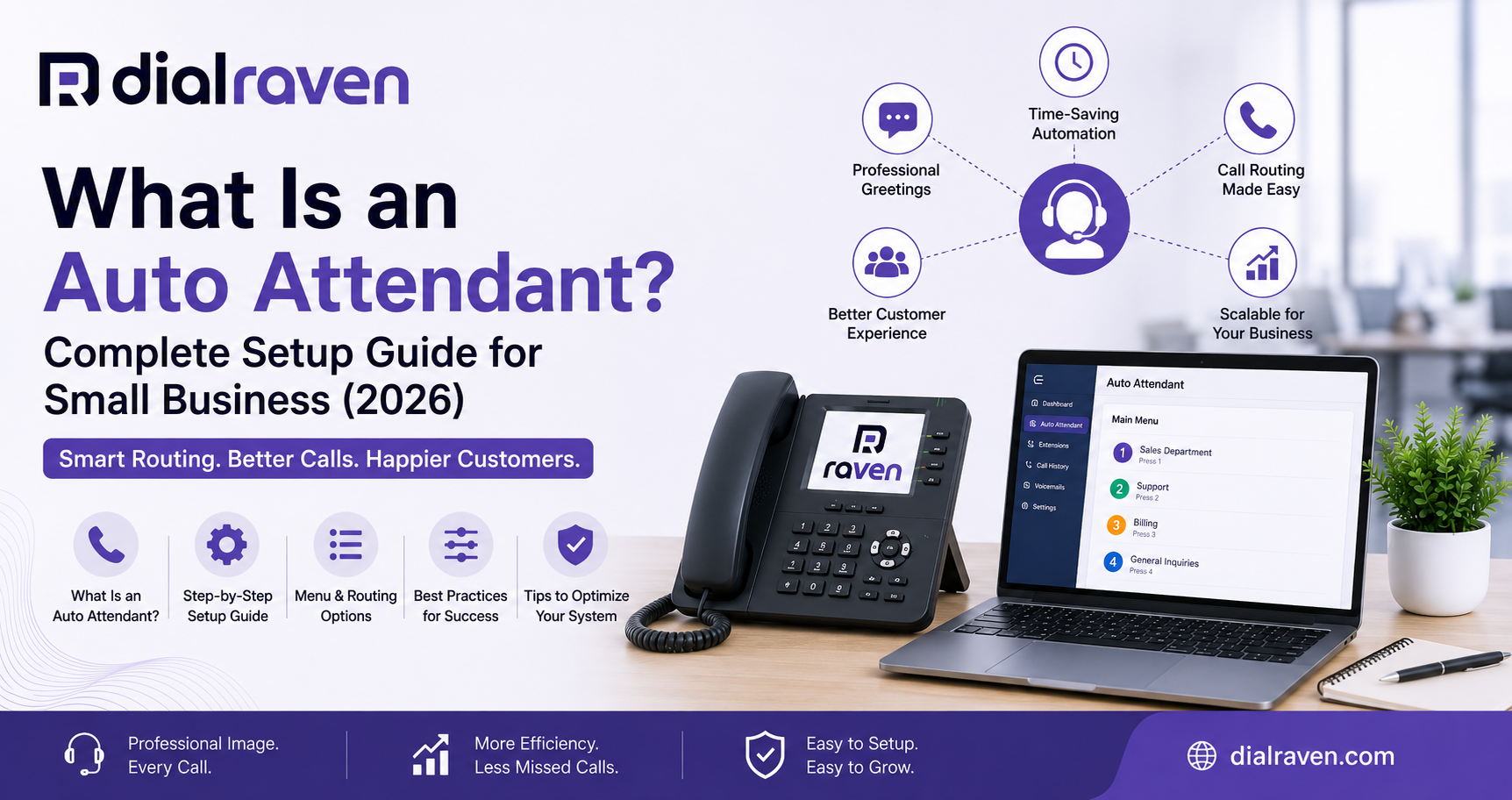
What Is an Auto Attendant? Complete Setup Guide for Small Business (2026)
A complete guide to auto attendants for small business — what they are, how they compare to IVR, and how to set one up in under an hour.
Quick Answer
An auto attendant is an automated phone system feature that greets callers and routes them to the right person, department, or voicemail box using a recorded menu — like "Press 1 for Sales" — without needing a live receptionist.
Dial Raven Team
VoIP Communication Expert
If you've ever called a business and heard "Thank you for calling [Company Name], press 1 for Sales, press 2 for Support" — you've used an auto attendant. For small businesses, it's one of the simplest ways to sound professional and stop missing calls without hiring a receptionist. This guide covers what an auto attendant is, how it's different from an IVR or a virtual receptionist, and exactly how to set one up.
An auto attendant is an automated phone system feature that answers incoming calls, plays a recorded greeting, and routes callers to the right extension, department, or voicemail based on their menu selection — no human operator required.
What Is an Auto Attendant?
An auto attendant is a call-routing feature built into most cloud phone systems. Instead of a live person picking up every call, the system answers automatically, plays a greeting, and offers a short menu of options — "Press 1 for Sales, Press 2 for Support, Press 0 for the operator." Based on what the caller presses, the call goes to the right extension, a ring group, a voicemail box, or another menu.
What an auto attendant typically handles:
- Greeting callers with a professional recorded message
- Routing calls to departments, extensions, or ring groups
- Sending after-hours or holiday callers to voicemail
- Offering a dial-by-name directory
- Giving an option to reach a live person immediately
How an Auto Attendant Works
When a call comes in, the auto attendant answers before it rings through to any phone. It plays your recorded greeting and menu, waits for the caller's keypress (or voice input, on some systems), and then follows the routing rule you've set for that option. If nothing is pressed, most systems either repeat the menu, transfer to a default extension, or send the call to voicemail after a set number of rings.
Auto Attendant vs. IVR: What's the Difference?
Auto attendant and IVR (Interactive Voice Response) get used interchangeably, but they're not the same thing. An auto attendant is a basic menu system — it only listens for keypad presses and routes accordingly. An IVR is a smarter, more advanced version that can understand spoken responses, pull data from a database, and complete tasks like checking an order status or confirming an appointment — without ever involving a live agent.
| Auto Attendant | IVR | |
|---|---|---|
| Routes calls via a simple menu | Can route calls and complete tasks (lookups, confirmations, payments) | Function |
| Keypad only | Keypad or voice/speech recognition | Input method |
| Under ~50 calls/day, straightforward routing | Higher call volume, repetitive self-service requests | Best for |
| Low — usually included free in most phone plans | Higher — often needs integration with a database or CRM | Setup complexity |
| Included in most VoIP plans | Often a paid add-on or higher-tier plan | Typical cost |
For most small businesses under 50 employees, a well-designed auto attendant is enough. IVR becomes worth the extra complexity once you're fielding the same repetitive questions — order status, account balances, appointment confirmations — dozens of times a day.
Auto Attendant vs. Virtual Receptionist
An auto attendant follows a fixed script — it can't answer a question it wasn't programmed for. A virtual receptionist (especially an AI-powered one) can actually hold a conversation: answering FAQs, booking appointments, and only transferring to a human when needed. Many small businesses start with an auto attendant for basic routing and add an AI virtual receptionist as a smarter first layer, with the auto attendant as a fallback.
Benefits of an Auto Attendant for Small Business
- Never miss a call — even after hours, callers get routed to voicemail or the right message instead of a busy signal
- Sounds more established — a clean, professional greeting makes a 3-person team sound like a real company
- Saves staff time — routine calls (hours, directions, department requests) get handled without tying up your team
- Costs little to nothing extra — auto attendant is included in most VoIP plans, unlike hiring a receptionist
- Scales with you — add menu options, extensions, or a second layer as your team grows
How to Set Up an Auto Attendant (Step-by-Step)
Setting up an auto attendant usually takes under an hour once you know what you want callers to hear. Here's the process most small businesses follow:
- Map your call flow first. Write down the top 3–4 reasons people call you before recording anything.
- Keep the menu short. Three options max. Every extra option increases the chance a caller hangs up.
- Write your script before recording. Draft the greeting and menu prompt, read it aloud, and adjust anything that sounds robotic.
- Record in a quiet space, or upload a pre-recorded file if your system supports it.
- Set your routing rules — which keypress goes to which extension, ring group, or voicemail box.
- Add a live-person fallback. Always include a "press 0" or similar option to reach a real person.
- Set business-hours and after-hours greetings separately, so callers always hear the right message.
- Test it yourself by calling in from an outside line before rolling it out.
If you haven't chosen a phone system yet, start with our guide on choosing the right business phone system — auto attendant capability, menu depth, and ease of setup vary a lot between providers. If you already have a system in place, our guide on setting up a business phone system walks through the full setup process, including auto attendant configuration.
Multi-Level Auto Attendant
A multi-level auto attendant adds submenus after the first selection — for example, pressing "2" for Support might lead to a second menu: "Press 1 for Billing, Press 2 for Technical Issues." This is useful once a single department gets enough call volume to need its own routing, but it's easy to overdo. As a rule of thumb, don't nest more than two levels deep — callers rarely make it past that without hanging up or pressing 0.
Auto Attendant Best Practices
- Limit menus to 3–5 options per level
- Always offer a way to reach a live person
- Update greetings for holidays and closures in advance
- Make sure voicemail boxes tied to your menu are actually monitored
- Test your call flow from a caller's perspective every few months
- Keep the recorded greeting under 20–30 seconds
Ready-to-Use Auto Attendant Scripts
Writing the greeting and menu script is usually the part small business owners get stuck on. We've put together a full set of ready-to-use auto attendant scripts for different industries and scenarios — business hours, after hours, holidays, and multi-department menus — that you can copy, adapt, and record today.
Frequently Asked Questions
What is an auto attendant in simple terms?
It's an automated system that answers your business calls, plays a recorded greeting, and routes callers to the right person or department — without a live receptionist.
Auto attendant vs IVR — which do I need?
If you're a small business with straightforward routing needs and under ~50 calls a day, an auto attendant is enough. If you're fielding repetitive self-service requests (order status, account lookups), an IVR is worth the added complexity.
How much does an auto attendant cost?
It's typically included at no extra cost in most cloud-based VoIP plans, unlike a live receptionist or a full IVR build-out.
How long does it take to set up an auto attendant?
Most small businesses can set one up in under an hour once the script and call flow are planned out.
Can an auto attendant replace a receptionist?
It can handle routine call routing, but it can't hold a conversation or answer unscripted questions. For that, pair it with a live team member or an AI virtual receptionist.
Not sure which phone system fits your call volume? See how to choose the right business phone system → Ready to set up a professional auto attendant for your business? Get a Free Quote from Dial Raven and we'll help you configure it right — no IT team required.
Related pages
Ready to modernize your phone system?
Talk to a Dial Raven specialist and get a plan built around how your team works.