
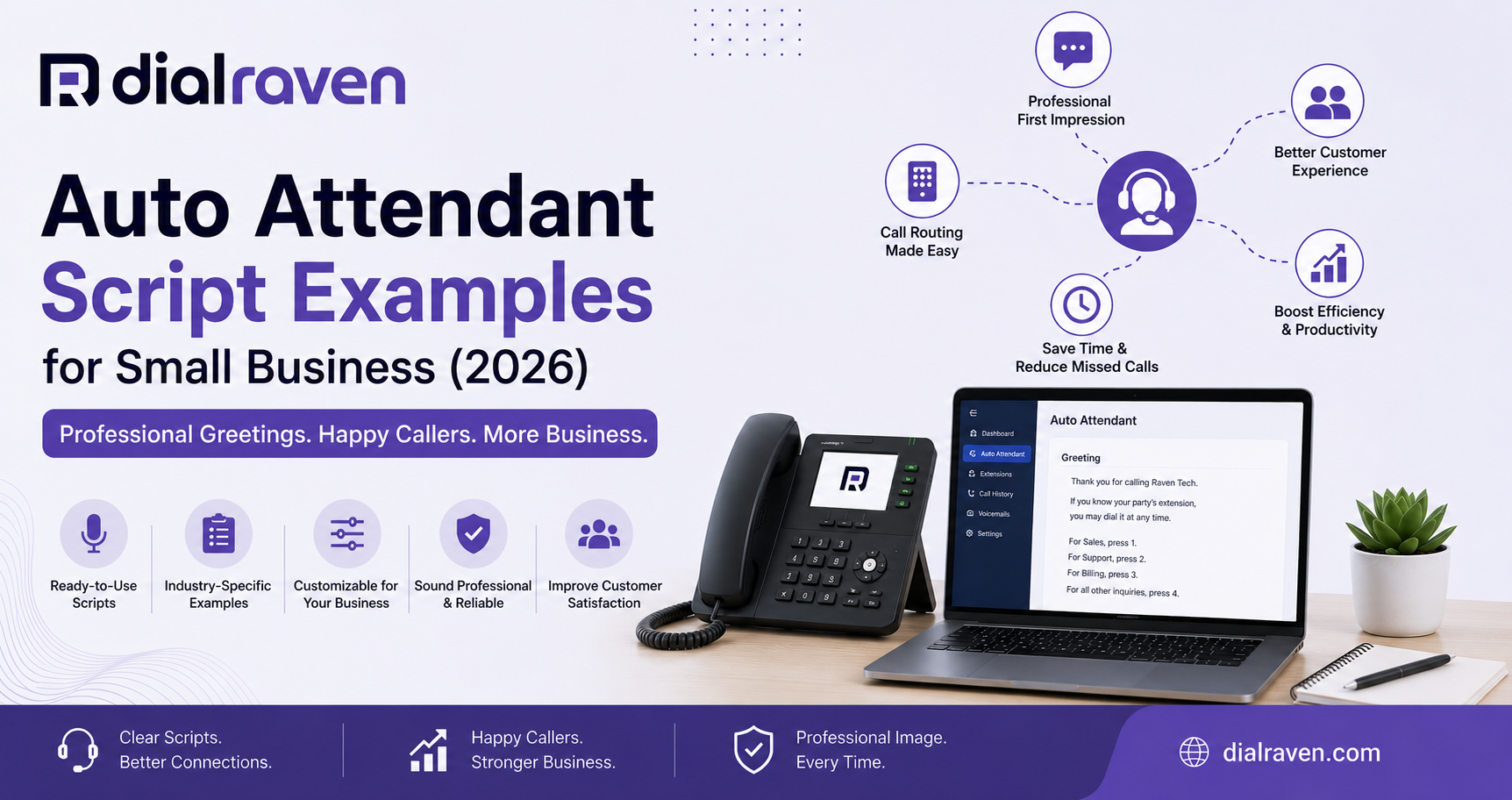
Auto Attendant Script Examples for Small Business (2026)
Ready-to-use auto attendant script examples for business hours, after-hours, and holidays — plus how to set one up.
Quick Answer
A good auto attendant script greets callers with your business name, states your hours, offers clear menu options (usually 3-5), and always includes a way to reach a live person or leave a message — kept under 30 seconds.
Dial Raven Team
VoIP Communication Expert
What Is an Auto Attendant Script?
An auto attendant script is the pre-written message your phone system plays when a call comes in — the greeting, the menu options, and the instructions that guide a caller to the right person or department, all without anyone picking up the phone.
It's often the very first thing a customer hears from your business, which makes it more important than most owners realize. A clear auto attendant script example does three things well: it identifies your business immediately, it gets callers where they need to go with the fewest steps possible, and it never leaves them stuck with no way to reach a real person.
What Every Auto Attendant Script Should Include
Before writing your own, make sure it covers these basics:
- Your business name, stated clearly in the first sentence
- Current hours of operation
- 3-5 menu options, maximum — more than that and callers start hanging up
- An option to reach a live person or dial an extension directly
- A fallback: voicemail or callback instructions if no one answers
Keep the whole greeting under 30 seconds. If you're already using a virtual receptionist to handle live calls, your auto attendant script is the layer that runs before that — the first impression, not the whole conversation.
IVR Script Examples vs. Auto Attendant Scripts: What's the Difference?
The terms get used interchangeably, but there's a small distinction. An auto attendant script is usually the top-level greeting and main menu. IVR (Interactive Voice Response) scripts often go a layer deeper — sub-menus like "For billing, press 1. For a refund, press 2." In practice, most small businesses only need a simple auto attendant with one menu layer; multi-tier IVR is more common for larger call volumes or multiple departments.
Standard Business Hours Script Examples
These work for most small businesses as-is, or as a starting point to customize:
- "Thank you for calling [Business Name]. Our hours are [hours], Monday through Friday. For [Department 1], press 1. For [Department 2], press 2. To speak with someone directly, press 0."
- "Hi, you've reached [Business Name]. If you know your party's extension, dial it now. Otherwise, press 1 for Sales, press 2 for Support, or stay on the line for the next available team member."
- "Thanks for calling [Business Name] — we're glad you called. For appointments, press 1. For general questions, press 2. To leave a message, press 3."
After-Hours Voicemail Script Examples
Your after-hours message should acknowledge the closure and set a clear expectation for when you'll follow up:
- "You've reached [Business Name] outside of our regular hours, which are [hours]. Please leave your name, number, and a brief message, and we'll return your call the next business day."
- "Thanks for calling [Business Name]. Our office is currently closed. For urgent matters, press 1. Otherwise, leave a message and we'll get back to you first thing tomorrow."
Holiday & Special Occasion Script Examples
- "Happy holidays from [Business Name]! Our office is closed and will reopen on [date]. Leave a message and we'll respond when we're back."
- "[Business Name] is temporarily closed for [reason] and will resume normal hours on [date]. We appreciate your patience."
Industry-Specific Script Examples
A script that fits a dental office won't necessarily fit a home services company. A few starting points by industry:
- Healthcare: "Thank you for calling [Practice Name]. If this is a medical emergency, please hang up and dial 911. For appointments, press 1. For prescription refills, press 2."
- Home services: "Thanks for calling [Business Name]. We're likely out on a job — press 1 to book a service call, or press 2 to speak with our office."
- Professional services: "You've reached [Firm Name]. For new client inquiries, press 1. For existing clients, press 2 to reach your account manager directly."
How to Set Up an Auto Attendant
Once you've written your script, setup generally follows the same process across most phone systems:
- Log into your phone system's admin dashboard.
- Navigate to the auto attendant or call flow settings.
- Upload a recorded audio file, or use a text-to-speech tool if your provider offers one.
- Set your menu options and route each one to the correct extension or department.
- Configure separate business-hours and after-hours greetings if needed.
- Test the full flow yourself before it goes live to customers.
If your phone system already includes an auto attendant feature, this setup takes minutes rather than requiring separate hardware or a third-party app — the script simply plugs into routing rules you already control.
Common Mistakes to Avoid
- Too many menu options (stick to 3-5)
- No option to reach a live person
- Scripts that never get updated after hours or holidays change
- Reading the script too fast or too flat when recording it
- Forgetting to test the full call flow after setup
Auto Attendant vs. AI Virtual Receptionist
A traditional auto attendant script is static — it plays the same menu every time, and callers navigate it themselves. An AI virtual receptionist goes further: it can actually understand what a caller is asking and respond conversationally, rather than requiring them to press a number. Many businesses start with a simple auto attendant script and add an AI receptionist later for after-hours or overflow coverage — the two aren't mutually exclusive.
Frequently Asked Questions
What should an auto attendant script include?
Your business name, current hours, 3-5 clear menu options, and a way to reach a live person or leave a message — all in under 30 seconds.
How long should an auto attendant greeting be?
Ideally under 30 seconds. Longer greetings cause callers to hang up before reaching a menu option.
Can I write my own auto attendant script, or do I need a professional voice?
You can absolutely write your own script. For recording, many phone systems support text-to-speech, though a professional recording can sound more polished if your budget allows.
What's the difference between an auto attendant and an IVR?
An auto attendant is usually the top-level greeting and main menu. IVR often refers to deeper sub-menus. Most small businesses only need a simple single-layer auto attendant.
How often should I update my auto attendant script?
Review it any time your hours, departments, or contact details change — outdated scripts are one of the most common complaints callers have.
A well-written auto attendant script only works if it's backed by a phone system that makes it easy to set up, update, and route correctly. If you want these scripts running on a system built for small businesses, get a free quote from Dial Raven or book a free demo and see how the Auto Attendant feature fits into your existing setup.
Related pages
Ready to modernize your phone system?
Talk to a Dial Raven specialist and get a plan built around how your team works.