
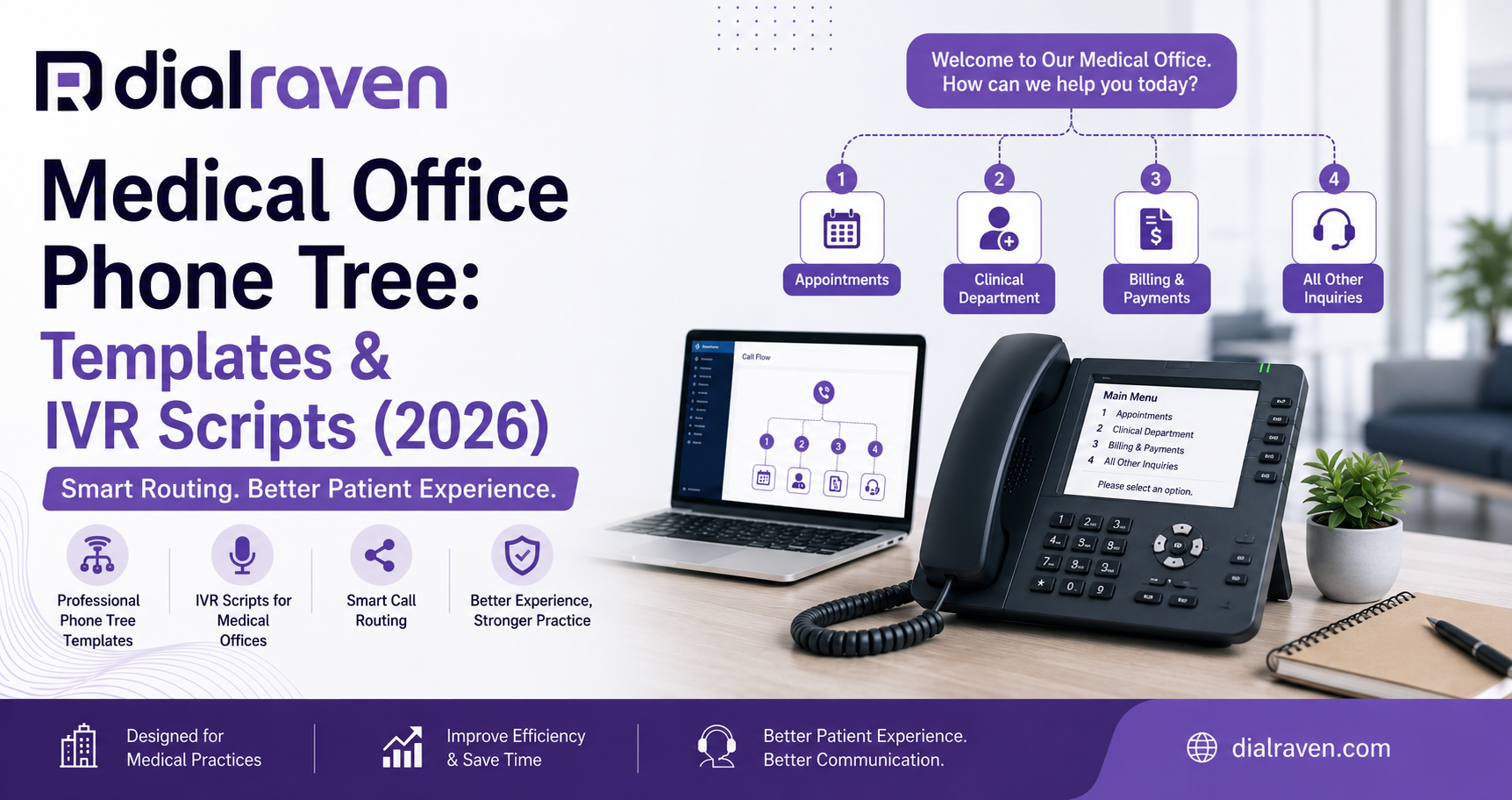
Medical Office Phone Tree: Templates & IVR Scripts (2026)
Build a clearer medical office phone tree with practical templates, IVR scripts, HIPAA-aware call flows, and after-hours routing guidance.
Quick Answer
A medical office phone tree should use one short main menu, route routine calls by intent, provide a live-help option, and switch automatically to a separate after-hours flow. Emergency, urgent, and routine calls should follow clearly documented paths.
Dial Raven Team
VoIP Communication Expert
Patients call medical practices for very different reasons. One person may need to schedule an appointment, while another wants a prescription refill, billing help, medical records, or assistance with an urgent concern. When every call rings the same front desk, staff become overloaded and patients are transferred repeatedly or sent to the wrong voicemail box.
A well-designed medical office phone tree solves this problem by routing callers according to their needs, the time of day, and staff availability. It combines a concise greeting, clear menu choices, queue rules, overflow destinations, voicemail, and after-hours escalation. The phone tree should work as part of a complete medical office phone system, not as a collection of disconnected recordings.
What Is a Medical Office Phone Tree?
A medical office phone tree is an automated call-routing structure that directs patients to the appropriate department, employee, queue, voicemail box, or on-call provider. For example, callers may press 1 for appointments, 2 for prescription refills, 3 for clinical questions, 4 for billing, 5 for medical records, or 0 for general assistance.
The complete phone tree also determines what happens when staff do not answer, the office closes, or a caller makes no selection. An auto attendant greets callers and presents menu options, while an IVR collects keypad or spoken input and can support more advanced workflows. A phone tree describes the entire journey through menus, queues, transfers, voicemail, and backup destinations. See the difference between IVR and an auto attendant for a more detailed comparison.
Recommended Medical Office Phone Tree Template
The best phone tree normally starts with one short menu built around the most common reasons patients call. Every option should have a primary destination, a maximum ring or queue time, an overflow destination, a no-answer destination, and an after-hours destination.
| Caller Request | Primary Destination | Overflow Route | After-Hours Route |
|---|---|---|---|
| Appointments and new patients | Scheduling queue | Front desk or callback queue | Scheduling voicemail |
| Prescription refills | Clinical message queue | Nursing voicemail | Routine clinical voicemail |
| Clinical questions | Nurse or clinical team | Secondary clinical queue | Approved on-call workflow |
| Billing and insurance | Billing team | Administrative queue | Billing voicemail |
| Medical records and referrals | Records team | Administrative queue | Records voicemail |
| General assistance | Front desk | Shared overflow queue | General voicemail |
This medical office phone tree template can be simplified or expanded depending on the practice. A small private practice may combine billing, records, and general assistance. A multi-location group may need additional routing based on location or provider team. Keep the main menu short and add an option only when patients frequently request it and someone is responsible for answering that route.
Copy-Ready Medical Office IVR Script
The following medical office IVR script can be adapted for a general practice. Replace all bracketed information before recording it.
Business-Hours Main Greeting
"Thank you for calling [Practice Name]. If you are experiencing a life-threatening emergency, please hang up and dial 911. If you know your party's extension, you may enter it at any time. For appointments or new-patient registration, press 1. For prescription refill requests, press 2. For clinical questions or messages about test results, press 3. For billing and insurance, press 4. For medical records and referrals, press 5. To reach the operator or leave a general message, press 0."
This medical office auto attendant script identifies the practice, handles emergency language early, prioritizes common requests, and gives callers a general-help option. The exact emergency wording should be reviewed by the practice's clinical, compliance, and legal leadership. A recorded menu should not diagnose symptoms or promise a response time the practice cannot consistently meet.
Appointment Scheduling Script
"You have reached the appointment line. For a new-patient appointment, press 1. To schedule, reschedule, or cancel an existing appointment, press 2. For office hours, directions, or preparation instructions, press 3. To return to the main menu, press 9."
A scheduling submenu is useful only when the practice receives enough appointment calls to justify it. Smaller offices may route all appointment requests to one queue.
Prescription Refill Script
"You have reached the prescription refill line. Please leave your name, callback number, prescribing provider, and pharmacy information. Do not leave detailed medical information. Refill requests are reviewed during regular business hours and are not handled as emergency requests."
Clinical Message Script
"You have reached the clinical message line. If you are experiencing a life-threatening emergency, please hang up and dial 911. Please leave your name, callback number, provider's name, and a brief reason for your call. Do not include detailed medical information."
Avoid vague promises such as "someone will call you shortly." State a callback timeframe only when the practice has a documented process for meeting it.
After-Hours Message for a Medical Office
The daytime menu should switch automatically when the practice closes. An effective after-hours flow should state when the office will reopen, explain what callers should do during an emergency, separate urgent concerns from routine requests, route eligible urgent calls to the on-call workflow, and send appointments, refills, billing, and records requests to routine voicemail.
Copy-Ready After-Hours Script
"Thank you for calling [Practice Name]. Our office is currently closed and will reopen on [day] at [time]. If you are experiencing a life-threatening emergency, please hang up and dial 911. If you are an established patient with an urgent medical concern that cannot wait until the office reopens, press 1 to reach our on-call service. For appointments, prescription refill requests, billing questions, medical records, or other routine matters, press 2 to leave a message. Please do not include detailed medical information. Routine calls will be returned during regular business hours. For office hours, locations, and directions, press 3."
An after hours message for medical office use must be supported by real routing rules. The urgent option should not lead to an unattended voicemail box unless that is part of the approved workflow.
- A primary on-call destination
- A secondary destination
- A defined ringing period
- A final escalation destination
- A process for schedule changes
- A notification or audit trail
Dial Raven's healthcare communication solutions support time-based greetings, on-call routing, voicemail, and call forwarding without requiring practices to publish personal phone numbers.
Medical Office Phone Tree Examples
Small Private Practice
A small office may need only three choices: appointments and new patients; clinical messages and prescription refills; and billing, records, and general assistance. Callers should also be able to press 0 or remain on the line for help.
Multi-Provider Clinic
A larger clinic can route by caller intent first and provider team second. For example, the caller selects clinical questions before choosing the appropriate provider group. This is normally clearer than asking callers to select a provider before the system knows why they are calling.
Multi-Location Medical Group
A multi-location group may route calls according to the number dialed, selected location, department, office hours, queue availability, and provider schedules. Overflow calls can be sent to a centralized patient-access team rather than remaining unanswered at one location.
How to Make the Phone Tree HIPAA-Aware
A script or VoIP provider does not make a phone tree HIPAA compliant by itself. Compliance depends on the complete environment, including vendor agreements, user permissions, voicemail security, call recording practices, storage, retention, staff training, access monitoring, and practice policies.
The U.S. Department of Health and Human Services explains that healthcare providers may leave patient messages when reasonable safeguards are used and the information disclosed is appropriately limited. Review the official HHS guidance on telephone and voicemail messages.
Limit the Information Requested
Voicemail prompts should generally ask only for the information required to identify the caller and return the call. Avoid encouraging patients to leave detailed symptoms, diagnoses, test results, complete medication histories, or other unnecessary health information.
Control Access to Messages and Recordings
- Individual user accounts
- Role-based access
- Strong authentication
- Activity logs
- Defined retention rules
- Prompt account deactivation when staff leave
For a broader technology and vendor review, read Dial Raven's guide to HIPAA-compliant VoIP for healthcare.
Confirm Whether a BAA Is Required
When a cloud communications provider creates, receives, maintains, or transmits electronic protected health information for a covered entity, an appropriate Business Associate Agreement may be required. Review the official HHS guidance on cloud services and BAAs.
Phone Tree vs. AI Receptionist
A traditional phone tree works well when callers have predictable needs and can select from a short menu. An AI receptionist may be more suitable when the practice wants callers to describe requests naturally, obtain answers to routine questions, or complete administrative intake without navigating several menus.
| Capability | Phone Tree | AI Receptionist |
|---|---|---|
| Keypad-based routing | Excellent | Optional |
| Simple department transfers | Excellent | Excellent |
| Natural-language requests | Limited | Strong |
| Routine question handling | Recorded information | Conversational responses |
| Appointment intake | Routes to staff | May collect or process requests |
| Complex clinical requests | Transfers to staff | Must escalate to staff |
| Initial setup | Simpler | More advanced |
Many practices benefit from a hybrid approach. A short phone tree can handle emergency messaging and major departments, while routine administrative calls are sent to an AI virtual receptionist for medical practices.
How to Build a Medical Office Phone Tree
1. Review Why Patients Call
Use call logs, voicemail categories, transfer reasons, and employee feedback to identify the most common requests. Design the menu around patient needs, not the practice's internal organization chart.
2. Assign an Owner to Every Route
Each option should lead to a clearly responsible employee, queue, department, or voicemail box. Do not create a general clinical route unless someone is responsible for monitoring it.
3. Separate Emergency, Urgent, and Routine Calls
- Emergency calls receive the practice's approved emergency instructions
- Urgent calls follow the approved on-call or clinical escalation workflow
- Routine calls go to appointments, refills, billing, or records queues
The phone system should route calls. It should not provide clinical diagnosis or unapproved triage.
4. Keep the Main Menu Short
Use approximately three to five main choices plus an operator or general-help option. Move low-volume requests to a submenu rather than extending the main greeting.
5. Configure Overflow and No-Answer Rules
- How long phones ring
- How many callers can wait
- Where unanswered calls go
- When voicemail begins
- Whether callers can request a callback
- Which team receives overflow
Dial Raven's auto attendant phone system supports multi-level menus, time-based routing, overflow, custom greetings, voicemail, and live-agent escape options.
6. Test Every Call Path
- A new patient
- An existing patient
- A refill caller
- A billing caller
- An after-hours caller
- A caller who enters an invalid option
- A caller whose destination does not answer
Confirm both the recorded message and the final routing destination before the new phone tree goes live.
Common Medical Phone Tree Mistakes
Too Many Options
Long menus force patients to wait and increase incorrect selections. Keep uncommon requests in submenus.
No Live-Help Route
Some patients may not understand the menu or may have accessibility needs. Provide an operator, general-assistance, or callback option.
Sending Every Overflow Call to the Front Desk
If all unanswered calls return to the same team, the phone tree only delays the bottleneck. Use shared queues, backup teams, or voicemail based on the type of request.
Unmonitored Voicemail Boxes
Every voicemail box needs an owner, notification rules, response expectations, and backup coverage.
Using One Call Flow All Day
Business hours, lunch periods, weekends, holidays, and after-hours calls require different routing. Use automatic time-based schedules instead of relying on staff to switch greetings manually.
Frequently Asked Questions
What is a medical office phone tree?
A medical office phone tree is an automated call-routing structure that directs patients to appointments, clinical staff, prescription refills, billing, medical records, voicemail, or an on-call service.
How many options should a medical office phone tree have?
A practical main menu normally has three to five high-priority options plus a route to an operator or general assistance. Less common requests can be placed in submenus.
Is a medical office phone tree HIPAA compliant?
A phone tree is not HIPAA compliant by itself. Compliance depends on the complete system, including vendor agreements, permissions, voicemail security, recording practices, staff procedures, and safeguards for protected health information.
What should an after-hours medical office message say?
It should identify the practice, state when the office will reopen, provide emergency instructions, explain how eligible urgent concerns are handled, and route routine requests to a separate voicemail or callback queue.
Should a medical phone tree include an operator option?
Yes. A live-help or general-assistance option supports patients who cannot use the menu, have accessibility needs, or have a request that does not match the available choices.
Can one phone tree support multiple medical office locations?
Yes. A cloud phone system can route callers by the number dialed, selected location, department, office hours, provider team, and queue availability.
A medical office phone tree should help patients reach the right team with fewer transfers and less waiting. Dial Raven can configure your main menu, department queues, overflow routing, after-hours greeting, on-call escalation, voicemail, and multi-location call flows on one cloud communications platform. Get a free medical call-flow audit to identify dead ends, unnecessary transfers, overloaded queues, and after-hours routing risks.
Related pages
Ready to modernize your phone system?
Talk to a Dial Raven specialist and get a plan built around how your team works.