
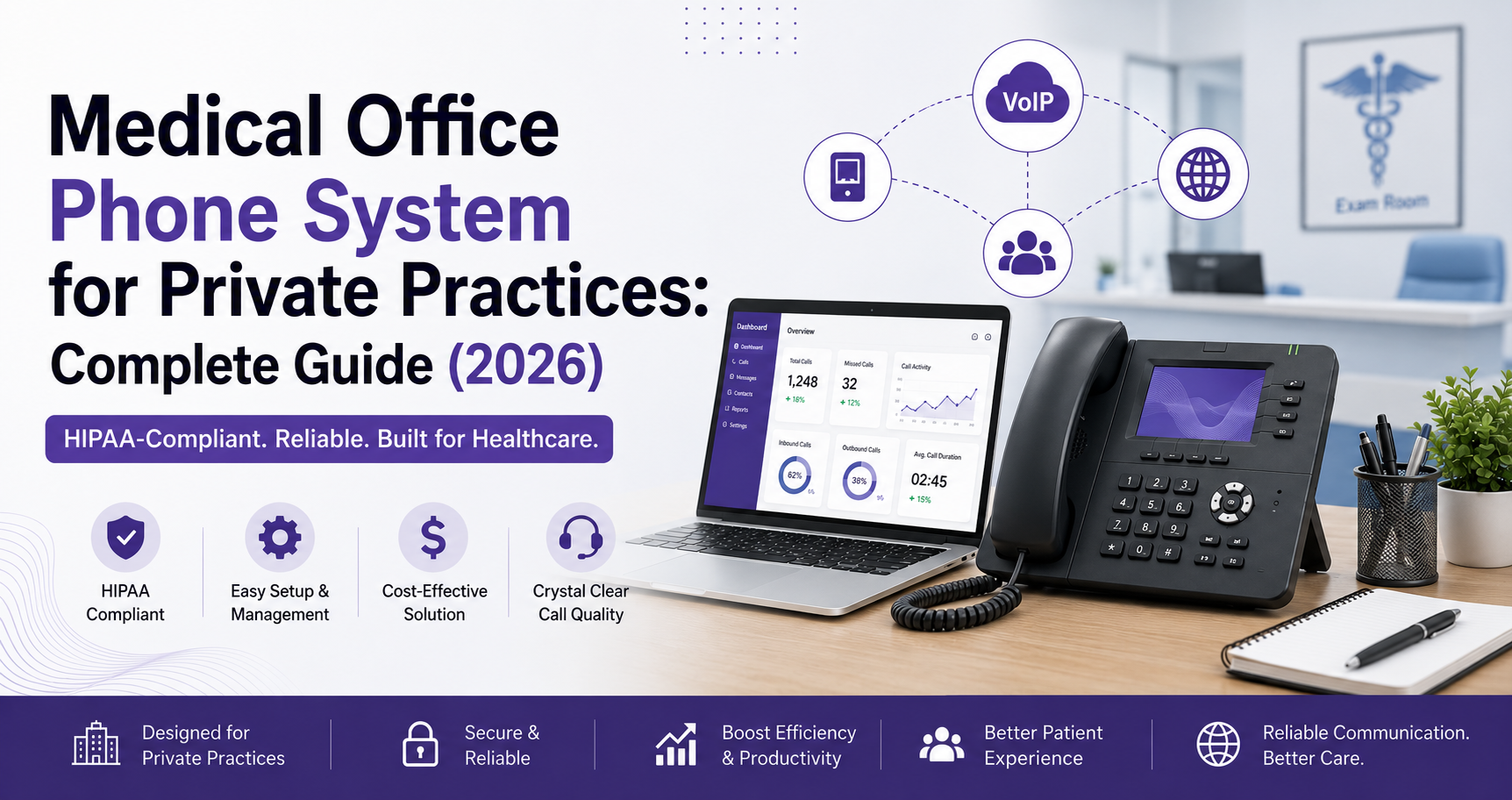
Medical Office Phone System for Private Practices: Complete Guide (2026)
What features, HIPAA safeguards, and costs matter when choosing a medical office phone system in 2026 — a practical buying guide for private practices.
Quick Answer
A medical office phone system should combine HIPAA-compliant call/voicemail encryption, a signed Business Associate Agreement (BAA), auto attendant routing, EHR integration, and SMS appointment reminders — typically costing $20–$40 per user/month for cloud VoIP built for healthcare.
Dial Raven Team
VoIP Communication Expert
Running a private medical practice means every missed call is a patient who might book with someone else — and every mishandled call is a potential HIPAA compliant phone system for medical office violation. A medical office phone system in 2026 has to do more than just ring a desk phone: it needs to route patients to the right person instantly, protect protected health information (PHI) on every call and voicemail, and connect with the scheduling and EHR tools your front desk already uses. This guide breaks down exactly what to look for, what it costs, and how to choose the right one for your practice — no vendor fluff.
What Is a Medical Office Phone System?
A medical office phone system is a business communications platform — usually cloud-based VoIP — built specifically to handle patient calls, appointment scheduling, and secure messaging while meeting HIPAA's technical and administrative safeguards. Unlike a standard business phone line, a proper medical practice phone system encrypts calls and voicemails, logs access for audits, and comes with a signed Business Associate Agreement (BAA) from the provider before it ever touches patient data.
Why HIPAA Compliance Isn't Optional
Any phone system that transmits, stores, or references PHI falls under the HIPAA Security Rule, which requires three categories of safeguards: technical (encryption, access controls, audit logs), administrative (staff training, risk assessments), and physical (secured infrastructure). The single most important checkbox: your provider must sign a BAA before you use their system for HIPAA compliant phone system for medical office patient communications. Without one, the system cannot legally be used for that purpose — regardless of how secure the features look on paper.
Common compliance traps front desks fall into:
- Discussing a patient's name and results within earshot of the waiting room
- Leaving voicemails that name a specific medication or diagnosis
- Using personal cell phones or unencrypted SMS for patient outreach
- Storing call recordings without access restrictions or audit trails
Must-Have Medical Office Phone System Features
Not every VoIP provider is built for healthcare. Here's what actually matters for a phone system for doctors office, ranked by how directly they affect patient experience and compliance:
- Auto attendant & smart call routing — routes patients to scheduling, billing, or triage without tying up front-desk staff.
- HIPAA-compliant voicemail & secure messaging — encrypted storage, restricted access, no PHI left in generic voicemail greetings
- SMS appointment reminders — cuts no-shows significantly when sent through a HIPAA-safe channel, not personal texting apps
- Call recording with encrypted storage — useful for training and disputes, but must have access controls and audit logs
- EHR/practice management integration — pulls up patient records or logs calls automatically during intake
- Mobile app / remote access — lets on-call providers and multi-location staff manage calls securely from anywhere
- Multi-location support — single system for practices with more than one office
- High uptime / failover — a dropped phone system during patient hours is a real operational risk, not just an inconvenience
How Much Does a Medical Office Phone System Cost?
Pricing varies by provider and feature depth, but cloud VoIP built for healthcare typically runs in a predictable per-user band. These are estimated industry ranges, not guaranteed quotes:
| Plan Type | Estimated Cost (per user/month) & Typical Features | |
|---|---|---|
| Basic HIPAA-ready VoIP | $20–$25 | Encrypted calling, voicemail, BAA included |
| Mid-tier practice plan | $25–$35 | + Auto attendant, SMS reminders, call recording |
| Advanced/EHR-integrated | $35–$50+ | + EHR sync, analytics, multi-location, priority support |
Most solo and small practices land in the mid-tier range once appointment reminders and call recording are added — features that pay for themselves through fewer no-shows and better documentation.
Cloud vs. On-Premise vs. Hybrid for Medical Practices
Cloud-based systems dominate for private practices in 2026 because HIPAA compliance, updates, and BAAs are handled by the provider — no on-site server to secure or patch. On-premise systems still appear in larger multi-specialty groups that want full infrastructure control, but they shift the compliance burden onto your internal IT. Hybrid setups (cloud-managed with local failover) suit practices worried about internet outages disrupting patient calls. For most single- or multi-provider private practices, cloud is simpler, cheaper to start, and easier to keep compliant.
How to Choose the Best Phone System for Your Medical Office
Use this checklist when evaluating any best phone system for medical office shortlist:
- Confirm the provider will sign a BAA before you commit
- Verify call and voicemail encryption is standard, not an add-on
- Check EHR/practice management integrations you actually use
- Ask about uptime guarantees and failover in writing
- Confirm SMS reminders are sent through a compliant channel, not standard texting
- Test the auto attendant setup — can your staff edit it without a developer?
- Get pricing per user, not a vague "starting at" quote
Common HIPAA Phone Compliance Mistakes to Avoid
Even with the right system, practices slip up on the human side. The most frequent issues: staff using personal phones for quick patient callbacks, voicemail greetings that reveal too much, and call recordings left accessible to the entire office instead of role-restricted. A good medical practice phone system closes these gaps by design — but ongoing staff training still matters more than any single feature.
Why Private Practices Choose Dial Raven
Dial Raven builds HIPAA-ready cloud phone systems for healthcare providers — auto attendant, encrypted voicemail, SMS reminders, and call recording, all under a signed BAA, with a mobile app your on-call staff can actually use. If you're comparing options for a medical office phone system, get a free quote and we'll map it to your practice size and existing scheduling tools.
Frequently Asked Questions
What makes a phone system HIPAA compliant for a medical office?
It needs encrypted calls and voicemail, access controls, audit logging, and — most importantly — a signed Business Associate Agreement (BAA) from the provider covering how PHI is handled.
How much does a medical office phone system cost per month?
Estimated ranges run $20–$50 per user/month depending on features like SMS reminders, call recording, and EHR integration — mid-tier plans around $25–$35 are typical for small private practices.
Do I need a BAA even for a small solo practice?
Yes. Practice size doesn't change the HIPAA requirement — any provider transmitting or storing PHI over the phone must sign a BAA before that system touches patient data.
Can I use regular texting apps for appointment reminders?
Not if the message references any PHI. Standard SMS/texting apps aren't HIPAA-compliant by default; reminders need to go through a system built with encryption and BAA coverage.
What's the difference between a medical office phone system and a regular business VoIP system?
The core technology is similar, but a medical office phone system adds HIPAA-specific safeguards — encryption, access logging, compliant voicemail, and a signed BAA — that standard business VoIP doesn't include by default.
Is cloud VoIP secure enough for patient calls?
Yes, when the provider is built for healthcare — cloud VoIP with encryption, access controls, and a BAA is generally more secure than legacy on-premise phone lines, which offer no built-in PHI protection.
Related pages
Ready to modernize your phone system?
Talk to a Dial Raven specialist and get a plan built around how your team works.