
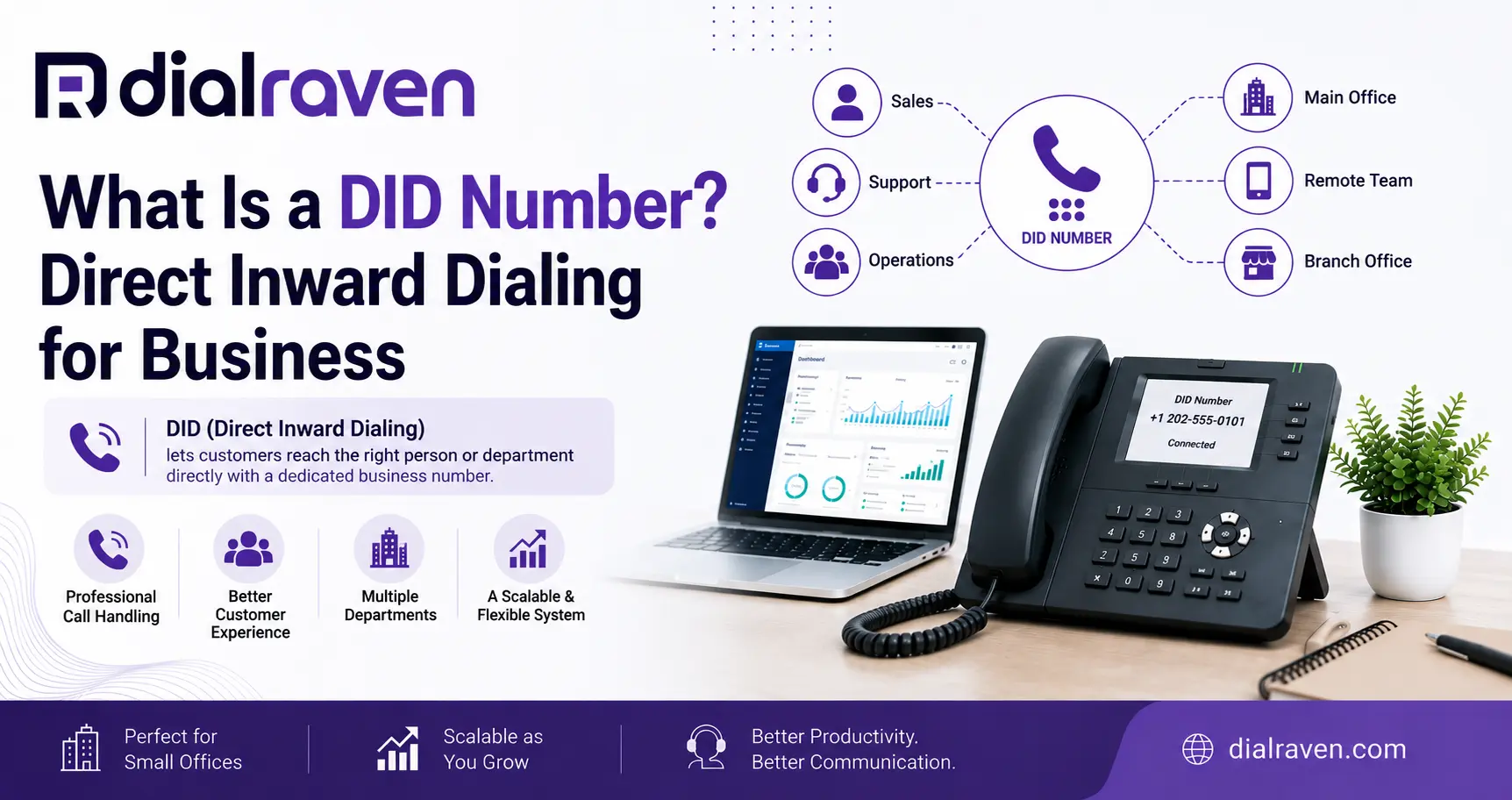
What Is a DID Number? Direct Inward Dialing for Business
Learn what a DID number is, how Direct Inward Dialing works with extensions, SIP trunks and channels, and how businesses map and port DIDs.
Quick Answer
A DID number, or Direct Inward Dialing number, is a public business phone number that routes incoming calls to a configured user, extension, department, queue, or other destination without requiring a separate physical phone line for every number.
Dial Raven Team
VoIP Communication Expert
If you have ever reviewed a business phone bill, PBX configuration, or SIP trunk proposal and found a list of numbers labeled DIDs, the terminology can be confusing. A DID is not another physical phone line, and it is not the same thing as an employee extension or SIP channel.
So, what is a DID number? A DID number, short for Direct Inward Dialing number, is a publicly reachable phone number that your phone system can route to a specific employee, extension, department, call queue, receptionist, or other destination. The simplest way to remember it is this: a DID is the public address, and your phone system decides where that address goes.
What Does DID Stand For?
DID stands for Direct Inward Dialing. You may also see the term DDI, or Direct Dial-In, especially outside the United States. In business telephony, both describe a similar concept: an external caller dials a full public telephone number and the business phone system routes that call to a configured internal destination.
Historically, direct inward dialing allowed businesses to give employees direct telephone numbers without purchasing a separate physical outside line for every person. Modern VoIP and SIP systems make the same idea much more flexible.
- An individual employee
- A desk phone
- A softphone
- A mobile application
- A department
- A ring group
- A call queue
- An auto attendant
- A receptionist
- Voicemail
- Another configured call destination
How Does a DID Number Work?
A typical DID phone number follows this path: Caller → public phone network → DID number → carrier or SIP service → PBX or cloud phone system → routing rule → destination.
1. The Caller Dials the DID
A customer dials a normal public telephone number. From the caller's perspective, there is nothing unusual about the process.
2. The Carrier Identifies the Number
The telecommunications provider identifies which DID was called and delivers the call toward the business phone environment.
3. The Call Reaches the PBX or Cloud System
The call may arrive through a SIP trunk, hosted VoIP platform, or another supported telephony connection.
4. The System Applies a Routing Rule
The business phone system checks how that specific DID has been configured. For example, 407-555-0101 could route to Sales, 407-555-0102 to Accounting, 407-555-0103 to employee extension 203, and 407-555-0104 to a support queue.
5. The Destination Rings
The destination might be a desk phone, mobile app, queue, ring group, voicemail box, receptionist, or another configured endpoint. That is the practical answer to how does a DID number work: the public number identifies the incoming call, and the phone system decides where to send it.
A DID Is a Number, Not a Phone Line
This distinction prevents a lot of telecom confusion. A company can own dozens of DID numbers without maintaining dozens of dedicated physical phone lines.
- 1 main business number
- 4 department numbers
- 20 employee DIDs
- 2 location numbers
That business has 27 public numbers, but it does not automatically need 27 simultaneous-call channels. The numbers identify where calls are intended to go. The underlying voice service provides the capacity to carry those calls.
This difference becomes especially important with SIP trunking, where a business can size calling capacity around actual peak concurrent usage rather than assuming every public phone number needs its own dedicated path.
DID Number vs Extension: What's the Difference?
A DID and an extension often work together, but they are not the same thing.
| Feature | DID Number | Extension |
|---|---|---|
| Publicly dialable | Yes | Usually no |
| Typical format | Full public phone number | Short internal number |
| Used by outside callers | Yes | Usually no |
| Used inside PBX | Can map into PBX | Yes |
| Can identify employee or department | Yes | Yes |
| Requires a separate physical line | No | No |
| Example | 407-555-0123 | 203 |
Consider an employee named Maria. Her internal extension might be 203, which coworkers can dial from inside the company. Customers outside the business cannot normally dial only 203. Maria could instead have a public DID such as 407-555-0123, with the phone system mapping 407-555-0123 → extension 203.
That is the core DID number vs extension distinction: the DID is the public address, while the extension is the internal identity.
DID vs SIP Trunk: What's the Difference?
These concepts are frequently confused because they often appear together on the same telecom proposal. A DID is a phone number. A SIP trunk is the connection that carries voice traffic between your business phone system and the public telephone network.
Think of it this way: DID = address. SIP trunk = transport. One SIP trunk can carry calls for many different DID numbers.
For example, a business might have 25 DID numbers using one SIP trunk with eight concurrent-call channels. The DID tells the system which public number was called, while the trunk provides the connection that carries the call.
For a deeper explanation of the transport layer, Dial Raven's SIP trunking explained guide covers how SIP connects an existing PBX to the public phone network.
DID Number vs SIP Channel
A SIP channel represents simultaneous-call capacity. One active external call generally consumes one channel while it is in progress. A DID does not represent call capacity.
| Item | Illustrative Example |
|---|---|
| DID numbers | 30 |
| Employees | 22 |
| Extensions | 25 |
| Peak concurrent external calls | 7 |
| SIP channels | 9 |
| Physical outside lines per DID | Not required |
Those figures are only an illustration, not a universal sizing recommendation. A business might own 30 public numbers while only seven employees are typically on external calls at the same time. Channel planning should be based on actual peak concurrent calls plus an appropriate operational margin.
Dial Raven's SIP trunk pricing guide explains why channels, phone numbers, E911, porting, usage, and other services can be separate components of a SIP bill.
DID Number vs Virtual Phone Number
These terms often overlap. A virtual phone number generally describes a number that is not permanently tied to one specific physical telephone line or device. A DID emphasizes how an incoming public number is delivered and routed into a business communications environment.
In modern VoIP usage, the same number may reasonably be described as both. A business could have a local virtual phone number that acts as a DID and routes incoming calls to a cloud call queue.
- Is the number publicly dialable?
- Who controls the number?
- Where does it route?
- Can it be ported?
- Does it support voice?
- Does it support SMS if required?
- How much simultaneous-call capacity does the underlying service provide?
DID vs Main Business Phone Number
Your main business number can also function as a DID, but businesses often treat it differently from direct employee or departmental numbers.
- Main number → Auto attendant or receptionist
- Sales DID → Sales queue
- Billing DID → Accounting
- Executive DID → Executive assistant or extension
- Support DID → Customer-service queue
This gives customers direct access where useful without forcing every caller through the exact same call path.
Can One DID Handle Multiple Calls at the Same Time?
Potentially, yes. A DID is not automatically limited to one active call simply because it is one telephone number. The DID identifies the number that was called; concurrent-call capacity is provided by the service behind it.
- SIP trunk capacity
- Hosted phone-system capacity
- Provider configuration
- Routing design
- Queue or destination configuration
- Contract or plan limitations
For example, one customer-service DID can potentially receive several calls at once and place those callers into a queue, provided the underlying phone service has enough concurrent-call capacity. That is why 1 DID = 1 line = 1 active call is not a reliable rule for modern VoIP.
Can One DID Ring Multiple Phones?
Yes, when the phone platform and routing configuration support it. The DID identifies the incoming call, while the routing rules determine which users or destinations should receive it.
- A ring group
- A call queue
- Several endpoints
- A receptionist team
- An after-hours destination
- A mobile or desktop application
- Voicemail after a timeout
For example, a Sales DID could route to a sales ring group containing four representatives, while a Support DID could route directly to a queue and connect the caller with the next available agent.
Does Every Employee Need a DID Number?
No. Many businesses pay for more numbers than they need because they assume every internal extension should also have a public DID.
An Employee May Only Need an Extension When
- Customers never call the employee directly
- Calls always enter through a central queue
- The employee works behind a receptionist
- The role is primarily internal
- Publishing another public number adds no customer value
A DID Is More Useful When
- Customers frequently call the employee directly
- A salesperson maintains long-term client relationships
- A manager needs a persistent direct number
- A department needs a separate public identity
- A branch needs a location-specific number
- The business needs a dedicated number for a particular workflow
The goal is not to maximize the number of DIDs. It is to assign public numbers where they improve routing, customer access, continuity, or measurement.
How Many DID Numbers Does a Business Need?
There is no fixed DID-to-employee ratio. The correct number depends on how customers contact the business and which users, departments, locations, or workflows genuinely need direct public access.
| Requirement | DID Usually Worth Considering? |
|---|---|
| Main business number | Yes |
| Customer-facing department | Often |
| Every internal employee | Not necessarily |
| Client-facing salesperson | Often |
| Call queue | Often |
| Each office location | Depends on local identity |
| Internal-only extension | Usually not |
| Marketing campaign | Sometimes |
| Dedicated support function | Often |
Multi-location companies may use separate public numbers for different branches while still managing users and routing centrally. Dial Raven's guide to VoIP for multiple locations explains how location-specific numbers can operate within one centrally managed phone environment.
Common DID Number Use Cases
Direct Employee Numbers
Clients can reach a specific employee without navigating the main company menu.
Department Numbers
Sales, billing, customer service, reservations, and other teams can each have their own public entry point.
Call Queues
A DID can send callers directly into a customer-service or support queue.
Multiple Locations
Each office can maintain its own local number while routing and administration remain centrally managed.
Executive or Client-Facing Lines
Executives, account managers, or high-touch teams can retain direct public numbers without requiring separate physical telephone circuits.
Campaign Tracking
A dedicated public number can help distinguish inbound calls associated with a specific campaign or workflow when the phone platform provides suitable reporting.
Can a DID Number Receive SMS?
Sometimes. A DID's ability to receive voice calls does not automatically mean SMS is enabled. Messaging depends on the number type, provider, country, carrier support, messaging provisioning, and applicable business-messaging registration or verification requirements.
Treat voice and texting as related but separate capabilities. Before publishing a DID for customer texting, confirm that the number is SMS-enabled and that the required business-messaging setup has been completed.
Can You Keep DID Numbers When Switching Providers?
Often, eligible business numbers can be ported when changing phone providers. The FCC number portability framework supports retaining eligible telephone numbers when switching providers, subject to applicable technical and service requirements.
Do not assume every number on an old PBX invoice should automatically move. Migration is a useful time to identify which DIDs are actively used, who or what each number routes to, where the numbers are advertised, which numbers are obsolete, which require SMS, and which belong to specific locations.
Dial Raven's guide to porting a business phone number to VoIP covers carrier records, port eligibility, preparation, testing, and common causes of transfer delays. Keep the existing service active until the number transfer has been completed and tested.
How DID Numbers Work With SIP Trunking
Consider a company with 40 public DID numbers, 30 extensions, one existing PBX, and a requirement for about 10 simultaneous external calls. A simplified architecture might be: 40 DIDs → SIP provider → SIP trunk with appropriately sized concurrent-call capacity → PBX → extensions, queues, departments, receptionist, and voicemail.
The company does not need 40 SIP channels simply because it owns 40 DIDs, and it does not need 40 separate physical telephone circuits. The DIDs identify inbound destinations. SIP capacity determines how many calls the business can carry simultaneously.
What Does a DID Number Cost?
DID pricing varies by provider, number type, market, country, and service configuration. Instead of relying on one advertised number rate, evaluate the complete telephone-service structure.
- Monthly DID number charge
- Local or toll-free number type
- Activation fees where applicable
- Number porting
- Inbound usage where applicable
- Toll-free usage
- SIP channels
- Outbound usage
- E911 services
- Regulatory charges
- Support or managed-service fees
A cheap DID does not necessarily mean a cheap overall phone system. Compare the full monthly cost for numbers + capacity + usage + E911 + support + required features rather than evaluating DID price alone.
DID Mapping Before a PBX or VoIP Migration
A DID migration should start with an inventory, not a port request. Dial Raven's PBX to VoIP migration checklist recommends documenting the main number, direct inward dial numbers, toll-free numbers, department numbers, fax numbers, and extensions before rebuilding the phone environment.
Use this sequence: Inventory → Map → Consolidate → Configure → Port → Test.
Step 1: Inventory
List every public number and internal extension currently in use.
Step 2: Map
Document where each DID currently routes and which department, employee, queue, or application depends on it.
Step 3: Consolidate
Identify unused, duplicate, or obsolete numbers that do not need to be carried into the new environment.
Step 4: Configure
Build the new user, department, queue, auto-attendant, and routing destinations before moving production numbers.
Step 5: Port
Move eligible numbers only after the destination phone environment is ready.
Step 6: Test
Verify every critical inbound and outbound call path before retiring the previous phone service.
DID Mapping Checklist
| DID | Current Purpose | Current Destination | Keep? | New Destination | SMS Needed? | Location | Port Status |
|---|---|---|---|---|---|---|---|
| Main number | General calls | Receptionist | Yes | Auto attendant or reception | Review | HQ | Pending |
| Sales DID | Sales calls | Hunt group | Yes | Sales queue | Review | All | Pending |
| Old employee DID | Former employee | Dead extension | Review | Consolidate | No | HQ | N/A |
| Branch DID | Branch office | Local PBX | Yes | Branch call flow | Review | Branch | Pending |
This mapping exercise often reveals unnecessary numbers, dead routes, former-employee DIDs, or outdated PBX configuration before those problems are copied into a new phone system.
The Four Things Businesses Should Separate
If DID terminology still feels complicated, separate the phone architecture into four layers: Number → Route → Capacity → Destination.
Number
What public number did the customer dial? That is the DID.
Route
What should happen because that particular number was dialed? That is the routing rule.
Capacity
How many calls can the business carry at the same time? That is determined by SIP channels or the capacity model of the phone service.
Destination
Who or what should ultimately receive the call? That may be an extension, queue, ring group, auto attendant, receptionist, mobile application, or voicemail.
Once those four layers are separated, DID architecture becomes much easier to understand and plan.
Final Verdict: What Is a DID Number?
A DID number is a public phone number used to route incoming calls into a business phone environment. It is not automatically a separate physical line, it is not the same as an extension, and it is not the same as a SIP trunk or SIP channel.
The clearest way to remember the relationship is: the DID is the public address, the extension is the internal identity, the route decides where the call goes, and the trunk or cloud service provides the capacity to carry it.
For businesses reviewing a legacy PBX, SIP trunk proposal, or VoIP migration, separating those concepts can prevent unnecessary numbers, incorrect channel sizing, and confusing migration plans.
Frequently Asked Questions
What is a DID number in simple terms?
A DID number is a public business phone number that routes incoming calls to a configured employee, extension, department, queue, or other destination without requiring a separate physical phone line for every number.
What does DID stand for in telecommunications?
DID stands for Direct Inward Dialing. It describes a telephone service that allows an external caller to dial a public number that routes directly into a configured destination within a business phone system.
What is the difference between a DID number and an extension?
A DID is a publicly reachable phone number, while an extension is normally a short internal identifier inside a PBX or cloud phone system. A business can map a public DID to an internal extension.
Is a DID number the same as a SIP trunk?
No. A DID is the public phone number or address callers dial. A SIP trunk is the connection that carries calls between the business phone system and the public telephone network. One SIP trunk can carry traffic for many DID numbers.
Is a DID the same as a phone line?
No. A DID identifies an inbound phone number and routing destination. Modern business phone systems can support many DID numbers over shared SIP or cloud calling capacity rather than requiring one separate physical line for every number.
Does every employee need a DID number?
No. Employees who only receive internal calls or calls transferred through a receptionist, queue, or department may only need an extension. DIDs are most useful for employees, departments, locations, or workflows that benefit from direct public access.
Can one DID receive multiple calls at the same time?
Yes, when the underlying provider, SIP trunk, cloud platform, and routing configuration support enough concurrent calls. The DID itself identifies the number; simultaneous-call capacity is determined separately.
Can one DID ring multiple phones?
Yes. A DID can be routed to a ring group, call queue, multiple endpoints, receptionist team, mobile application, or another supported destination depending on the business phone platform.
Can a DID number receive SMS messages?
Sometimes. Voice capability does not automatically include SMS. Messaging support depends on the number type, provider, carrier configuration, country, and applicable business-messaging registration or verification requirements.
How many DID numbers can use one SIP trunk?
A SIP trunk can generally support many DID numbers. The important capacity limit is usually how many calls the trunk or service can carry simultaneously, not how many public numbers are assigned to it.
Not sure which DIDs, extensions, and phone numbers your business actually needs? Dial Raven can review your existing PBX, numbers, locations, routing rules, and peak concurrent calls and map what should stay, what can be consolidated, and whether SIP trunking or cloud VoIP is the cleaner setup. Map your DIDs and extensions with Dial Raven.
Related pages
Ready to modernize your phone system?
Talk to a Dial Raven specialist and get a plan built around how your team works.