
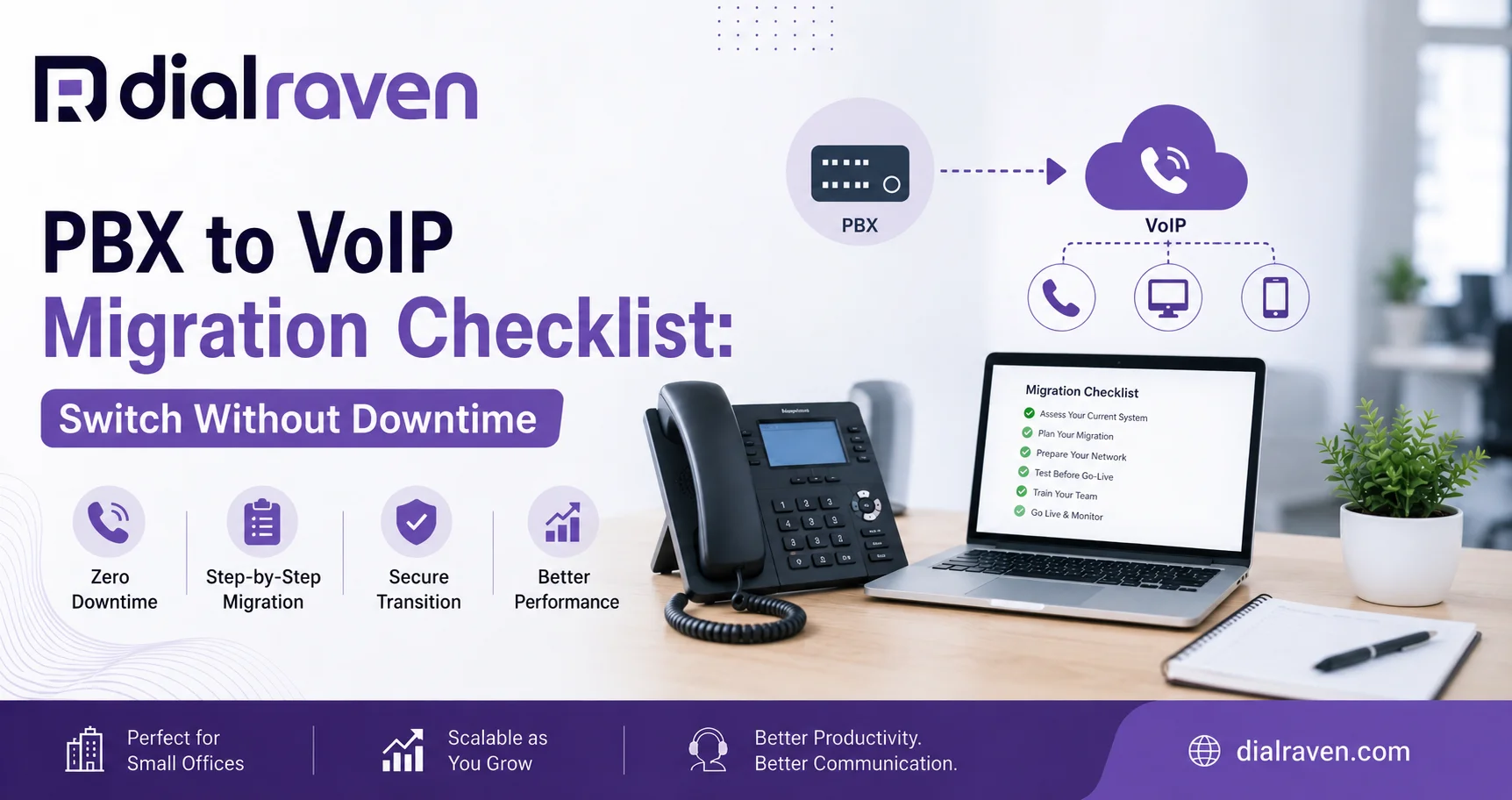
PBX to VoIP Migration Checklist: Switch Without Downtime
Planning a PBX to VoIP migration? Follow this 2026 checklist for numbers, hardware, network readiness, testing, costs, and a safer cutover.
Quick Answer
To migrate a PBX to VoIP without downtime, inventory numbers and call flows, assess the network and hardware, configure the new cloud system first, port numbers only after testing, verify E911 and routing, then keep the old PBX active until the cutover is confirmed.
Dial Raven Team
VoIP Communication Expert
A PBX to VoIP migration moves business calling from an on-premise or legacy PBX environment to internet-based voice services. The safest approach is not to unplug the old system and hope the new one works. Inventory every number, extension, call queue, IVR, device, and special line first; build and test the new environment; then move numbers and users in a controlled cutover while the old system remains available as a fallback.
For many small and midsize businesses, moving to a modern business phone system removes the need to maintain an on-site PBX while adding mobile calling, easier routing, cloud administration, and room to scale. But some businesses are better served by keeping a working PBX and modernizing its connectivity instead. The first migration decision is therefore what should move — not simply how fast you can move it.
What Is a PBX to VoIP Migration?
A PBX to VoIP migration is the process of moving business voice services from a traditional or on-premise Private Branch Exchange to a VoIP-based environment. In a full cloud migration, call control, extensions, voicemail, routing, and administration move away from local PBX hardware and into a hosted platform. Your business numbers can usually stay the same, while employees use IP desk phones, desktop apps, mobile apps, or a combination of devices.
A migration does not mean every piece of existing equipment must be discarded. SIP-compatible phones may be reusable, while older proprietary handsets or analog devices may need adapters, gateways, replacement hardware, or a separate service. That is why a proper audit comes before number porting.
Replace the PBX or Keep It With SIP Trunking?
Before starting an on-premise PBX to cloud migration, decide whether replacing the PBX is actually the best move. A newer, stable IP PBX may still have useful life. In that case, SIP trunking can replace traditional PRI or copper connectivity without forcing a full rip-and-replace project.
| Situation | Full Cloud VoIP Migration | Keep PBX + SIP Trunking |
|---|---|---|
| PBX is old or unsupported | Usually the stronger fit | May only delay replacement |
| PBX is modern and working well | Optional | Often worth evaluating |
| Remote or hybrid staff | Strong fit | Depends on PBX capabilities |
| Need simpler administration | Strong fit | PBX management remains |
| Large existing hardware investment | May require replacement planning | Can preserve more infrastructure |
| Want to eliminate on-site call-control hardware | Yes | No |
The right decision depends on PBX age, support status, current hardware, IT resources, remote-work requirements, integrations, and future growth. A good migration plan should allow both options to be evaluated instead of assuming every PBX must immediately be replaced.
PBX to VoIP Migration Checklist
A reliable PBX to VoIP migration checklist should follow the order below. The goal is to discover dependencies before the cutover instead of after employees or customers report that something stopped working.
1. Inventory Every Number and Extension
List your main business number, direct inward dial numbers, toll-free numbers, departmental numbers, fax numbers, conference lines, and every active extension. Identify which numbers are published on your website, Google Business Profile, advertising, signage, invoices, or customer records.
Do not assume the carrier invoice tells the full story. Compare it with PBX programming and actual usage. Old systems often contain numbers or extensions nobody remembers until a migration exposes them.
2. Document Your Existing Call Flows
Map what happens when somebody calls your main number during business hours, after hours, on holidays, and when nobody answers. Document auto-attendant menus, ring groups, hunt groups, queues, voicemail boxes, forwarding rules, recording settings, and department transfers.
Treat the existing PBX as the source material, not necessarily the design you should reproduce exactly. Migration is a good opportunity to remove outdated menu options, dead extensions, unnecessary transfers, and routing rules that frustrate callers.
3. Audit Phones, Fax, Paging, and Analog Devices
Determine which desk phones support standard SIP and which are proprietary to your current PBX. Dial Raven's guide to business phone hardware for VoIP explains the difference between reusable IP phones, softphones, ATAs, switches, and other common endpoint options.
Pay special attention to devices that may not behave like ordinary phones. Fax machines, door phones, intercoms, overhead paging, elevator lines, alarm panels, credit-card devices, and other analog equipment should be reviewed separately before anything is disconnected.
4. Check Network Readiness and E911
A cloud phone system depends on the local network and internet connection, so test more than raw download speed. Review available bandwidth during peak periods, latency, jitter, packet loss, Wi-Fi coverage, router capacity, Power over Ethernet requirements, Quality of Service settings, and internet failover.
Emergency calling must also be part of the migration plan. Confirm direct 911 dialing, internal notifications, and accurate dispatchable locations for offices and applicable remote users. Dial Raven's E911 compliance for business guide covers Kari's Law and RAY BAUM'S Act requirements in more detail.
5. Plan Number Porting Before the Cutover
Do not cancel the existing phone service before your numbers are transferred. Gather the current provider name, account number, service address, billing information, recent invoice, account PIN where applicable, and any required Letter of Authorization.
The FCC explains that customers can generally keep an existing telephone number when changing providers in the same geographic area, and porting can occur between wireline, IP, and wireless providers. Review the FCC's number portability guidance and Dial Raven's guide on how to port a business phone number to VoIP before choosing a cutover date.
6. Build the New Cloud PBX Before Moving Numbers
Create users, extensions, call queues, auto-attendant menus, business hours, voicemail boxes, forwarding rules, caller ID settings, and integrations before the main number moves. Staff should be able to test the new environment using temporary numbers or controlled test routes while the old PBX still handles normal customer traffic.
7. Test Every Important Call Path
Do not limit testing to one inbound and one outbound call. Test the routes customers actually use: main number to receptionist, IVR to departments, queue overflow, voicemail, after-hours forwarding, direct extensions, outbound caller ID, transfers, conference calls, mobile apps, remote staff, emergency calling, and failover.
- Place inbound and outbound calls from multiple external carriers
- Test every IVR menu option and department route
- Confirm voicemail delivery and notifications
- Verify caller ID for users and departments
- Test transfers, hold, queues, and overflow routing
- Check remote and mobile users
- Confirm E911 configuration using your provider's approved test process
- Test internet or device failover where configured
8. Cut Over, Monitor, Then Retire the Old PBX
Schedule the final cutover during a lower-risk period when key staff and provider support are available. Once numbers move, immediately retest inbound calls, outbound calls, routing, voicemail, and caller ID.
Keep the legacy service active until number porting, call flows, users, emergency settings, and special devices are confirmed. Only then should old trunks, lines, PBX maintenance agreements, or carrier services be cancelled.
How to Migrate PBX to VoIP Without Downtime
The safest way to migrate PBX to VoIP without downtime is to overlap the old and new environments long enough to test the replacement before making it responsible for every customer call. Build the cloud PBX first, train a small group of users, test temporary call paths, confirm the port date, and keep a rollback route available until the migration is stable.
- Do not cancel the old carrier before porting finishes
- Configure the new PBX before moving the main numbers
- Use temporary numbers or forwarding for controlled testing
- Schedule the cutover when call volume is lower
- Have provider and internal contacts available during go-live
- Keep documented rollback and forwarding options
- Monitor calls closely after the port completes
If your business is moving from simple standalone lines rather than a PBX, the process is less complex. Dial Raven's guide to switching from landline to VoIP covers that simpler migration path.
What Does PBX to VoIP Migration Cost?
PBX to VoIP migration cost depends on more than the monthly phone plan. The total project can include user licenses, replacement phones, network upgrades, switches, adapters, number porting, integrations, configuration, training, and support for special devices.
- Number of users and locations
- Number of phone numbers being ported
- Existing phone compatibility
- Network or switching upgrades
- Call-flow and IVR complexity
- CRM or other integrations
- Fax, paging, and analog-device requirements
- Implementation and migration support
Dial Raven's published cloud phone plans currently start at $14.99 per user per month, with free onboarding and setup and no long-term commitment. Those are service-plan prices rather than a universal PBX migration quote. Review Dial Raven pricing and scope hardware, network, and integration requirements separately before comparing the total cost of competing migration proposals.
Common PBX Migration Mistakes
- Cancelling the existing carrier before number porting is complete
- Assuming every desk phone will work with the new provider
- Forgetting fax, paging, alarms, door phones, or other analog devices
- Copying outdated PBX call flows instead of improving them
- Skipping peak-hour network testing
- Moving every user at once without a pilot group
- Failing to verify E911 and location information
- Going live without a rollback or failover plan
The technical work is only part of a successful cloud PBX migration. Staff should know how to answer, transfer, hold, park, conference, access voicemail, and use mobile or desktop apps before the old PBX disappears. A short training session before cutover usually prevents more disruption than a long troubleshooting session afterward.
Frequently Asked Questions
What is a PBX to VoIP migration?
A PBX to VoIP migration moves business calling from a traditional or on-premise PBX to an internet-based phone environment. A full cloud migration typically moves extensions, routing, voicemail, queues, and administration to a hosted provider while allowing businesses to retain eligible phone numbers.
Can you migrate a PBX to VoIP without downtime?
Yes, when the new system is configured and tested before the main numbers move. Keep the old service active during porting, test call flows in advance, schedule the cutover carefully, and maintain a fallback route until the new system is verified.
Can I keep my existing business phone numbers when replacing a PBX?
In many cases, yes. Existing business numbers can usually be ported to a new VoIP provider. Confirm portability first, submit accurate account information, and do not cancel the current service before the port is complete.
Can I keep my existing desk phones after moving to VoIP?
It depends on the phone models and protocols they support. Open SIP-compatible phones can often be re-provisioned, while proprietary handsets tied to older PBX systems may need to be replaced. Confirm compatibility before purchasing or disconnecting equipment.
Should I replace my PBX or use SIP trunking?
Replace the PBX when the hardware is aging, difficult to support, or limiting cloud, mobile, and remote-work capabilities. SIP trunking can make more sense when a modern IP PBX still works well and the main goal is replacing legacy carrier connections.
A PBX migration should start with an inventory, not a cancellation request. Dial Raven can review your current PBX, extensions, phone numbers, devices, call flows, locations, and network requirements and map the safest path to cloud VoIP — or tell you when keeping the PBX with SIP trunking makes more sense. Get a free PBX migration and cutover assessment.
Related pages
Ready to modernize your phone system?
Talk to a Dial Raven specialist and get a plan built around how your team works.