
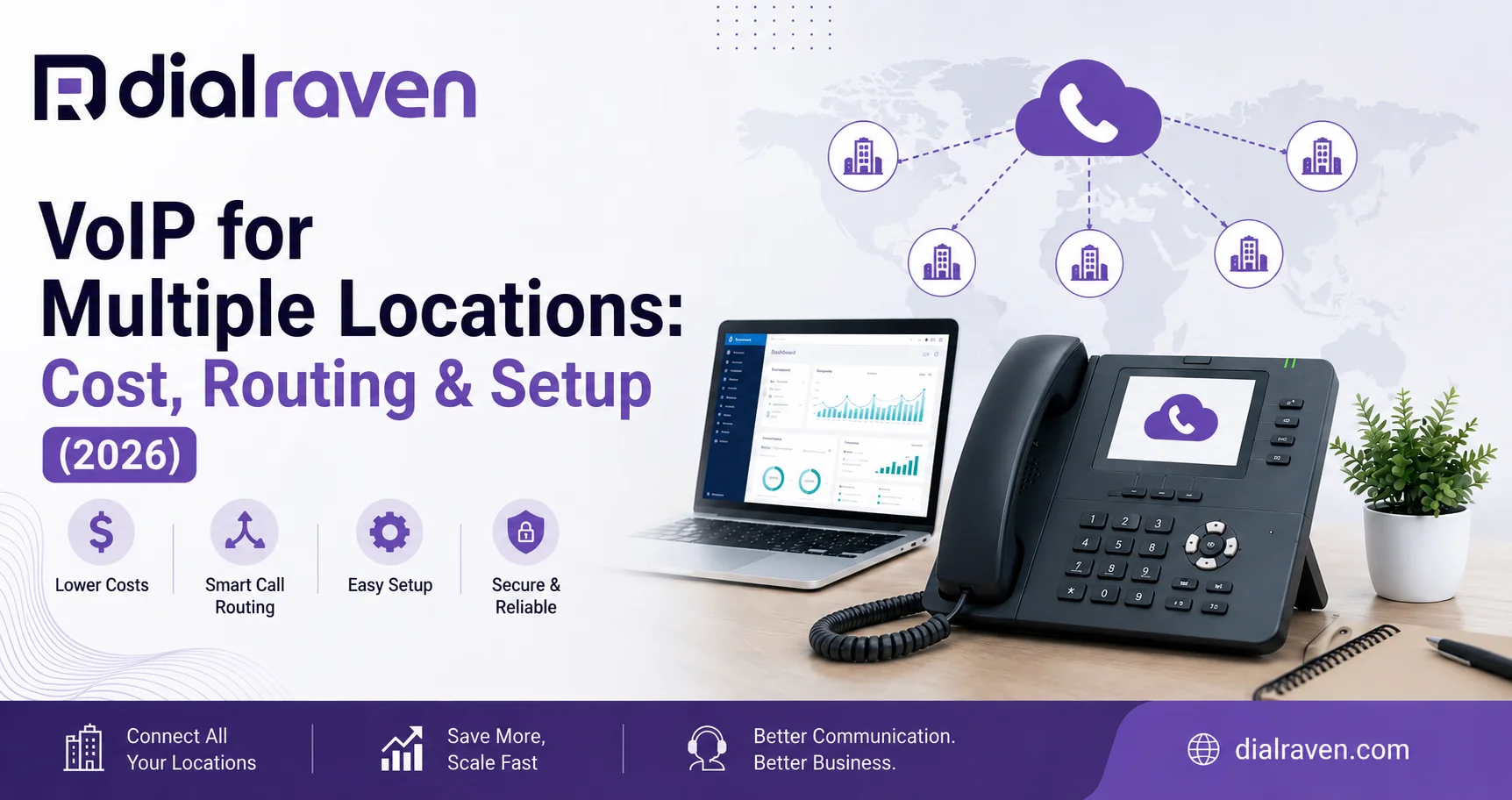
VoIP for Multiple Locations: Cost, Routing & Setup (2026)
Learn how to connect multiple offices with one VoIP system, including call routing, pricing, E911, failover, number porting, and setup.
Quick Answer
VoIP for multiple locations connects every office to one cloud phone system so teams can share extensions, transfer calls across sites, route calls by location or business hours, manage numbers centrally, and use failover when a location is unavailable.
Dial Raven Team
VoIP Communication Expert
Managing phones gets more complicated when a business expands beyond one office. Different numbers, local business hours, separate call flows, transfers between branches, and inconsistent voicemail can quickly turn a simple phone setup into an operational problem. VoIP for multiple locations solves this by connecting offices to one cloud-based platform. Instead of maintaining a separate system at every site, a business can manage users, extensions, queues, and routing centrally while keeping location-specific numbers and workflows where they are useful. A properly configured cloud business phone system can also make it easier to open new locations, transfer customers between offices, and keep calls moving when one site is unavailable.
How Do Multi-Location Phone Systems Work?
A multi location phone system connects each office to the same cloud PBX through its internet connection. Incoming calls reach the cloud platform first, where routing rules determine whether the call should go to a specific office, department, employee, queue, auto attendant, or backup destination. Because users are connected through the same platform, they do not need to be in the same building. A receptionist in Orlando can transfer a caller directly to an employee in Tampa, while a company-wide sales queue can include representatives from several locations.
The goal is to centralize the phone platform without forcing every office to operate exactly the same way. Headquarters can manage users, permissions, reporting, and shared routing rules while individual offices keep their own local numbers, greetings, business hours, and departments. Dial Raven's Enterprise & Multi-Site Solutions are designed around this type of centralized multi-office communication.
Three Ways to Structure Phone Numbers Across Multiple Locations
Before configuring multi location call routing, decide how customers should reach the business. Most multi-site organizations use one of three phone-number structures.
1. One Main Company Number
Customers call one primary number and use an auto attendant or receptionist to reach the correct office or department. This works well for centralized companies where the overall brand matters more than individual branch numbers.
2. Separate Local Numbers
Each location keeps its own local number while every number connects to the same cloud phone system. This is often a strong fit for medical offices, restaurants, dealerships, property managers, and other businesses where customers identify with a specific location. Employees can still transfer callers between locations without making customers hang up and redial.
3. Hybrid Number Structure
Many growing multi-location businesses use both approaches. The company maintains one central number for general inquiries while each office keeps a familiar local number for existing customers. This preserves local identity while still providing centralized administration and routing.
| Number Structure | Best For | Main Benefit |
|---|---|---|
| One main number | Centralized organizations | Simple customer entry point |
| Separate local numbers | Location-driven businesses | Strong local presence |
| Hybrid | Growing multi-site companies | Local identity plus central control |
Multi-Location Call Routing: How Should Calls Move Between Offices?
Multi location call routing controls what happens after a customer calls. Routing can consider the number dialed, department selected, business hours, staff availability, queue capacity, and whether the first destination answers. A modern auto attendant can handle the initial selection while queues and forwarding rules control what happens next.
Every important call path should have both a primary destination and a fallback. For example: a customer calls the Orlando office, selects Sales, and enters the Orlando sales queue. If nobody answers within the configured period, the call can automatically overflow to a regional sales queue where an available employee in Tampa or Jacksonville can answer. If the regional team is also unavailable, the call follows the configured voicemail or after-hours rule.
| Situation | Recommended Routing |
|---|---|
| Caller selects a location | Send the call to that location's queue |
| Local team does not answer | Overflow to another qualified office or shared queue |
| Caller selects Sales | Route to a company-wide or regional sales queue |
| Office is closed | Use after-hours routing, voicemail, or an automated answering workflow |
| Location is unavailable | Redirect calls to another location or backup destination |
Multi-Location VoIP Pricing: What Determines the Cost?
Multi location VoIP pricing generally depends more on the number of users and required features than on the number of buildings. Common cost factors include user licenses, business phone numbers, desk phones or headsets, advanced routing, call recording, analytics, SMS, integrations, AI features, migration requirements, and network upgrades.
Dial Raven currently lists Starter at $14.99 per user per month and Pro at $24.99 per user per month, with Pro positioned for growing SMBs and multi-location businesses. Larger or more specialized deployments can use custom Enterprise pricing. These figures represent base licensing, so hardware, taxes, integrations, and additional requirements may change the final total. For a broader estimate, use the VoIP cost calculator or review business phone system pricing.
E911, Internet Failover, and Number Porting
E911 Across Multiple Locations
Emergency calling should not be treated as a headquarters-only setting. Multi-site organizations need accurate emergency-location information for the locations and endpoints covered by applicable requirements. Federal rules implementing Kari's Law and RAY BAUM'S Act address issues such as direct 911 dialing, notifications, and dispatchable-location information for covered multi-line telephone systems. The FCC's MLTS 911 requirements provide official guidance. Dial Raven's E911 compliance guide covers additional business-phone considerations.
What Happens If One Office Loses Internet?
If an office loses its internet connection, phones using that connection may temporarily lose access to the VoIP platform. Incoming calls, however, can be configured with backup destinations such as another office, mobile employees, an external number, voicemail, or another approved answering workflow. The important step is configuring and testing the backup route before an outage occurs. See what happens to VoIP when the internet goes down for a deeper explanation.
Can Existing Numbers Be Kept?
Eligible existing business numbers can often be ported when changing providers. Before migrating multiple locations, create an inventory of main office numbers, local branch numbers, direct numbers, toll-free numbers, department numbers, and fax numbers. Do not cancel the old service before required numbers have completed the porting process. The FCC provides official number porting guidance, and Dial Raven's guide to porting a business phone number to VoIP explains the business migration process.
How to Set Up VoIP Across Multiple Offices
Step 1: Audit Every Location
Document users, phone numbers, current carriers, devices, internet connections, and any existing PBX equipment. This creates a clear inventory of what must move, what can stay temporarily, and what can be retired.
Step 2: Choose the Number Structure
Decide whether the company will use one main number, separate local numbers, or a hybrid model. Make this decision before configuring call flows because number architecture affects almost every routing rule.
Step 3: Map Primary and Backup Call Routing
Document where important calls should go during normal hours, busy periods, no-answer situations, after-hours periods, holidays, and outages. Every important call flow should have a primary destination and a fallback destination.
Step 4: Configure Locations and E911
Configure the appropriate location information for relevant users and endpoints, and establish a process for keeping those records current when employees, devices, or offices move.
Step 5: Port Numbers and Test the System
Before full rollout, test inbound calls, outbound caller ID, transfers between offices, queues, auto attendants, voicemail, mobile users, failover, and location-specific routing. Where practical, start with one location or a limited group before switching every office.
Step 6: Monitor and Improve Routing
After launch, review answer rates, missed calls, queue times, transfers, and overflow activity. The first call-routing design should not be treated as permanent. Use real call data to identify where customers are waiting too long or where calls could be handled more efficiently.
When Does a Business Need One Phone System for Multiple Office Locations?
A phone system for multiple office locations becomes worth evaluating when separate systems start creating customer-service or administrative problems. Common warning signs include customers being asked to redial another office, employees being unable to transfer calls between branches, locations using different providers, inconsistent call routing, poor organization-wide reporting, and busy offices being unable to overflow calls to available staff elsewhere.
At that point, consolidating communications is not simply about replacing desk phones. It is about designing how the entire organization handles customer conversations. Dial Raven can connect multi-site users, numbers, queues, routing, and reporting through one cloud platform while allowing individual locations to keep the workflows they need.
Frequently Asked Questions
What is VoIP for multiple locations?
VoIP for multiple locations connects two or more offices to one cloud phone platform. Users, extensions, numbers, queues, and routing can be managed centrally while each location can keep its own local number, business hours, or call flow where needed.
How do multi-location phone systems work?
Multi-location phone systems connect different offices to the same cloud PBX. Incoming calls are routed to the appropriate location, queue, employee, or device according to rules such as the number dialed, department, business hours, and staff availability.
Can multiple offices use the same business phone number?
Yes. A business can use one central number with an auto attendant, keep separate local numbers for each location, or use a hybrid approach combining a main company number with local office numbers.
Can calls be transferred between different office locations?
Yes. When employees use the same cloud phone platform, calls can be transferred between offices and extensions without asking the customer to hang up and dial another number.
How much does multi-location VoIP cost?
The cost depends on the number of users, required features, phone numbers, hardware, integrations, and migration requirements. Dial Raven currently lists plans starting at $14.99 per user per month, with custom Enterprise pricing available for larger deployments.
What happens if one office loses internet?
Phones using the affected connection may become unavailable, but properly configured failover can route incoming calls to another location, mobile users, backup numbers, voicemail, or another approved destination.
If your locations currently use separate carriers, phone systems, or call flows, Dial Raven can help map the architecture before you migrate. We'll review your offices, users, existing numbers, routing requirements, overflow rules, failover needs, and rollout priorities. Request a free multi-location phone system review to see how your locations can operate on one connected cloud communications platform.
Related pages
Ready to modernize your phone system?
Talk to a Dial Raven specialist and get a plan built around how your team works.