
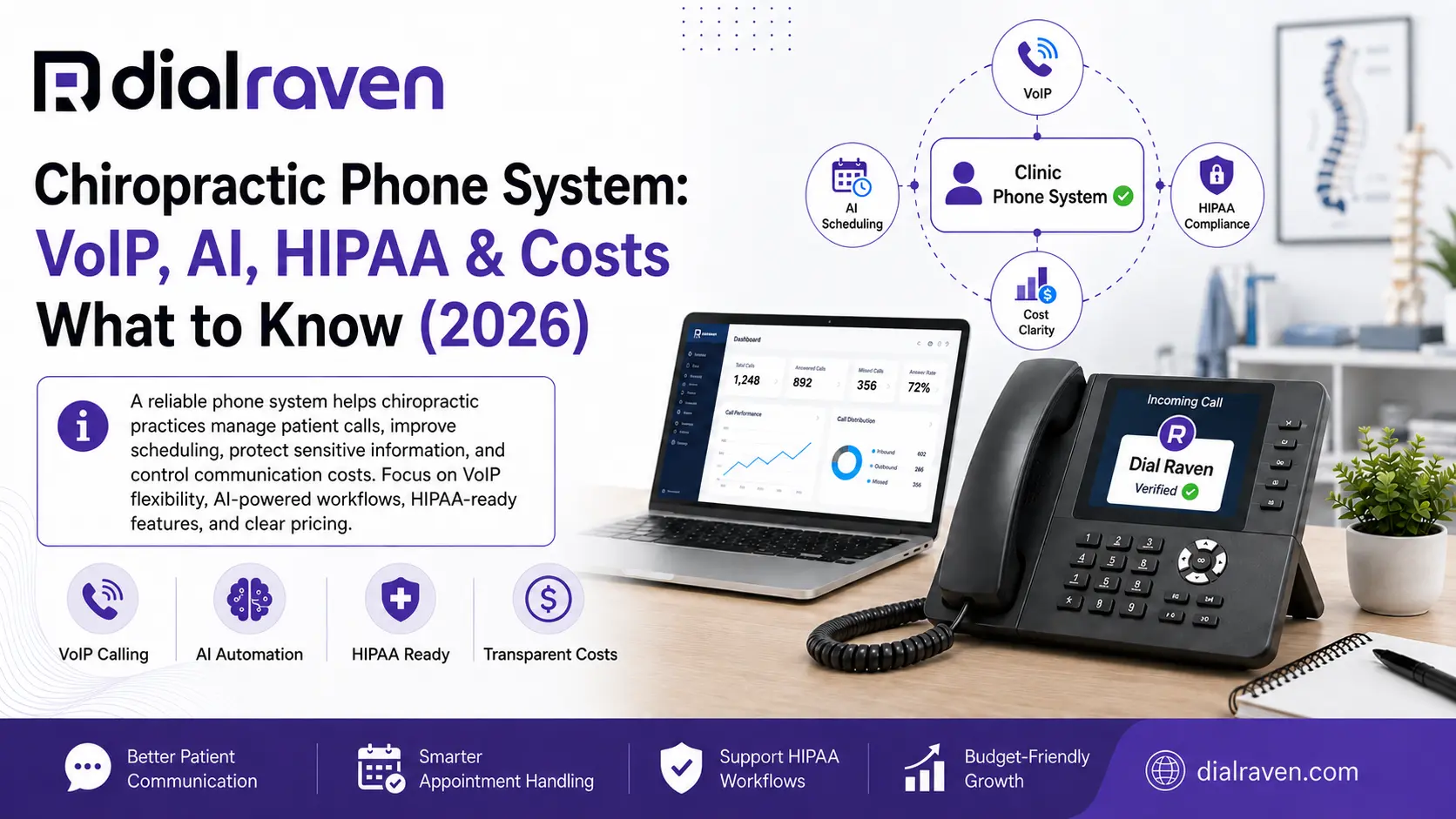
Chiropractic Phone System: VoIP, AI, HIPAA & Costs (2026)
Learn how to choose a chiropractic phone system with HIPAA-ready VoIP, AI call handling, patient texting, smart routing, and clear cost guidance.
Quick Answer
The best chiropractic phone system is a cloud VoIP platform with reliable calling, smart routing, business texting, virtual fax, mobile access, and after-hours coverage. Practices subject to HIPAA should also verify safeguards, data handling, and BAA availability.
Dial Raven Team
VoIP Communication Expert
A chiropractic practice relies on the phone for more than basic calls. New patients want to schedule appointments, existing patients need to confirm or reschedule visits, referral offices may request records, and staff still have to manage billing questions, messages, and after-hours calls. A modern chiropractic phone system should make those conversations easier to manage instead of creating more front-desk work. For many U.S. practices, that means cloud VoIP with smart routing, business texting, voicemail, mobile access, virtual fax, and after-hours handling in one system.
What Is the Best Phone System for a Chiropractic Office?
For most chiropractic practices, the best option is a cloud-based VoIP phone system with reliable calling, smart call routing, an auto attendant or virtual receptionist, business texting, voicemail, mobile access, and appropriate healthcare privacy safeguards. It should make it easy to route new-patient calls, scheduling requests, billing questions, records requests, and after-hours calls without forcing every caller through the same front-desk workflow. The goal is simple: help patients reach the right person faster while reducing avoidable interruptions for staff.
What Is a Chiropractic Phone System?
A chiropractic office phone system is a business communications platform configured around the needs of a chiropractic practice. Unlike a basic landline, a modern cloud system can connect the practice number to extensions, call queues, menus, voicemail, mobile users, text messaging, and routing rules. For example, a caller can choose scheduling, billing, or records and be directed to the appropriate employee instead of relying on one receptionist to answer and manually transfer every call. With a cloud VoIP business phone system, authorized staff can also use the practice number from compatible desk phones, computers, browsers, or mobile devices.
8 Features a Chiropractic Phone System Should Have
| Feature | Why It Matters |
|---|---|
| Cloud VoIP | Supports flexible calling without relying on a traditional on-site PBX |
| Smart call routing | Sends patients to scheduling, billing, records, or the right staff member |
| Auto attendant / IVR | Helps callers choose the correct destination |
| Virtual receptionist | Adds coverage for routine, overflow, and after-hours calls |
| Business SMS | Lets staff communicate from the practice number |
| Mobile access | Allows authorized employees to handle business calls away from the desk |
| Virtual fax | Supports digital records and referral workflows |
| Call reporting | Helps identify missed calls, busy periods, and routing problems |
The strongest system is not the one that checks the most boxes. These features should work together around the practice's actual patient communication flow.
How Does VoIP for Chiropractic Practices Work?
VoIP for chiropractic practices sends business calls over an internet connection rather than depending entirely on traditional telephone lines. The real advantage is flexibility. An incoming call can reach the practice number and then follow rules based on business hours, caller selections, staff availability, or location.
- New patients can route to scheduling
- Existing patients can reach the front desk
- Billing calls can go to the appropriate employee
- Records requests can follow a separate path
- After-hours calls can receive a different greeting or message workflow
- Calls can overflow to another user or location when the primary team is busy
Cloud VoIP can also make it easier to add users or locations without rebuilding an entire phone system. Dial Raven's business phone system supports smart call routing, IVR and auto-attendant capabilities, mobile and browser access, call queues, number porting, and call-continuity routing.
HIPAA and Chiropractic Phone Systems: What Should You Verify?
Practices often search for a HIPAA compliant phone system for chiropractors, but no phone platform by itself makes an entire chiropractic practice HIPAA compliant. HIPAA is a broader operational responsibility involving people, policies, technology, vendors, access controls, and how protected health information is handled. If your practice is subject to HIPAA and a communications provider creates, receives, maintains, or transmits protected health information on your behalf, evaluate the vendor carefully.
- Encryption for relevant communications and stored data
- User and role-based access controls
- Audit logging
- Voicemail and message storage
- Call recording and transcription controls
- Virtual fax handling
- Data retention policies
- Account removal when employees leave
- Business Associate Agreement availability when required
The U.S. Department of Health and Human Services explains that a Business Associate Agreement may be required when a vendor handles protected health information on behalf of a covered entity or business associate. Review the official HHS guidance on HIPAA and cloud services when evaluating that relationship. Dial Raven describes its healthcare offering as HIPAA-ready and provides encryption, role-based access controls, audit-ready logging, patient SMS, encrypted virtual fax, and a BAA on request. For healthcare-specific communication requirements, review Dial Raven's HIPAA-ready healthcare communication platform.
AI Receptionist vs. Auto Attendant vs. Human Receptionist
These options solve different problems. An auto attendant primarily helps callers navigate a menu. An AI or virtual receptionist can handle defined routine workflows with greater flexibility. Human staff remain important when a call requires judgment, empathy, unusual exceptions, or clinical decision-making.
| Capability | Auto Attendant | AI / Virtual Receptionist | Human Receptionist |
|---|---|---|---|
| Route calls | Yes | Yes | Yes |
| 24/7 coverage | Yes | Yes | Usually limited |
| Handle multiple callers | Yes | Yes | Limited |
| Capture messages | Yes | Yes | Yes |
| Handle routine questions | Limited | Yes, when configured | Yes |
| Handle unusual situations | Limited | Limited | Strong |
| Make clinical judgments | No | No | Appropriate clinical staff only |
A sensible approach is to let automation handle repetitive communication while people handle situations that require judgment. Dial Raven's virtual receptionist service can support custom greetings, call routing, message capture, and overflow or after-hours workflows.
A Simple Chiropractic Patient Call Flow
A good call flow should be designed around why patients call, not around the practice's internal organization. Keep the main menu short and put the most common patient needs first.
| Caller Need | Recommended Destination |
|---|---|
| New patient | New-patient scheduling or reception |
| Schedule or reschedule | Scheduling team |
| Billing or insurance | Billing |
| Records or referrals | Records coordinator |
| General question | Front desk |
| Specific employee | Extension or directory |
| After-hours routine call | After-hours message workflow |
| Emergency | Appropriate emergency instructions |
Every queue should also have an overflow or fallback rule so calls do not simply ring indefinitely. For a deeper routing structure, Dial Raven's medical office phone tree guide explains how to organize medical-office IVR and call flows.
How Patient Texting Fits Into a Chiropractic Phone System
Patient communication does not always need a phone call. Business texting can be useful for appointment reminders, confirmations, rescheduling requests, and other approved front-desk communication. Using the practice number instead of employees' personal phones also keeps business communication under organizational control.
- Define who can access messages
- Decide what types of messages staff may send
- Set rules for monitoring replies
- Document how urgent messages are escalated
- Define retention and access requirements
- Create a clear process for communication preferences and opt-outs
Dial Raven's business text messaging lets teams send and receive SMS and MMS using the business number rather than an employee's personal phone. For appointment-reminder privacy questions, HHS also provides official guidance on appointment reminders.
How Much Does a Chiropractic Phone System Cost?
Chiropractic phone system cost depends on more than the advertised price per user. The real budget can change based on user count, business SMS, IVR, call recording, analytics, healthcare requirements, virtual fax, integrations, devices, and the number of locations.
| Plan | Published Price | Best Fit |
|---|---|---|
| Starter | $14.99/user/month | Core business calling |
| Pro | $24.99/user/month | Growing and multi-location businesses |
| Enterprise | Custom | Specialized healthcare and enterprise requirements |
As of August 2026, Dial Raven's Pro plan adds business SMS and MMS, auto attendant and IVR, call recording, and analytics, while Enterprise is positioned for specialized requirements. Healthcare practices should price the complete configuration they need rather than choosing only by the lowest monthly seat price. Review current business phone system pricing before comparing providers.
Can You Keep Your Existing Chiropractic Office Phone Number?
Usually, yes. An established chiropractic office number may already appear on your website, Google Business Profile, patient records, referral materials, directories, and advertising. Number porting allows an eligible number to move from an existing carrier to a new provider. Keep the old service active until the port is complete, then test inbound calls, outbound caller ID, voicemail, routing, and after-hours behavior before considering the migration finished.
How to Choose the Best Phone System for Chiropractors
The best phone system for chiropractors is the platform that fits the practice's real communication needs while remaining simple enough for employees to use every day. A useful provider evaluation should focus on workflow, reliability, healthcare requirements, implementation support, and total cost rather than feature count alone.
- Reliable call quality and uptime commitment
- Smart routing and after-hours handling
- Auto attendant or virtual receptionist options
- Business SMS and mobile access
- Virtual fax requirements
- Multi-location support
- Reporting and call analytics
- Number porting
- BAA availability when required
- Healthcare privacy safeguards
- Integration requirements
- Implementation and training support
- Complete monthly cost
Ask the provider to demonstrate how your actual call flow would work. A useful demo should show what happens when a new patient calls, when the front desk is busy, when someone calls after hours, and when the primary user does not answer.
Why Dial Raven Fits Chiropractic Practices
Dial Raven combines cloud VoIP with smart routing, auto attendant and IVR, mobile and browser access, business messaging, virtual receptionist functionality, call queues, number porting, and AI-assisted call handling. Its healthcare offering adds HIPAA-ready communication capabilities including encryption, access controls, audit-ready logging, patient SMS, virtual fax, and BAA availability on request. That combination can support both smaller chiropractic offices that want a simpler front-desk workflow and growing practices that need multiple users, locations, or more advanced routing.
Get a Free Chiropractic Phone-System Assessment
If your current phone setup creates missed calls, confusing routing, separate texting tools, or too much manual front-desk work, Dial Raven can help map a cleaner communication workflow. Get a free chiropractic phone-system and call-flow assessment. Share your approximate number of users, locations, existing phone setup, after-hours requirements, texting needs, and current communication problems so the recommended configuration and quote match the way your practice actually operates.
Frequently Asked Questions
What is the best phone system for a chiropractic office?
For many chiropractic practices, a cloud VoIP system is the best fit because it can combine calling, smart routing, business texting, voicemail, mobile access, and after-hours workflows. Practices subject to HIPAA should also evaluate privacy safeguards and BAA requirements.
Is VoIP suitable for a chiropractic practice?
Yes. VoIP can support chiropractic practices with call routing, auto attendants, mobile calling, queues, voicemail, texting, and multi-location management. Reliable internet connectivity and a continuity plan are important.
Is a chiropractic phone system automatically HIPAA compliant?
No. A phone system alone does not make a practice HIPAA compliant. HIPAA compliance depends on the practice's policies, workflows, users, vendors, safeguards, data handling, and other requirements.
Does a chiropractic office need a BAA from its phone provider?
A BAA may be required when a communications provider creates, receives, maintains, or transmits PHI on behalf of an organization subject to HIPAA. Practices should evaluate their specific vendor relationship and requirements.
Can chiropractors text patients from their business phone number?
Yes. A business texting platform can allow authorized staff to send and receive messages from the practice number. Healthcare practices should establish appropriate privacy, access, retention, and escalation procedures.
Can an AI receptionist handle chiropractic calls?
An AI or virtual receptionist can handle approved routine tasks such as greeting callers, routing calls, capturing messages, and supporting after-hours coverage. Clinical questions, unusual situations, and judgment-heavy conversations should go to appropriate people.
How much does a chiropractic phone system cost?
Cost depends on users, features, texting, IVR, recording, integrations, fax, healthcare requirements, and locations. Dial Raven currently publishes Starter at $14.99/user/month, Pro at $24.99/user/month, and custom Enterprise pricing.
Can I keep my chiropractic office phone number when switching to VoIP?
In most cases, eligible business numbers can be ported to a new provider. Keep the existing service active until the port is complete and the new routing has been tested.
Related pages
Ready to modernize your phone system?
Talk to a Dial Raven specialist and get a plan built around how your team works.