
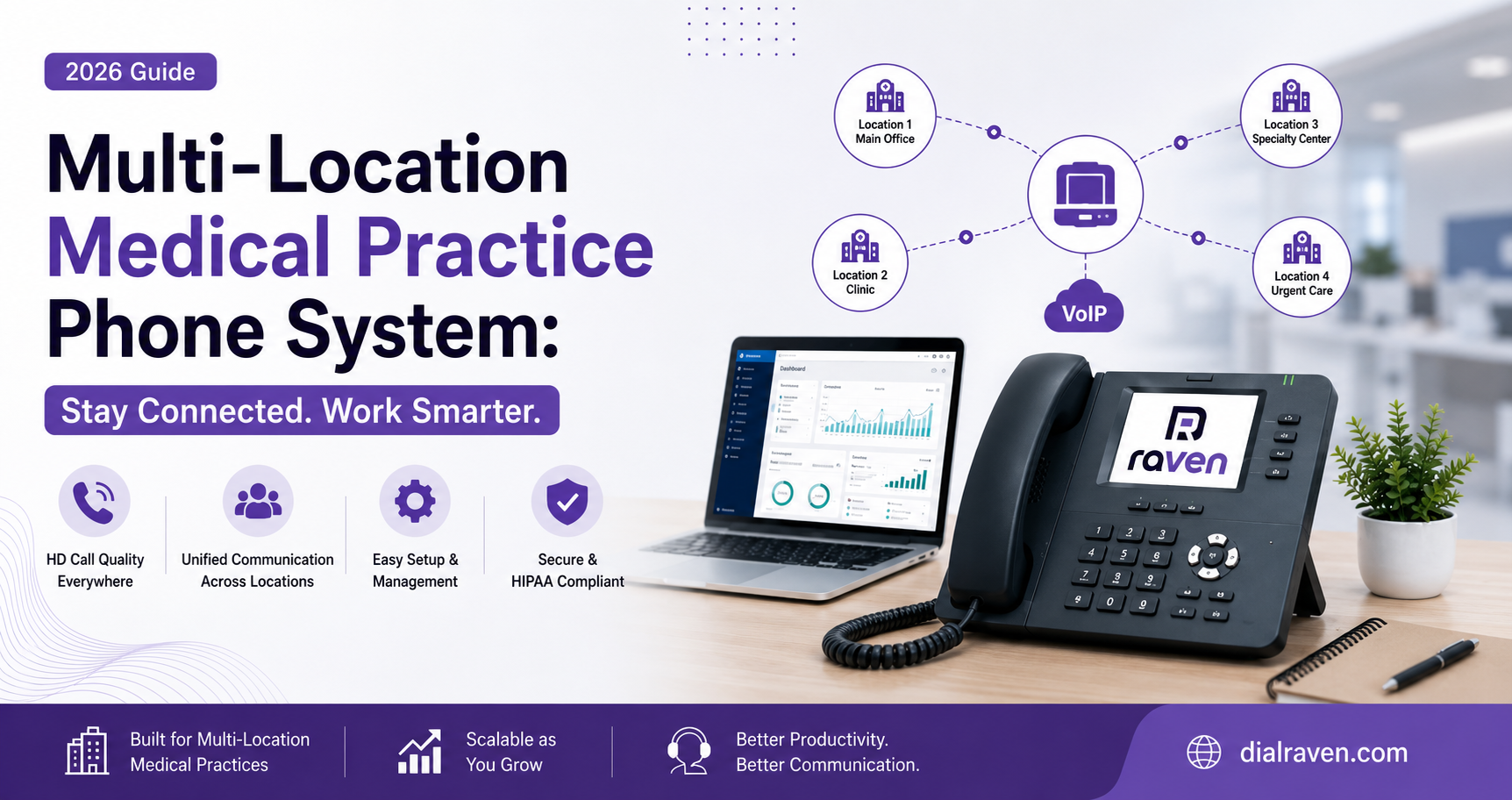
Multi-Location Medical Practice Phone System: 2026 Guide
Learn how to centralize calls, routing, queues, and patient communication across medical practice locations without losing each clinic’s local identity.
Quick Answer
A multi-location medical practice phone system connects every clinic to one cloud platform while preserving local numbers, greetings, queues, and hours. It supports cross-location routing, shared staff coverage, centralized reporting, and HIPAA-ready communication workflows.
Dial Raven Team
VoIP Communication Expert
Managing phone calls at one medical office is challenging. Managing calls across several clinics introduces a much larger problem.
Each location may have different phone numbers, hours, departments, providers, and front-desk employees. However, patients still expect the entire medical group to operate as one connected organization.
A multi-location medical practice phone system brings every clinic onto one centrally managed cloud platform. Each location can retain its own local number, greeting, hours, and identity while sharing call queues, staff coverage, reporting, voicemail, and business-continuity resources.
This guide explains how to structure a phone system for multiple medical offices, route calls between clinics, preserve a local patient experience, and avoid common implementation mistakes.
What Is a Multi-Location Medical Practice Phone System?
A multi-location medical practice phone system is a cloud communications platform that connects two or more clinics under one administrative environment. It allows the medical group to centrally manage users, phone numbers, extensions, call queues, office hours, voicemail, and reporting.
A properly configured system centralizes the functions that should be shared while preserving the workflows that need to remain specific to each clinic.
| Centrally Managed | Location-Specific |
|---|---|
| Users and permissions | Local phone numbers |
| Security policies | Clinic greetings |
| Shared directories | Office hours |
| Reporting and analytics | Local departments |
| Overflow rules | Provider schedules |
| Vendor management | Outbound caller ID |
Why Separate Clinic Phone Systems Stop Working
Separate phone systems may be manageable when a group operates only two small offices. Problems appear as the organization adds locations, providers, and call volume.
Common warning signs include:
- Patients calling the wrong clinic and being asked to redial
- Staff struggling to transfer calls between offices
- One front desk being overloaded while another has capacity
- Providers working at several locations being difficult to reach
- Different voicemail procedures at every clinic
- Multiple vendors, contracts, and dashboards
- Inconsistent after-hours and holiday messages
- Limited organization-wide reporting
- No backup plan when one clinic loses connectivity
Effective multi-location medical practice phone management replaces these disconnected systems with one communication framework.
The goal is not to make every clinic identical. The goal is to let each clinic access shared resources without losing the local workflows that patients and staff rely on.
The Recommended Setup: Central Platform, Local Experience
For most established medical groups, a hybrid number structure works best.
Each clinic keeps the number patients already recognize. All clinic numbers are then managed through one cloud platform.
This approach allows the practice to:
- Preserve local phone numbers
- Use clinic-specific greetings and office hours
- Share scheduling or billing teams
- Transfer calls between locations
- Apply cross-location overflow
- View clinic-level and organization-wide analytics
- Manage users and system settings centrally
This creates a centralized multi-site communication system without forcing patients to learn a new number.
One Main Number or Separate Clinic Numbers?
A phone system for multiple medical offices can use one central number, separate location numbers, or a combination of both.
| Number Structure | Best For | ||
|---|---|---|---|
| Number Structure | Best For | Main Benefit | Main Limitation |
| One main number | New groups with centralized scheduling | One simple entry point | Can feel less local |
| Separate local numbers | Established clinics | Familiar patient experience | Harder to manage on separate systems |
| Hybrid structure | Most growing medical groups | Local identity with centralized management | Requires careful call-flow planning |
The hybrid structure is usually the strongest option.
When a patient calls a local number, the system can identify which clinic they intended to reach. That information can remain visible even if the call is answered by a centralized scheduling team or another office.
How Cross-Location Call Routing Works
Call routing systems for medical offices should do more than send every caller to the front desk.
Routing rules can consider:
- The number the patient called
- The selected department
- The clinic’s current hours
- Employee availability
- Queue wait time
- Provider schedules
- Overflow and fallback rules
A typical call flow may work like this:
- The patient calls Clinic A.
- The system identifies Clinic A as the intended location.
- The patient selects scheduling, billing, referrals, or another department.
- The call enters the appropriate clinic or organization-wide queue.
- If local staff do not answer within a defined period, the call overflows to another qualified team.
- If no employee answers, the call enters an assigned voicemail or callback queue.
- The outcome appears in both clinic-level and organization-wide reporting.
A multi-level auto attendant can separate calls by location and reason without forcing patients through an unnecessarily long phone menu.
The phone system should follow routing rules approved by the practice. It should not independently make medical or clinical decisions.
Essential Features for Multiple Medical Offices
Centralized Administration
Administrators should be able to add employees, update office hours, manage queues, control permissions, and review call activity from one portal.
Adding a new clinic should not require a completely separate account or phone-system provider.
Location-Specific Greetings and Hours
Each clinic should be able to maintain its own greeting, holiday schedule, and closed-office message.
This preserves local accuracy while still allowing the overall system to be managed centrally.
Shared and Local Call Queues
A medical group may need several types of queues:
- Local front-desk queues
- Central scheduling queues
- Billing queues
- Referral queues
- Specialty-specific queues
- New-patient queues
Employees should receive only the calls they are trained and authorized to manage.
Cross-Location Overflow
If one clinic is experiencing a high call volume, unanswered calls can overflow to trained staff at another location or to a centralized patient-access team.
Overflow rules should also define what happens when the secondary destination is unavailable.
Mobile and Remote Access
Authorized employees and providers should be able to answer business calls without exposing personal phone numbers.
The ConnectUC business phone app allows users to communicate through the practice’s business identity from a smartphone, computer, or browser.
Centralized Voicemail Ownership
Every voicemail queue should have a responsible employee or team.
A shared mailbox without clear ownership can result in patient messages being delayed or overlooked.
Reporting Across Every Clinic
Practice leaders should be able to review:
- Call volume by location
- Answer rates
- Abandoned calls
- Average speed to answer
- Transfer rates
- Overflow volume
- Voicemail volume
- Peak calling periods
- Queue performance
Reporting helps determine whether the practice has a staffing problem, a routing problem, or both.
Business Continuity
If one location loses internet access or closes unexpectedly, call forwarding and failover rules can redirect calls to another clinic, remote staff, or an approved fallback destination.
HIPAA and E911 Considerations
A multi-site healthcare phone system must be evaluated as part of the practice’s broader security and compliance program.
HIPAA compliance does not come from purchasing a product with a healthcare label. It depends on the platform, configuration, agreements, access controls, policies, and employee behavior.
Practices should evaluate:
- Business Associate Agreement requirements
- Role-based permissions
- Unique employee accounts
- Authentication controls
- Audit logs
- Call recording access
- Voicemail storage
- SMS and fax handling
- Retention and deletion policies
- Employee access termination
- Backup and recovery
- Personal-device policies
The U.S. Department of Health and Human Services provides official guidance on the HIPAA Security Rule and Business Associate relationships.
E911 must also be configured for each physical clinic and applicable endpoint. Emergency-location information may need to identify a suite, floor, room, or another detail beyond the street address.
The National 911 Program provides guidance concerning Kari’s Law, direct 911 dialing, notification requirements, and dispatchable-location rules.
Practices should obtain qualified legal or compliance guidance for their specific operations.
How to Implement the System
A successful rollout starts with call-flow planning rather than equipment selection.
1. Audit Every Number
Document main numbers, department lines, fax numbers, toll-free numbers, extensions, devices, carriers, and existing contracts.
Do not cancel current services until all required numbers have been ported or redirected successfully.
2. Map Common Call Types
Identify why patients call and which employee or team should manage each request.
Typical categories include scheduling, billing, referrals, medical records, prescription-related messages, and general office questions.
3. Select the Number Structure
Choose one central number, separate local numbers, or a hybrid structure.
Established medical groups will often benefit from keeping local clinic numbers while managing them through one platform.
4. Design Routing and Overflow
For every call path, define:
- Primary destination
- Ring duration
- Overflow destination
- Voicemail destination
- Message owner
- Escalation rule
5. Test Before Launch
Test regular hours, closed hours, holidays, transfers, overflow, voicemail, caller ID, mobile users, failover, and emergency-location settings.
A phased migration is generally easier to monitor than moving every clinic simultaneously.
Common Implementation Mistakes
Avoid these common errors:
- Removing familiar local numbers without a clear reason
- Creating an excessively long central phone menu
- Sending every caller to the front desk
- Using identical overflow rules for every department
- Failing to display which clinic the patient called
- Maintaining generic voicemail boxes without ownership
- Giving employees unnecessary access across locations
- Ignoring E911 location configuration
- Migrating every clinic without staged testing
- Measuring organization-wide performance without reviewing individual clinics
Questions to Ask a Phone-System Provider
Before choosing a provider, ask:
- Can all clinics be managed through one portal?
- Can every location retain its existing phone number?
- Can locations use different greetings and business hours?
- Can calls overflow between clinics?
- Can one scheduling team answer for several locations?
- Can reporting be filtered by clinic?
- How are voicemail ownership and escalation managed?
- What happens if one location loses internet access?
- How are remote users and E911 locations handled?
- What security and access controls are available?
- Can the migration be completed in phases?
- Who configures and tests the call flows?
How Dial Raven Supports Multi-Location Practices
Dial Raven combines healthcare communication capabilities with centrally managed multi-site VoIP.
Medical groups can retain local clinic numbers and workflows while managing users, extensions, directories, routing, reporting, and continuity through one platform. Relevant capabilities include:
- Centralized multi-site administration
- Local and shared phone numbers
- Auto attendants
- Location and department queues
- Cross-office transfers
- Overflow routing
- Shared directories
- Business SMS
- Virtual fax
- Mobile and browser calling
- Call recording controls
- HIPAA-ready configurations
- Phased cloud and SIP migrations
- U.S.-based onboarding and support
Get a Free Multi-Site Medical Call-Flow Assessment
Managing patient calls across several clinics should not require several disconnected phone systems.
Dial Raven will review your locations, phone numbers, business hours, queues, transfers, overflow paths, voicemail ownership, and continuity requirements.
You will receive a recommended multi-site call-flow structure designed around how your medical group actually operates.
Request your free multi-site medical call-flow assessment today.
Frequently Asked Questions
What is a multi-location medical practice phone system?
It is a cloud phone platform that connects multiple clinics under one administrative system. Each clinic can retain its own number, greeting, and hours while sharing queues, employees, routing, voicemail, and reporting.
Can every clinic keep its existing phone number?
Yes. Existing numbers can generally be ported to a centralized cloud system, subject to carrier and porting requirements.
Can calls overflow from one clinic to another?
Yes. Unanswered calls can be routed to qualified staff at another location, a central scheduling team, or an approved fallback destination.
Should a multi-location practice use one main number?
It depends on the organization. Established clinics often benefit from keeping local numbers while managing them through one central platform.
Is a multi-location medical phone system HIPAA compliant?
The platform can support HIPAA-ready workflows, but compliance depends on safeguards, configuration, contracts, policies, employee access, and how protected health information is handled.
Related pages
Ready to modernize your phone system?
Talk to a Dial Raven specialist and get a plan built around how your team works.