
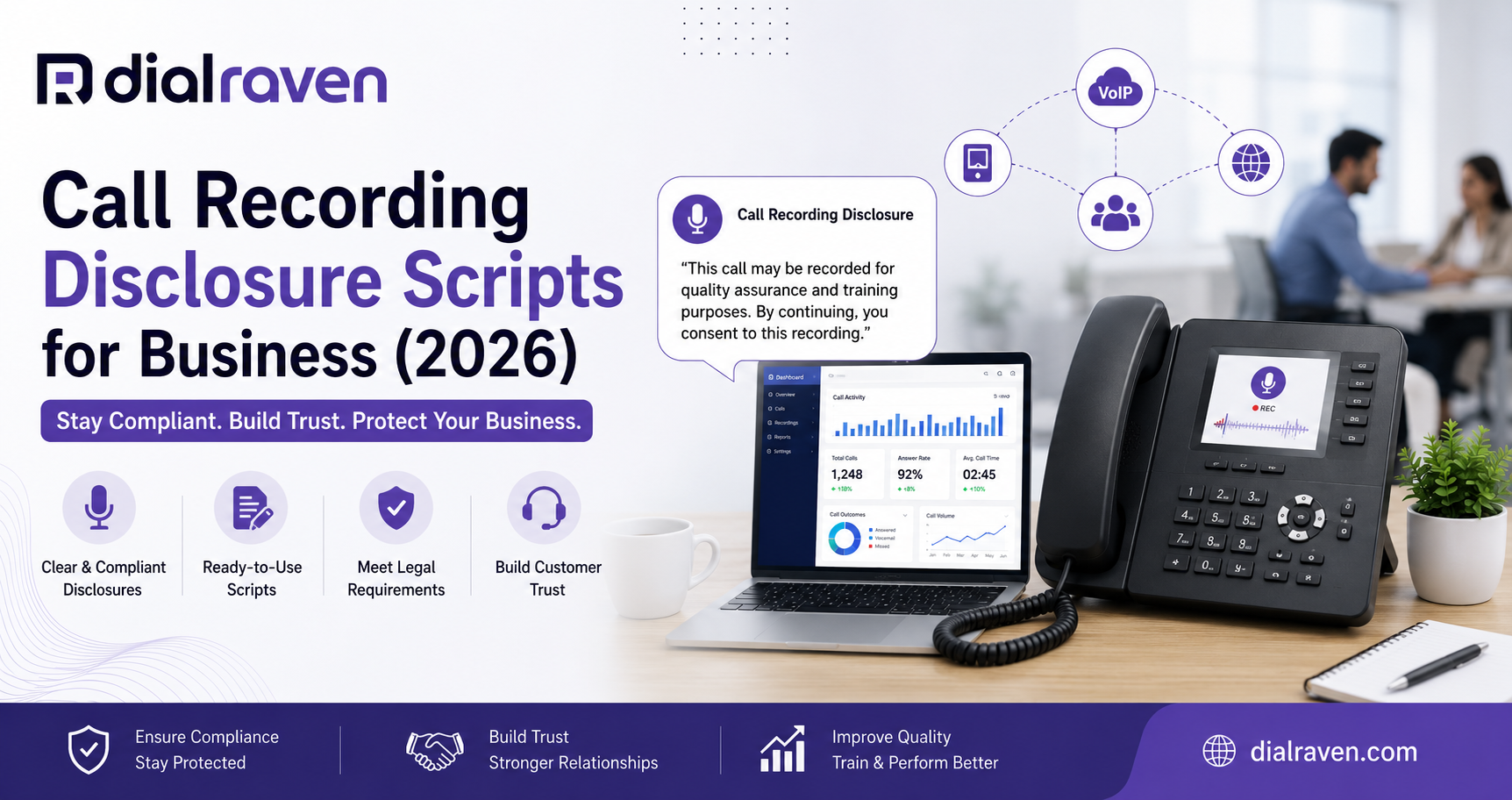
Call Recording Disclosure Scripts for Business (2026)
Copy-ready call recording disclosure scripts for inbound, outbound, IVR, and multi-state calls, plus consent and opt-out workflows.
Quick Answer
A call recording disclosure should state that the call may be recorded, explain the purpose, and provide a consent or opt-out path when required. Deliver it before recording begins and have legal counsel adapt the wording to applicable laws.
Dial Raven Team
VoIP Communication Expert
Businesses record calls to improve service, train employees, document customer requests, and create searchable transcripts. However, recording a call without an appropriate notice and consent process can create legal, privacy, and customer-trust risks. The call recording disclosure script examples below cover inbound calls, outbound calls, IVR systems, AI transcription, and multi-state operations.
A business call recording disclosure should clearly state that the call may be recorded, explain the purpose, and provide a consent or opt-out path when required. The notice should be delivered before recording begins or before the substantive conversation starts. These templates are general examples, not legal advice; qualified counsel should review the wording and workflow for the states, industries, and call types involved.
What Is a Call Recording Disclosure Script?
A call recording disclosure script is approved wording used to notify participants that a telephone conversation may be recorded or transcribed. The notice may be delivered by a live employee, IVR, auto attendant, prerecorded prompt, or AI receptionist.
Federal law may permit recording when one party has provided prior consent, but state laws can impose stricter requirements. Review Dial Raven's call recording laws by state guide and the official 18 U.S.C. § 2511 text, then obtain advice for your specific operation.
Call Recording Disclosure Script Templates
Use the following scripts as starting points. Replace the bracketed details and confirm whether your business requires notification, affirmative consent, or an opt-out before using them.
1. Standard Inbound Call Recording Disclosure
This inbound call recording disclosure suits a general customer-service line where a notice-and-continue process has been legally approved.
Script: "Thank you for calling [Business Name]. This call may be recorded for quality assurance, training, and accurate recordkeeping. Please tell our representative if you prefer not to be recorded."
Use this version only when continued participation is an acceptable consent method for the relevant jurisdictions and call type.
2. Explicit Call Recording Consent Script
Use a clear call recording consent script when the business must receive an affirmative response before recording.
Script: "Before we continue, I need to let you know that this call will be recorded for [approved purpose]. Do I have your permission to proceed with the recording?"
The employee should pause for the answer and follow the approved non-recorded process when consent is declined.
3. IVR Call Recording Announcement Script
An IVR or auto attendant can deliver the same call recording announcement script consistently on every applicable inbound call.
Script: "Thank you for calling [Business Name]. We would like to record this call for [approved purpose]. Press 1 to consent and continue. Press 2 to use our approved non-recorded option."
A configurable auto attendant phone system can play different notices based on the number called, department, location, language, or time of day.
4. Outbound Call Recording Disclosure
For an outbound sales, support, appointment, or account call, the employee should identify the business and request consent before discussing substantive information.
Script: "Hello, this is [Agent Name] calling from [Business Name] about [brief reason]. Before we continue, I would like to record this call for [approved purpose]. Is that okay with you?"
If the recipient declines, the employee should follow the company's approved alternative rather than continuing the recording.
5. AI Recording and Transcription Disclosure
When the system creates both an audio recording and an automated transcript, the disclosure should accurately describe both processes.
Script: "Before we continue, please note that this call may be recorded and transcribed using automated tools for [approved purpose]. Do you consent to the recording and transcription?"
Dial Raven's AI voice transcription can convert permitted recordings into searchable text, summaries, and action items. Your disclosure and privacy policies should explain how these records are used, protected, and retained.
Which Disclosure Should Your Business Use?
| Call Scenario | Recommended Delivery | Consent Method | If Consent Is Declined |
|---|---|---|---|
| General inbound support | IVR or auto-attendant notice | Approved notice or affirmative input | Route to a non-recorded option |
| Sensitive inbound call | Live employee | Clear verbal response | Pause recording and follow the alternative process |
| Outbound sales or support | Employee at the start | Verbal permission | Continue without recording if permitted or use another channel |
| AI transcription enabled | IVR or live employee | Disclose recording and transcription | Disable both processes |
| Multi-state operations | Consistent approved workflow | Apply the legally reviewed standard | Log the choice and use the approved alternative |
The right wording depends on the caller's location, the employee's location, the direction and purpose of the call, and how the phone system behaves after the notice. Do not select a script without also deciding when recording begins, how consent is documented, and what happens when someone declines.
What Should Happen If a Caller Declines Recording?
A disclosure does not provide a meaningful choice unless the business has a practical process for callers who do not consent.
- Stop or pause the recording before continuing
- Route the caller to an approved non-recorded queue
- Offer another channel, such as secure messaging or email
- Explain when a service cannot be completed without an official record
- Document that recording was declined without recording the protected conversation
- Train employees not to pressure callers into consenting
A configurable business call recording system should support automatic announcements, per-call recording controls, restricted access, and retention settings so the technical workflow matches the written policy.
Is a "This Call May Be Recorded" Script Enough?
A standard this call may be recorded script may provide basic notice, but it is not automatically sufficient for every state, industry, or business process. Its effectiveness depends on when the notice is delivered, whether affirmative consent is required, why the call is being recorded, whether AI transcription is also used, and what happens if the participant declines.
Clearer example: "This call may be recorded for quality and documentation. Please tell our representative before we continue if you prefer a non-recorded option."
Avoid stating that one disclosure is compliant everywhere. Maintain legally approved scripts for defined call flows and document when each version takes effect.
How Should Multi-State Businesses Handle Disclosures?
Multi-state calls can involve several jurisdictions. A caller may be travelling, an employee may be working remotely, or a customer may have a phone number from a different state than their current location. Many businesses adopt a consistent, stricter disclosure and consent workflow across the United States after legal review. This can reduce employee guesswork, but it does not replace an analysis of the applicable laws.
- Map where employees, customers, contractors, and call centres are located
- Separate inbound, outbound, internal, and international call flows
- Identify every number, queue, and campaign using recording
- Obtain approval for the wording and consent method
- Configure recording to begin at the approved point
- Store the script version, consent event, time, and agent details where appropriate
- Review the process when laws, vendors, or operations change
Use the state-by-state call recording guide as a research starting point and have counsel confirm the requirements that apply to your business.
How to Configure Disclosure in an IVR or VoIP System
Even strong disclosure wording can fail if the system starts recording too early or cannot handle a declined response. The prompt, consent action, recording control, storage, and retention policy should operate as one workflow.
- Assign the approved prompt to every relevant number and campaign
- Deliver the disclosure before the approved recording point
- Capture keypad or verbal consent when required
- Create a tested route for callers who decline
- Include transfers, callbacks, mobile users, and after-hours calls
- Restrict recordings and transcripts to authorised roles
- Apply defined retention and deletion periods
- Retest the flow after every prompt or routing change
Dial Raven combines configurable call recording, IVR and auto attendant, and AI transcription within its cloud VoIP phone system for small business. This allows businesses to apply an approved workflow across teams and locations instead of relying on employees to remember each step manually.
Common Call Recording Disclosure Mistakes
- Starting the recording before the approved notice or consent point
- Using the same wording for every call without reviewing the context
- Mentioning recording but not automated transcription
- Providing no workable option when consent is declined
- Allowing employees to improvise disclosure wording
- Forgetting transferred calls, callbacks, mobile apps, or direct lines
- Keeping recordings indefinitely without a defined reason
- Updating a script without documenting the version and effective date
Call Recording Disclosure Checklist
- Define why each call type is recorded
- Map the inbound and outbound call flows
- Obtain legal review for the scripts
- Decide exactly when recording begins
- Create a declined-consent process
- Configure and test every disclosure prompt
- Train employees and supervisors
- Restrict access to recordings and transcripts
- Set retention and deletion rules
- Review the setup after material operational changes
Frequently Asked Questions
What should a call recording disclosure say?
It should clearly state that the call may be recorded, explain the purpose, and describe how the participant can consent or decline when required. The wording should match the applicable laws and call flow.
Is saying "this call may be recorded" enough?
Not in every situation. Some calls may require clearer purpose language, affirmative consent, or a practical opt-out. Have the wording and process reviewed for the applicable jurisdictions.
Should the disclosure play before recording begins?
The disclosure and recording start point should follow applicable law and legal advice. A conservative workflow delivers the notice and obtains any required consent before recording the substantive conversation.
Do outbound business calls require a recording disclosure?
They may. Outbound calls are not automatically exempt from recording-consent requirements. Employees should use the approved outbound disclosure before discussing substantive information.
Can an IVR obtain consent to record a call?
An IVR can play a disclosure and capture keypad input, such as pressing 1 to consent. Whether that method is sufficient depends on the circumstances and applicable law.
What should happen when a caller declines recording?
The business should follow its documented alternative, such as pausing the recording, routing the call to a non-recorded queue, or offering another communication channel.
Should the disclosure mention AI transcription?
Yes. When automated tools will transcribe the conversation, the notice should accurately describe both recording and transcription.
A useful call recording disclosure script is not just a sentence. It is part of a process covering notice, consent, opt-out handling, recording controls, storage, transcription, access, and retention. Explore Dial Raven's secure business call recording, review VoIP plans and pricing, or request a free call recording configuration review.
Related pages
Ready to modernize your phone system?
Talk to a Dial Raven specialist and get a plan built around how your team works.