
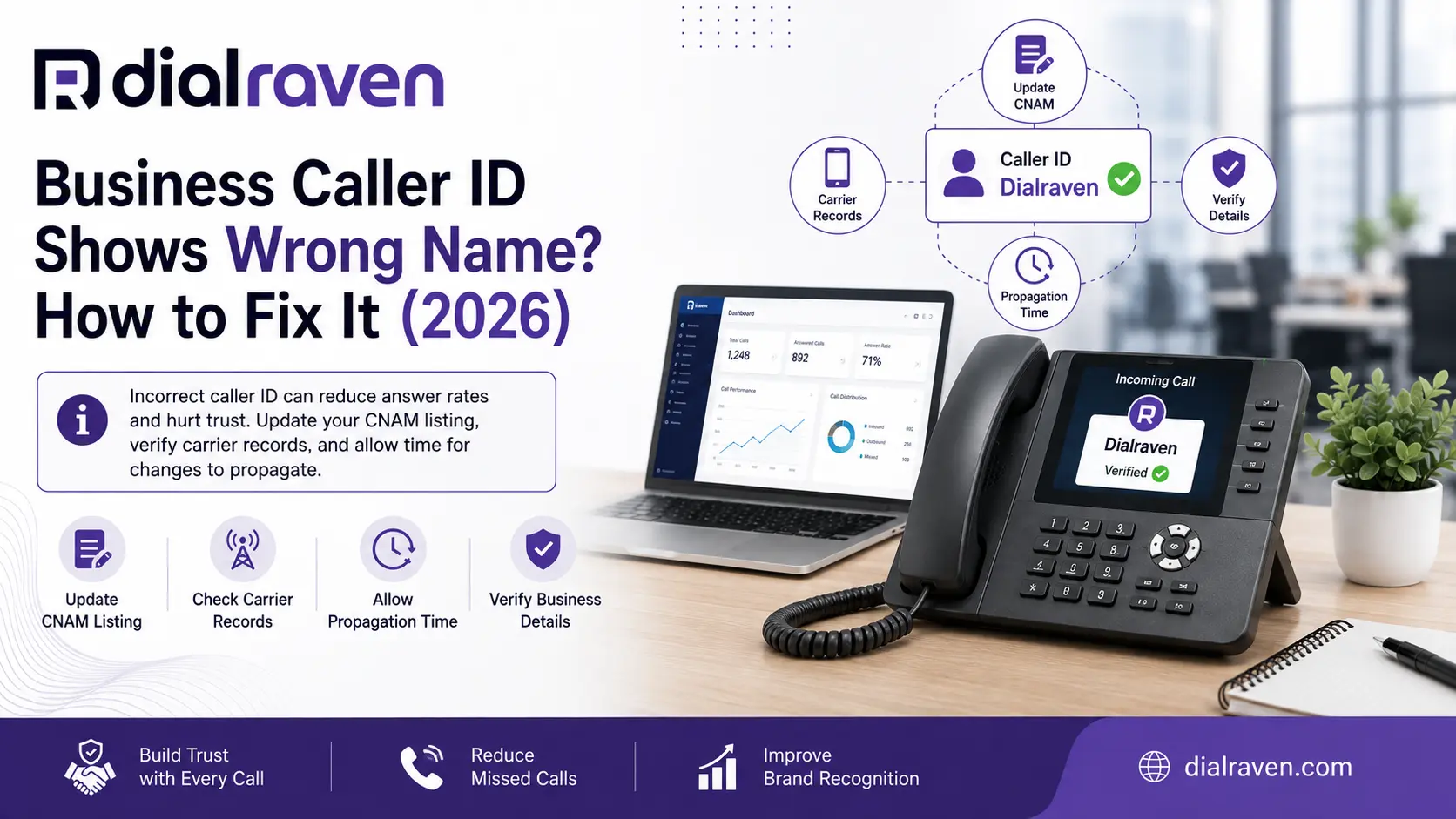
Business Caller ID Shows Wrong Name? How to Fix It (2026)
Business caller ID shows the wrong name? Learn why CNAM, old number records, carriers, Google, or porting can cause it and how to fix the display.
Quick Answer
A business caller ID can show the wrong name because the display may come from outdated CNAM records, previous number ownership, receiving-carrier databases, Google business data, or other caller-identification systems. Updating your VoIP dashboard alone may not change what customers see.
Dial Raven Team
VoIP Communication Expert
You call a customer from your business number. The phone number is correct, but their screen shows an old company name, another business, a former employee, a generic location, or no recognizable business identity at all. When your business caller ID shows wrong name information, changing one field inside your phone-system dashboard may not solve the problem.
That is because caller identity is not always controlled by one universal database. The telephone number travels with the call, but the name a customer sees can be determined separately by the receiving carrier, caller-name data, device software, Google, or another identity service. The fastest way to troubleshoot the problem is: See → Compare → Identify → Correct → Verify. First determine what customers actually see, then identify which caller-identity layer is producing it before changing anything.
Business Caller ID Shows Wrong Name: Quick Answer
A wrong business name on caller ID usually comes from one of several places: stale CNAM information, a previous owner of the number, old data after a rebrand or port, receiving-carrier records, Google business caller-identification data, or incorrect outbound-number configuration.
Traditional U.S. caller-ID systems may obtain the calling name through a lookup rather than receiving the business name directly with the telephone number. The FCC has documented that multiple CNAM databases can be used by caller-ID providers. You can review the FCC explanation of caller-name lookups for the underlying framework. The key point is simple: the number can be correct while the displayed name is wrong.
Caller ID Number vs Caller ID Name
Before troubleshooting, separate the telephone number, caller name, and reputation label. They are related, but they are not the same signal.
| Caller ID Element | What It Means |
|---|---|
| Caller ID number | The telephone number being presented with the outbound call |
| Caller ID name | A business or caller name associated with that number by a lookup or identity system |
| Spam label | A reputation or risk classification such as Spam Likely |
| Branded identity | Richer verified identity that may include a business name, logo, or other information where supported |
A company can therefore have a correct number with the wrong name, or a correct number and correct name with a spam warning. Those are different problems and should not be diagnosed the same way.
What Is CNAM?
CNAM refers to the traditional caller-name mechanism used in U.S. telephony to associate a telephone number with a display name. The important technical detail is that your phone system does not necessarily send the final business name that appears on the customer's screen.
A receiving caller-ID service may use the calling number to query a caller-name database. The FCC has noted that multiple CNAM databases can exist, which helps explain why caller-name information may be inconsistent across providers. CNAM remains important, but it should not be treated as the only identity source used by modern mobile devices.
Why Correct CNAM Does Not Guarantee the Right Name
Imagine that your voice provider confirms the caller-name record as ACME PLUMBING. One customer sees ACME PLUMBING, another sees Orlando, FL, and a third sees Acme Home Services. That does not automatically mean the originating phone system failed.
- Traditional CNAM data
- Receiving-carrier databases
- Carrier-specific caller-identification services
- Google caller-ID data
- Smartphone operating-system features
- Third-party caller-identification applications
- Spam and reputation analytics
- Branded calling systems
Google's official Phone app documentation says Google uses various signals to determine business Caller ID and can display business names or categories for numbers outside a user's contacts. You can review how Google business Caller ID works. This is why caller ID should be treated as an identity stack, not one setting.
7 Reasons Your Business Caller ID Shows the Wrong Name
1. The Number Previously Belonged to Another Business
Business telephone numbers can change owners. If your company receives a number that was previously associated with another organization, old identity information may remain in one or more databases. The result can be confusing: your company controls the number, but the customer's screen still identifies the previous business.
Do not immediately replace the number. First identify which devices, carriers, or identity services are still showing the old business.
2. Your Company Recently Rebranded
An old business name showing on caller ID is common after a company changes names. Updating your website, invoices, email signatures, and branding does not automatically update every telecom identity source.
A rebrand should therefore include a caller-identity review covering the phone provider, public business listings, Google business information, and external test calls.
3. The Number Was Recently Ported
Porting transfers control of a telephone number between providers. Caller-name information seen downstream may still need to be reviewed after the move.
- Verify the outbound telephone number
- Check caller-name display
- Test calls from each important user type
- Test mobile and desktop applications
- Check department or queue outbound identity
- Test multiple receiving networks
Dial Raven's guide to porting a business phone number to VoIP covers the broader transfer process and why outbound caller ID should be tested after cutover rather than assuming a successful number port proves every identity setting is correct.
4. Google Has Different Business Identity Data
An Android caller ID wrong business name problem may not be a traditional CNAM issue at all. Google's Phone app can use its own signals to assign business Caller ID, and users can submit caller-ID feedback about business names and categories.
- Search the number on Google
- Check associated business information
- Review your Google Business Profile
- Verify that the phone number belongs to the correct business listing
- Look for old or duplicate business listings
- Compare the result with non-Android devices
If the problem appears primarily on Android devices, investigate Google's identity layer before repeatedly changing the caller-name field in your VoIP portal.
5. One Receiving Carrier Has Different Data
A useful troubleshooting clue is that the name is correct for some customers but wrong for others. If the exact same outbound number displays differently across receiving networks, the problem may be downstream from your phone system.
That is why testing only your own mobile phone is not enough. Compare several external networks and devices before deciding which system needs to be corrected.
6. Your Phone System Is Presenting the Wrong Outbound Number
Sometimes the business name is not the root problem. An employee, queue, branch, or application may be presenting a different DID than the business expects.
For example, an employee may be expected to present the main company number but actually present an old branch number. The receiving identity system then looks up the old number and displays the name associated with that number.
- Individual users
- Departments
- Call queues
- Desk phones
- Desktop applications
- Mobile applications
- Different office locations
If your setup has grown organically over time, Dial Raven's business phone system setup guide explains how numbers, users, extensions, and routing should be documented and tested before go-live.
7. The Problem Is Actually a Spam Label
Do not confuse a wrong company name with Spam Likely, Scam Likely, or another carrier warning. A wrong caller name is primarily an identity or display problem. A spam label is a reputation problem.
If customers are seeing a warning label instead of simply the wrong company name, use Dial Raven's business phone number marked as spam guide rather than treating the issue as CNAM-only.
How to Find Where the Wrong Caller ID Name Is Coming From
Do not start submitting random correction requests. Use a structured diagnostic process so you can identify which caller-identity layer is actually wrong.
Step 1: Capture Exactly What Customers See
Ask for screenshots when practical. Document the displayed business name, telephone number, any spam warning, the receiving device type, carrier, and test date.
Step 2: Test More Than One Receiving Network
Test the same outbound business number against several external phones where practical. If multiple networks show different identities, the originating phone system is unlikely to be the only layer involved.
Step 3: Test a Phone That Does Not Have You Saved
Saved contacts can hide the real external caller-ID experience. If the recipient has your number stored under a custom label, that saved name may appear regardless of what an unknown customer would see.
Step 4: Verify the Actual Outbound Number
Check what number is being presented by desk phones, softphones, mobile applications, sales users, service teams, departments, and different office locations.
Step 5: Review Caller-Name Data With Your Provider
Ask your provider what caller-name identity is registered for the exact outbound number. Do not ask only whether caller ID is enabled. Number presentation and public caller-name identity are separate questions.
Step 6: Check Google Identity
If Android or Google appears to be the outlier, verify your business information and the phone number associated with the relevant Google business listing.
Step 7: Separate Identity From Reputation
If the screen shows the wrong company name, investigate identity. If the screen shows Spam Risk, Spam Likely, Scam Likely, or another warning, investigate reputation.
Wrong Caller ID Troubleshooting Table
| What the Customer Sees | First Place to Investigate |
|---|---|
| Previous business name | CNAM, previous ownership, old listings |
| Old name after rebrand | Caller-name records and Google business data |
| Wrong only on Android | Google business Caller ID |
| Correct on one carrier, wrong on another | Receiving-carrier identity source |
| City or state instead of company | Caller-name availability and receiving display behavior |
| Wrong phone number | PBX or VoIP outbound caller-ID configuration |
| Wrong name after port | Provider records and downstream identity |
| Spam Likely | Number reputation rather than only caller-name data |
Use this table diagnostically rather than assuming one symptom always has one cause. External caller identity can involve several systems at the same time.
How to Change Your Business Caller ID Name
If you are researching how to change business caller ID name information, work from the actual outbound number outward rather than changing internal user labels first.
1. Confirm the Correct Outbound Number
Make an external call and verify the number the recipient actually receives.
2. Verify the Business Name With Your Provider
Ask what caller-name record is associated with that number. Use a recognizable company identity rather than an internal department label customers would not understand.
3. Correct Old Business Information
If the company recently rebranded, review public business directories, Google business information, and relevant telecom records.
4. Review Recently Ported Numbers
Confirm the number is assigned to the intended users, locations, departments, and outbound caller-ID profiles after migration.
5. Test Externally
Do not conclude the fix worked simply because the administrator portal now shows the right name. The customer-facing display is the result that matters.
6. Document Carrier-Specific Differences
If one receiving network still shows something different, document the carrier, device, displayed name, and screenshot before escalating the issue.
Why Changing Your VoIP Portal Name May Not Fix Caller ID
Your VoIP dashboard may contain several separate labels: user name, extension name, device label, department name, outbound caller ID number, and caller-name or CNAM configuration.
Changing an internal label such as Robert Smith to Robert - Sales may only change how the user appears inside the admin portal. It does not necessarily change what an outside customer's carrier or smartphone displays.
A properly configured business phone system should make outbound-number ownership and call routing clear, but external name presentation still needs to be verified outside the platform.
Why Does Android Show the Wrong Business Name?
Google's Phone app can provide information about businesses outside the recipient's contacts and uses multiple signals to determine business Caller ID. Users can also submit feedback about the name or category associated with a business number.
So if an iPhone or another receiving environment shows the correct company but Android shows the wrong identity, investigate Google's business data rather than assuming CNAM alone is broken.
- Review the Google Business Profile
- Verify the phone number on the business listing
- Search Google for the phone number
- Look for old or duplicate business listings
- Compare results on other receiving devices
- Review Google Phone caller-ID feedback options where applicable
Why Is Caller ID Right on One Carrier but Wrong on Another?
Caller-name display is not sourced from one universal database. Different receiving carriers, devices, and identity services can return different results for the same telephone number.
The FCC has documented limitations in legacy caller-name data and has discussed richer verified identity approaches such as Rich Call Data. Correct on one network therefore does not prove the business name is correct everywhere.
Wrong Caller ID After Porting a Business Number
A number port changes which provider controls the telephone number. It does not mean every downstream caller-identity system immediately becomes identical.
- Confirm the correct number is assigned
- Confirm the business name with the new provider
- Test multiple user accounts
- Test different receiving devices
- Review Google identity where relevant
- Check spam labels separately
- Keep screenshots of inconsistent results
If the number transfer itself is still being planned, follow the full business phone number porting guide before changing the production environment.
Caller ID for Multi-Location Businesses
Multi-location businesses need an additional decision: should employees present the corporate number or a location-specific number?
For example, an Orlando office may present an Orlando number, a Dallas office may present a Dallas number, while national support presents the main corporate number. The best choice should match how customers are expected to call back.
Dial Raven's VoIP for multiple locations guide explains how location-specific numbers can coexist in one centrally managed cloud phone system. After assigning those numbers, test the external name associated with each important number rather than validating only the main company line.
CNAM vs Branded Caller ID
Caller identity is gradually moving beyond basic caller-name lookup. Traditional CNAM and newer branded caller-ID systems solve related but different identity problems.
| Capability | Traditional CNAM | Branded Caller ID / Rich Identity |
|---|---|---|
| Business name | Where supported | Yes, where supported |
| Logo | No | Potentially |
| Call reason | No | Potentially |
| Rich brand information | Limited | Potentially |
| Network and device support | Varies | Varies |
| Identity model | Legacy name lookup | Richer verified identity model |
The FCC has discussed Rich Call Data as a potential complement or alternative to legacy CNAM because traditional caller-name databases can be inaccurate or inconsistent. Richer systems may support business names, logos, and call-reason information where networks and devices support them.
That does not mean every business can enable branded calling today and expect identical results on every device. Availability still depends on providers, networks, identity programs, and receiving-device support.
Wrong Caller ID Name vs Spam Likely
| Issue | Main Problem |
|---|---|
| Wrong business name | Identity information is incorrect |
| Old company name | Identity information is stale |
| No recognizable name | Identity may be unavailable |
| Wrong outbound number | Phone-system configuration |
| Spam Likely | Reputation or risk scoring |
| Scam Likely | Reputation or risk scoring |
| Potential Spam | Reputation or risk scoring |
If your calls display the correct company name plus a spam warning, changing CNAM may not remove the reputation label. Use the dedicated business phone number marked as spam process instead.
Business Caller ID Checklist
- Confirm the exact outbound number
- Confirm which users and locations present each number
- Test using phones where your business is not saved as a contact
- Capture screenshots from different receiving networks
- Verify the provider's caller-name record
- Check for old business ownership or rebranding data
- Check Google business identity when Android is affected
- Verify recently ported numbers
- Separate wrong-name problems from Spam Likely labels
- Test every important outbound number
- Document results after changes
- Escalate using screenshots and specific carrier or device details
Final Verdict: Fix the Identity Source, Not Just the Phone Setting
When caller ID shows wrong name information for your business, repeatedly changing settings inside the phone portal can waste time if the incorrect display is coming from somewhere else.
Start with what customers actually see, then follow the sequence See → Compare → Identify → Correct → Verify. The key principle is simple: caller ID is a stack, not one setting.
The outbound number comes from your phone environment, while the business identity shown to a customer may involve caller-name records, receiving carriers, Google, device software, reputation systems, or newer branded-calling technology. Find the layer that is wrong before trying to fix it.
Frequently Asked Questions
Why does my business caller ID show the wrong name?
A wrong business caller ID name can come from outdated CNAM information, previous number ownership, old business records, receiving-carrier data, Google caller-identification data, or an incorrect outbound number being presented by the phone system.
How do I change my business caller ID name?
First confirm the exact outbound number, then verify the caller-name information registered by your phone provider. Also check public business information and Google identity if certain devices show a different name. Test externally after changes rather than relying only on your admin portal.
What is CNAM in caller ID?
CNAM is the traditional caller-name mechanism used to associate a telephone number with a display name. A receiving caller-ID service may use the calling number to query a CNAM database and determine what name to display.
Why is my old business name showing on caller ID?
An old business name may remain in caller-name databases, receiving-carrier records, Google business data, or other identity sources after a rebrand. Identify which devices and networks still display the old name before requesting corrections.
Why is caller ID correct on one carrier but wrong on another?
Different receiving carriers and devices can use different caller-name or identity sources. That means the same outbound phone number can display correctly on one network and differently on another.
Why does Android show the wrong business name when I call?
Google's Phone app can use Google business Caller ID information and other signals rather than relying only on traditional carrier caller-name data. Check the phone number's Google business association and compare Android results with other receiving devices.
Does porting a business number change the caller ID name?
Porting transfers control of the telephone number to a new provider, but caller-name and other external identity information should still be verified after the transfer. Always test outbound number and name display after a port.
How long does a caller ID name update take to appear?
There is no universal propagation time because the displayed identity may involve different providers, databases, carriers, and devices. Ask your provider for its update process and test externally rather than assuming every network changes at the same time.
Is CNAM the same as branded caller ID?
No. Traditional CNAM primarily associates a caller name with a telephone number. Modern branded-calling systems can potentially support richer verified identity such as company branding, logos, or call-reason information where networks and devices support those features.
Is a wrong caller ID name the same as a Spam Likely label?
No. A wrong business name is primarily an identity or display problem. Spam Likely, Scam Likely, and similar warnings are reputation or risk labels generated by carrier and analytics systems and require a different troubleshooting process.
Customers Seeing the Wrong Business Name When You Call?
Dial Raven can help review the number your team is actually presenting, caller-name configuration, recent number ports, location-specific outbound settings, spam reputation, and other identity signals that may affect what customers see. Instead of changing settings blindly, start by identifying which layer is producing the wrong display. Check My Caller ID with Dial Raven.
Related pages
Ready to modernize your phone system?
Talk to a Dial Raven specialist and get a plan built around how your team works.