
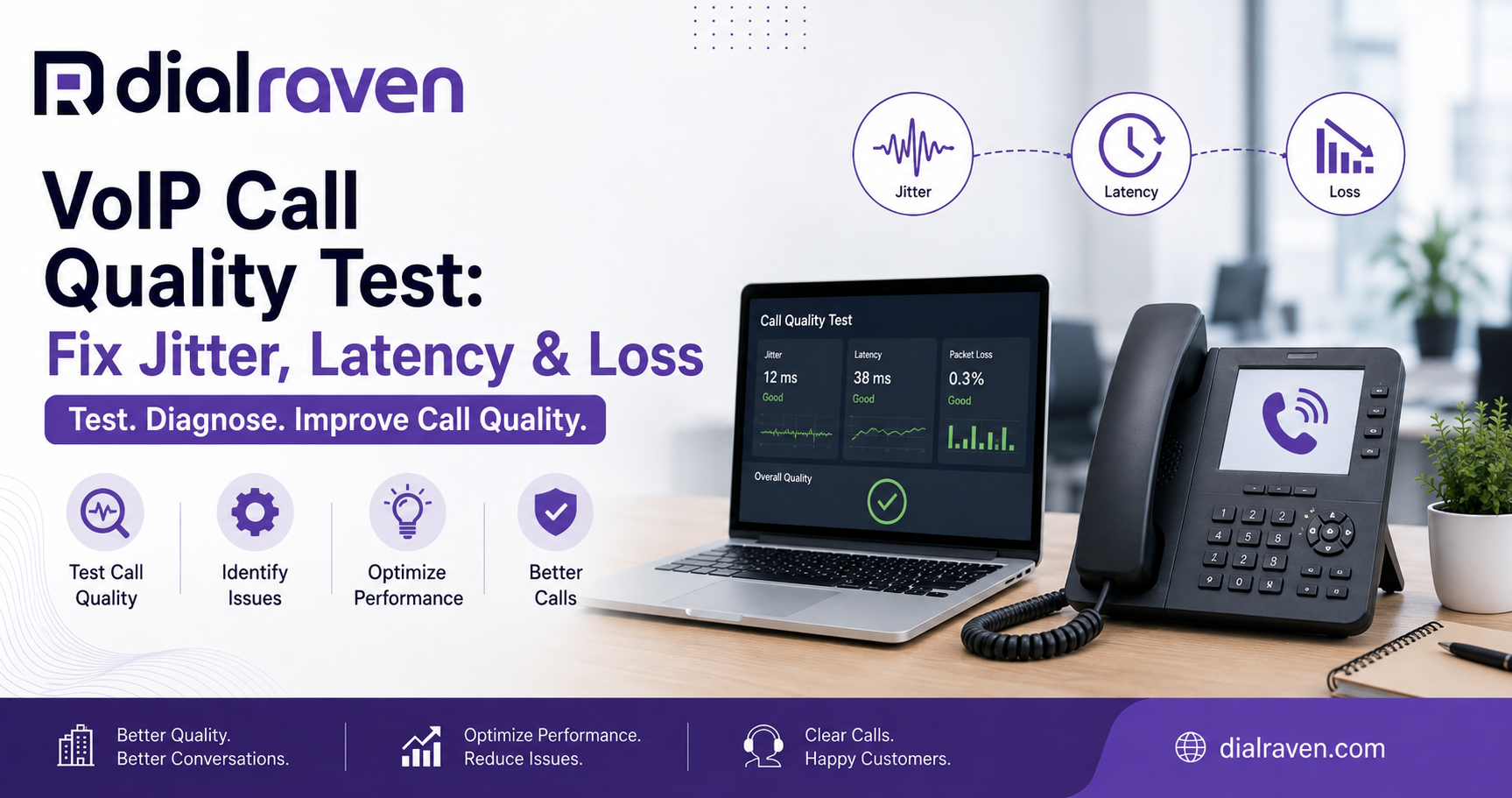
VoIP Call Quality Test: Fix Jitter, Latency & Loss
Run a VoIP call quality test, understand jitter, latency, packet loss, and MOS, and fix choppy, delayed, or dropped business calls.
How do you test and improve VoIP call quality?
Quick answer
A VoIP call quality test measures latency, jitter, packet loss, MOS, and available capacity. Test from the network and device used for calls, compare Wi-Fi with Ethernet, then fix congestion, hardware, firewall, ISP, or provider issues based on the result.
By Dial Raven Team
VoIP Communication Expert
Choppy audio, delayed conversations, missing words, and dropped calls are usually signs that voice packets are not moving consistently across the network. A VoIP call quality test measures the conditions that affect real-time calls, including latency, jitter, packet loss, Mean Opinion Score, and available capacity. Start by using Dial Raven's free Network Health Check, then use this guide to interpret the results and identify whether the problem is your device, Wi-Fi, office network, internet provider, or VoIP service.
What Is a VoIP Call Quality Test?
A VoIP call quality test evaluates how reliably a network can carry live voice traffic. Unlike a basic internet speed test, it looks at whether small voice packets arrive quickly, consistently, and without being lost. Those characteristics matter because a call happens in real time: a packet that arrives too late cannot simply be downloaded again without interrupting the conversation.
A useful VoIP quality test should measure latency, jitter, packet loss, and capacity from the same location and connection employees use for business calls. Some tests also calculate a Mean Opinion Score, or MOS, which summarizes expected listening quality on a scale commonly ranging from 1 to 5.
What Does a VoIP Quality Test Measure?
| Metric | What It Means | Practical Target | What Poor Results Sound Like |
|---|---|---|---|
| Latency | The time voice data takes to travel between endpoints | Under 150 ms one-way for high-quality real-time voice | Delayed replies, talk-over, awkward pauses, or echo perception |
| Jitter | Variation in the arrival time of consecutive voice packets | Below 30 ms is a common planning target; lower and stable is better | Robotic speech, clipping, uneven audio, or dropped syllables |
| Packet loss | The percentage of voice packets that never reach the destination | 0% is ideal; sustained loss should be investigated and kept below 1% where possible | Missing words, brief silence, broken audio, or dropped calls |
| MOS | An estimated overall voice-quality score | 4.0 or higher generally indicates good business-call quality | A lower score suggests that delay, loss, jitter, or codec quality is affecting the call |
| Bandwidth and capacity | The connection's ability to support simultaneous calls and other traffic | Enough upload and download capacity for peak concurrent calls plus headroom | Quality falls during backups, video meetings, uploads, or other busy periods |
These are practical planning guidelines rather than universal pass-or-fail rules. Results can vary based on the test method, codec, provider, server distance, Wi-Fi conditions, VPN use, and whether latency is reported one-way or round trip. ITU-T G.114 provides guidance on one-way voice delay, while ITU-T G.107 defines the E-model used in many quality calculations.
How to Test VoIP Call Quality
- Run the test from the office, home, or branch network where calls are actually made
- Use the same laptop, phone, browser, Wi-Fi network, VPN, or Ethernet connection used during normal work
- Test once during a quiet period and again during the busiest part of the day
- Compare Wi-Fi results with a wired Ethernet connection
- Repeat the test from more than one affected device
- Test each business location and important remote-work location separately
- Record the date, time, connection type, result, and symptoms reported by users
- Avoid relying on a single successful result if the problem occurs intermittently
To begin, run a free VoIP call quality test from the affected connection. Keep the result available while comparing the metrics with the symptoms users hear during real calls.
Why Can a VoIP Speed Test Pass While Calls Still Sound Bad?
A standard VoIP speed test or broadband test mainly reports how much data the connection can upload and download. A business can have hundreds of megabits of available bandwidth and still experience poor calls if packets arrive unevenly, take an inefficient route, or are dropped during short periods of congestion.
Voice quality depends on consistency, not speed alone. File downloads can recover from short delays because missing data can be retransmitted. A live conversation cannot wait for late packets without creating pauses, clipping, or robotic audio. This is why a voice-focused test must include jitter, latency, and packet loss.
Match the Call Problem to the Likely Cause
| Call Symptom | Likely Cause | First Test | First Action |
|---|---|---|---|
| Choppy or robotic audio | Jitter, packet loss, congestion, or weak Wi-Fi | Run a VoIP jitter test and packet-loss test on Wi-Fi and Ethernet | Use Ethernet, pause heavy traffic, and check router QoS |
| Long delay or people talking over each other | High latency, VPN routing, distant media servers, or ISP routing | Compare latency with and without the VPN | Use a more direct connection and escalate persistent routing delay |
| Missing words or short periods of silence | Packet loss or an overwhelmed jitter buffer | Run a VoIP packet loss test during the affected time | Check congestion, Wi-Fi signal, cables, switches, and ISP stability |
| One-way audio | Firewall, NAT, blocked RTP ports, or SIP ALG behavior | Confirm whether the problem affects inbound or outbound audio | Have the network administrator review firewall, NAT, and SIP settings |
| Dropped calls | Internet interruption, router restart, firewall timeout, or provider issue | Compare call failures with router, ISP, and provider logs | Identify which network segment stopped passing traffic |
| Echo | Speakerphone feedback, headset issues, device volume, or excessive delay | Test with a different headset or handset | Reduce speaker volume and isolate the affected endpoint |
| Only one employee has poor calls | Device, headset, local Wi-Fi, driver, or cable problem | Move the user to a known-good device and wired connection | Replace or reconfigure the local equipment |
| Calls fail only during busy hours | Network congestion or insufficient peak capacity | Test during backups, video meetings, or peak office use | Add capacity, reschedule heavy traffic, or prioritize voice |
How to Fix Poor VoIP Call Quality
1. Compare Wi-Fi With Ethernet
Connect the affected device directly to the router or network switch and repeat the test. If Ethernet performs well but Wi-Fi does not, investigate signal strength, interference, channel congestion, access-point placement, roaming, and the number of devices sharing the wireless network.
2. Stop Peak-Time Network Congestion
Large uploads, cloud backups, software updates, video meetings, guest Wi-Fi, security-camera uploads, and file synchronization can compete with voice traffic. Repeat the test while those activities are running. If quality drops only under load, increase available capacity, reschedule heavy traffic, or apply appropriate Quality of Service policies.
Cisco's VoIP Quality of Service guidance explains that voice is sensitive to packet loss, delay, and varying delay. QoS can prioritize voice during congestion, but it cannot create bandwidth that the connection does not have.
3. Review the Router, Firewall, and SIP ALG
An overloaded router can increase jitter and drop packets. Firewall rules, NAT timeouts, blocked RTP traffic, or poorly implemented SIP ALG features can contribute to one-way audio, failed registrations, or disconnected calls. Do not change these settings blindly; document the current configuration and involve the VoIP provider or network administrator.
4. Isolate the Device or Headset
When only one person reports poor quality, move that user to a known-good handset, headset, cable, computer, and connection. A device-level comparison is faster and safer than making network-wide changes for a problem caused by one endpoint.
5. Repeat the Test by Location and Time
A single test may miss intermittent congestion or ISP instability. Compare results across locations, devices, connection types, and times of day. A pattern showing poor results only at one branch, on one ISP, or during one recurring period helps identify who should investigate next.
What Is Network Jitter in VoIP?
Jitter is the variation in the delay between arriving voice packets. Packets may leave the sender at consistent intervals but reach the receiver unevenly because of congestion, queuing, route changes, or configuration problems. Excessive variation can overwhelm the receiving device's jitter buffer and produce robotic or broken audio. Cisco's explanation of network jitter describes how inconsistent packet delay affects voice quality.
Who Should Fix the VoIP Problem?
- Device or user: The issue follows one headset, handset, computer, cable, or local Wi-Fi connection
- Office network administrator: Multiple users on the same LAN, VLAN, access point, switch, router, or firewall are affected
- Internet service provider: Packet loss or latency begins beyond the local network, or the circuit becomes unstable during specific periods
- VoIP provider: The local network tests well, but calls fail across locations, routes, destinations, or provider media servers
- Shared responsibility: The problem involves provider configuration combined with local firewall, NAT, QoS, or capacity settings
Do not begin by changing every router and firewall setting. First establish whether the problem affects one user, one location, one connection type, one destination, or the entire organization. That scope usually points to the responsible layer.
How to Test Your Network Before Switching to VoIP
Pre-deployment testing should reflect the network at its busiest, not an empty office after hours. Estimate peak simultaneous calls, test every location, include remote staff, and review the routers, switches, Wi-Fi access points, firewalls, backup internet, and power-continuity plan.
- Estimate the highest number of simultaneous inbound and outbound calls
- Calculate voice bandwidth with operating headroom
- Run quality tests during realistic business traffic
- Check wired and wireless performance separately
- Test remote and home-office connections
- Review router, switch, firewall, and access-point capacity
- Confirm whether voice traffic can be prioritized
- Document internet and power failover procedures
- Verify that emergency calling and location information are configured correctly
Use Dial Raven's SIP trunk calculator to estimate concurrent calls and bandwidth. The business phone hardware guide explains routers, switches, IP phones, softphones, and headsets, while the guide to setting up a business phone system covers the wider deployment process.
VoIP Call Quality for Remote and Multi-Location Teams
A headquarters test does not represent every employee. Remote workers and branch offices may use different ISPs, routers, Wi-Fi equipment, VPNs, and devices. Establish a repeatable test process, an approved-device list, minimum network expectations, and a clear escalation path for users who work outside the main office.
For high-volume support or sales teams, a cloud call-center solution should provide enough reporting and operational visibility to separate queue problems, agent-device issues, and network-quality failures.
When Should You Consider Changing VoIP Providers?
- The network repeatedly tests well but calls remain unreliable
- The provider cannot explain where packet loss, delay, or routing failures occur
- Support relies on generic scripts instead of reviewing real call and network data
- Multiple healthy business locations experience the same provider-side problem
- The service lacks useful reporting, failover, monitoring, or escalation options
- Persistent quality incidents remain unresolved after local network issues are ruled out
A reliable business VoIP phone system should be supported by appropriate network preparation, responsive troubleshooting, call continuity, and clear responsibility when quality problems occur.
Frequently Asked Questions
How do I test VoIP call quality?
Run a voice-specific network test from the device and connection used for business calls. Review latency, jitter, packet loss, MOS, and capacity. Repeat the test during quiet and busy periods, and compare Wi-Fi with wired Ethernet.
Why are my VoIP calls choppy when my internet speed is fast?
Fast download and upload speeds do not guarantee consistent packet delivery. Choppy calls are commonly associated with jitter, packet loss, Wi-Fi interference, congestion, overloaded equipment, or unstable routing.
What is a good jitter result for VoIP?
Lower and more stable jitter is better. Below 30 milliseconds is a common planning target, although some providers use stricter thresholds. Compare the result with the provider's requirements and test repeatedly during normal business traffic.
What latency is acceptable for VoIP?
ITU guidance commonly referenced for real-time voice recommends keeping one-way end-to-end delay below 150 milliseconds for high-quality calls. Higher latency can cause pauses, talk-over, and an unnatural conversation.
How much packet loss is too much for VoIP?
Zero packet loss is ideal. Even small amounts can become audible depending on the codec and whether loss occurs in bursts. Sustained packet loss should be investigated, and business networks should generally aim to keep it below 1% or the provider's stricter limit.
What is a good MOS score for a business call?
A MOS of 4.0 or higher generally represents good business-call quality. Treat the score as a summary indicator and review the underlying latency, jitter, packet-loss, and codec results when the score is lower.
Does Wi-Fi affect VoIP call quality?
Yes. Weak signals, interference, overloaded access points, roaming, distance, and physical barriers can create jitter or packet loss. Compare the same device on Wi-Fi and Ethernet to determine whether the wireless network is contributing to the problem.
Poor calls should not be diagnosed through guesswork. Run your free VoIP Network Health Check, save the results, and compare them with the symptoms your team reports. If you need help identifying whether the issue is your network, ISP, equipment, or current provider, request a free VoIP consultation with Dial Raven.
Related pages
Ready to modernize your phone system?
Talk to a Dial Raven specialist and get a plan built around how your team works.