
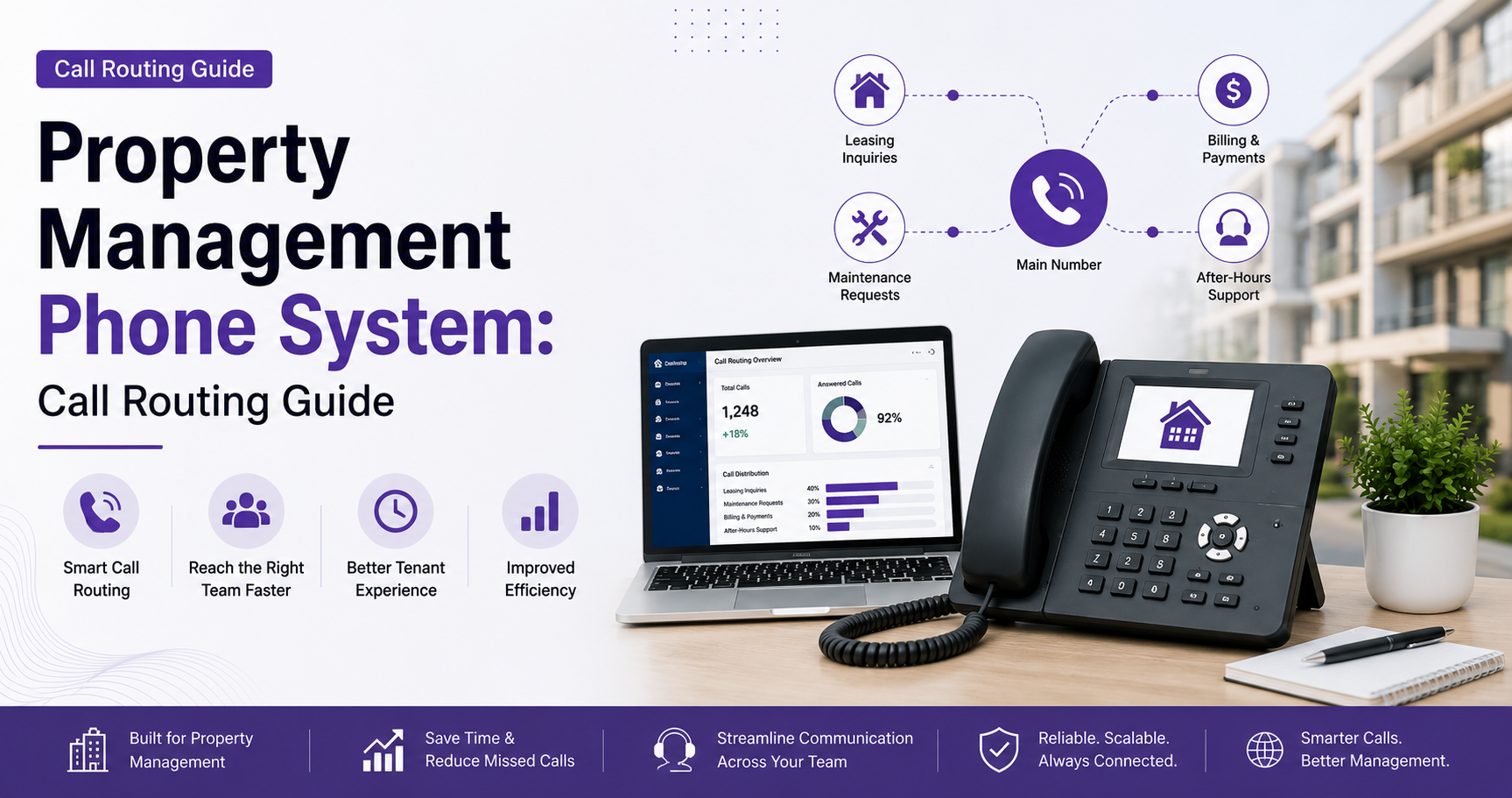
Property Management Phone System: Call Routing Guide
Learn how to route leasing, tenant, and after-hours maintenance calls across multiple properties with a modern property management phone system.
Quick Answer
A property management phone system should separate calls into three paths: leasing, resident service, and urgent maintenance. It should use property-based routing, business-hours rules, on-call escalation, SMS alerts, and failover to connect every caller with the right person.
Dial Raven Team
VoIP Communication Expert
Property management calls do not all have the same urgency. A leasing inquiry may represent a new resident, a tenant may need help with a routine issue, and a burst pipe or loss of heat may require immediate escalation.
A property management phone system should separate these calls into three clear paths: leasing, resident service, and urgent maintenance. It should then use property-based routing, business-hours rules, on-call escalation, SMS confirmation, and failover so every caller reaches the right person.
A modern cloud-based business phone system makes this possible across one building or an entire portfolio. The goal is not simply to answer more calls. It is to protect leasing opportunities, improve tenant communication, and make after-hours maintenance routing dependable.
Why Property Management Calls Need Dedicated Routing
Property management teams receive calls from prospects, tenants, owners, vendors, contractors, and emergency services. The correct destination can change by property, time, issue type, and employee schedule.
Without a clear routing plan:
- Leasing calls may go to voicemail.
- Routine requests may interrupt on-call employees.
- Emergency calls may stop at one unanswered phone.
- Employees may rely on personal cell numbers.
- Managers may have no clear record of missed calls or follow-up.
For organizations managing several locations, a multi-site phone system can centralize phone numbers, users, schedules, and reporting while keeping property-specific greetings and routing rules.
The Three-Path Property Management Phone System Model
The simplest structure is to divide inbound calls into three paths.
| Call Information | Call Handling | ||
|---|---|---|---|
| Call path | Typical caller | Main destination | After-hours treatment |
| Leasing | Prospective tenants and applicants | Property leasing team or central leasing queue | Overflow, AI receptionist, or voicemail with text follow-up |
| Resident service | Current tenants, owners, and vendors | Property manager or resident-service queue | Shared voicemail or next-business-day follow-up |
| Urgent maintenance | Tenants reporting an emergency | Scheduled on-call employee | Timed escalation to a backup contact |
This model gives every call an owner. It also prevents all after-hours calls from being treated the same way.
How to Route Leasing Calls Across Multiple Properties
Leasing calls have a short shelf life. Prospects frequently contact several properties while comparing availability, rent, amenities, and tour times.
Route by Property First
If each property has its own number, the system can identify the location automatically. If you use one shared number, keep the menu short:
- Press 1 for leasing.
- Select the relevant property.
- Route the call to the correct leasing group.
Avoid long menus that make prospects work too hard to reach a person.
Use a Leasing Ring Group or Queue
A leasing call should not depend on one employee being available. Ring the assigned team simultaneously or in a defined order.
If nobody at the property answers, overflow the call to a central leasing team instead of ending the call.
Recover Missed Leasing Calls Quickly
When a leasing call is missed, send an automated message from the company number.
A business SMS system can confirm receipt, ask which property the prospect is interested in, and provide a link for requesting a tour.
This keeps the follow-up process from being trapped inside voicemail.
How to Route Tenant and Resident-Service Calls
Resident calls usually require more context. The team may need to know the property, unit, issue type, and whether the request is urgent.
A practical resident-service call flow is:
- Identify the property from the dialed number or a short property menu.
- Separate resident support from leasing.
- Route routine maintenance and office questions to the appropriate queue.
- Apply a timed fallback to another employee or shared voicemail.
- Confirm receipt by text when a response will not be immediate.
An auto attendant works well when callers only need a few clear choices.
Use plain language such as “Press 2 for current resident support” instead of internal department names tenants may not recognize.
After-Hours Maintenance Call Routing
After-hours maintenance call routing should follow a written emergency policy.
Property leadership should define which situations require immediate escalation, which can wait until the next business day, and who is responsible during each on-call period.
Step 1: Play a Clear After-Hours Greeting
Tell callers that the office is closed and explain how to report an urgent maintenance issue.
Non-urgent callers should also know when they can expect a response.
Step 2: Separate Urgent and Routine Requests
Urgent calls should have a dedicated route.
Routine requests should go to a shared voicemail or message queue so the on-call employee is not interrupted unnecessarily.
Step 3: Route to the Scheduled On-Call Contact
Use an on-call schedule instead of manually changing forwarding numbers every evening.
The employee answering should be able to identify the property and see that the call came through the business phone system.
Step 4: Escalate Unanswered Calls
If the first employee does not answer within a defined period, route the call to a backup employee, supervisor, or approved emergency vendor.
A call forwarding and failover plan ensures the call does not stop at the first unanswered device.
Step 5: Send an Alert and Preserve Context
Send the on-call employee an SMS or application alert with the caller’s number, property, and available issue details.
Where legally configured, AI call transcription can help reduce incomplete handoffs and provide a searchable record of the request.
Step 6: Test Every Route
Test the complete call flow during:
- Business hours
- Evenings
- Weekends
- Holidays
- Internet outages
Confirm that urgent calls escalate in the correct order and routine messages reach the morning team.
One Number or Separate Numbers for Each Property?
There is no single correct number structure. The right model depends on the size of the portfolio and how the team operates.
| Number model | Best for & Main advantage | |
|---|---|---|
| One portfolio-wide number | Smaller centralized teams | Simple marketing and administration |
| Separate number for each property | Distinct properties or local leasing teams | Automatic property identification and cleaner reporting |
| Separate leasing and resident numbers | High-volume communities | Keeps sales and service calls apart |
| Hybrid model | Multi-property organizations | Combines local identity with centralized management |
For many growing operators, the hybrid model is the strongest option.
The company can keep a recognizable number for each property while managing all routing, users, schedules, and reporting through one system.
Essential Features in a Phone System for Property Management Companies
VoIP for property management works best when the provider supports the organization’s actual operating model.
Look for:
- Property-specific phone numbers and greetings
- Ring groups and call queues
- Business-hours and after-hours schedules
- On-call rotation and timed escalation
- Automatic forwarding and outage failover
- Business SMS
- Mobile and desktop applications
- Shared voicemail
- Call recording and permission controls
- AI summaries and searchable transcripts
- Portfolio-wide reporting
- Number porting and migration support
Field employees should be able to answer through the company number without publishing personal cell numbers.
A business mobile app can provide that separation while keeping calls, texts, and voicemail accessible outside the office.
Property Management Phone System Cost
Property management phone system cost depends on the operating design, not only the number of properties.
The main cost factors include:
- Number of staff users
- Number of public phone numbers
- Simultaneous call capacity
- Routing complexity
- SMS usage
- AI features
- Recording storage
- Hardware
- Integrations
- Setup and support
Compare total cost rather than the advertised starting price alone.
Confirm whether the quote includes number porting, call queues, SMS registration, implementation, technical support, and future routing changes.
Review Dial Raven’s phone system pricing when estimating the cost for your team.
Compliance and Emergency Calling
Property-management communications may include recorded conversations, tenant information, text messages, and emergency calls.
Before launching the system:
- Verify emergency-service addresses for each fixed location and user profile.
- Review Dial Raven’s E911 compliance guide.
- Establish recording consent, access, and retention policies with legal counsel.
- Follow applicable consent and opt-out rules for business texting.
- Review the 10DLC compliance guide.
- Restrict access to tenant and call records by employee role.
This is operational guidance rather than legal advice. Requirements may vary by state.
Property Management Phone System Implementation Checklist
Use this checklist before switching systems:
- List every property, leasing, office, maintenance, and legacy number.
- Document where each number is published.
- Map current business-hours and after-hours routing.
- Assign a primary owner and backup for every call path.
- Define the emergency-maintenance policy.
- Decide which numbers should remain property-specific.
- Build the leasing, resident, and urgent-maintenance routes.
- Configure queues, schedules, escalation, and failover.
- Test every route from an external phone.
- Train employees on transfers, on-call handoffs, and message ownership.
- Port numbers only after account details have been verified.
- Review missed calls and escalation failures after launch.
Do not cancel the existing provider before number ports are complete. Use a controlled migration process such as the one outlined in Dial Raven’s guide to switching from a landline to VoIP.
How to Choose the Right Provider
Ask each provider to demonstrate real property-management scenarios instead of only showing a feature list.
The demonstration should include:
- A prospect calling a specific property
- A leasing call overflowing to another team
- A routine resident request
- An urgent maintenance call after hours
- An unanswered on-call call escalating to a backup
- A missed call triggering a text acknowledgment
- A property experiencing an internet outage
- A manager reviewing call results across the portfolio
The best provider is the one that can translate written policies into a clear, testable call flow.
Build a Call Flow That Fits Your Portfolio
The best property management phone system does not send every caller to the same queue.
It recognizes the difference between a leasing opportunity, a resident-service request, and an urgent maintenance call. It then applies the correct routing, schedule, escalation, and follow-up process.
Dial Raven can help map your current numbers, identify coverage gaps, and design a centralized property management call routing plan.
Request a free property management call-flow consultation to create the right routing structure before switching systems.
Frequently Asked Questions
What Is a Property Management Phone System?
A property management phone system is a business calling platform configured for leasing, resident communication, owner and vendor calls, and maintenance escalation. It can manage multiple numbers, schedules, queues, SMS, mobile users, and reporting from one system.
Can Multiple Properties Use One VoIP Phone System?
Yes. Multiple properties can share one centrally managed VoIP platform while keeping separate numbers, greetings, queues, schedules, and reports for each location.
How Should After-Hours Maintenance Calls Be Routed?
Urgent calls should reach the scheduled on-call employee first and escalate to a defined backup if unanswered. Routine requests should go to a separate message queue for the next business day.
Does Every Property Need a Separate Phone Number?
No. Smaller portfolios may use one main number with a short property menu. Separate numbers are useful when properties have distinct brands, leasing teams, or reporting requirements.
How Much Does a Property Management Phone System Cost?
The cost depends on users, phone numbers, call volume, routing complexity, SMS, AI features, recording, hardware, integrations, and implementation.
Related pages
Ready to modernize your phone system?
Talk to a Dial Raven specialist and get a plan built around how your team works.