
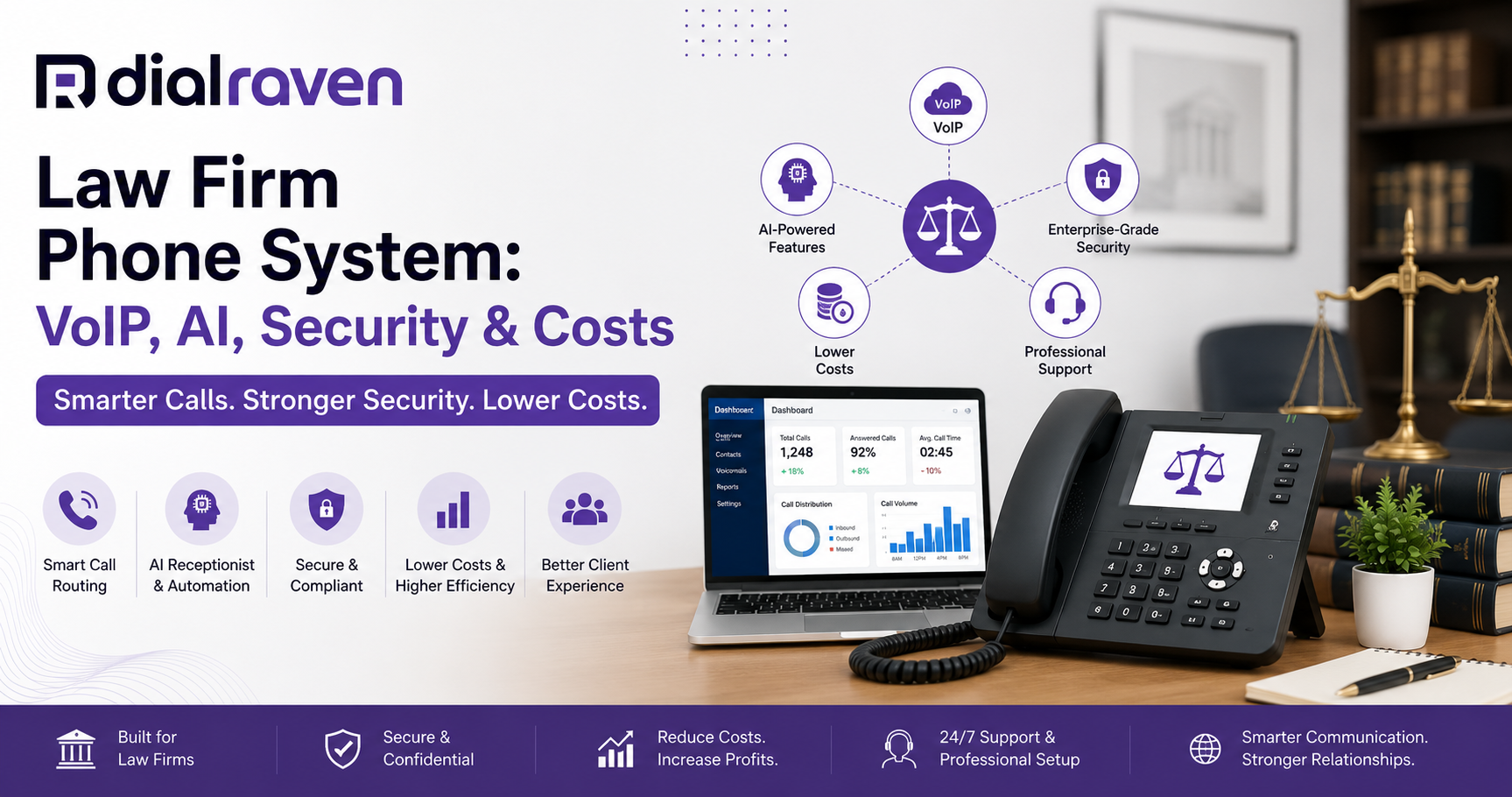
Law Firm Phone System: VoIP, AI, Security & Costs
Learn how to choose a law firm phone system with VoIP, AI reception, secure client intake, call routing, recording, and clear cost guidance.
Quick Answer
The best law firm phone system is a secure cloud VoIP platform with smart call routing, mobile access, business texting, controlled call recording, and an AI or virtual receptionist. It should support client intake without giving legal advice or replacing the firm’s conflict-check process.
Dial Raven Team
VoIP Communication Expert
When a prospective client calls your firm, someone should answer—or the system should provide a clear next step. That becomes difficult when attorneys are in court, reception is helping another caller, or the office is closed. A basic landline may receive the call, but it cannot always route, document, prioritize, or follow up effectively. A modern law firm phone system combines calling with smart routing, mobile access, voicemail, business texting, virtual reception, and controlled call recording. For many small and midsize firms, that means moving to a cloud-based VoIP phone system. This guide explains the features law firms need, how AI reception should support client intake, what security factors matter, and how to compare costs.
What Is the Best Phone System for a Law Firm?
The best phone system for law firms is usually a secure cloud VoIP platform that can route calls based on caller type, practice area, office hours, attorney availability, and urgency. It should allow attorneys and staff to use the firm’s number from desk phones, computers, and mobile devices. It should also provide reliable voicemail, after-hours coverage, administrative controls, and a clear method for handling prospective-client calls. A legal phone system should support the firm’s intake process. It should not replace legal judgment, professional responsibility, or the firm’s conflict-check procedure.
Why Law Firms Need a Specialized Phone System
Law firms receive calls from more than prospective clients. A single main number may also be used by:
- Existing clients
- Courts and government offices
- Opposing counsel
- Expert witnesses
- Vendors
- Family members
- Referral partners
- Billing contacts
These callers should not all follow the same path. Without structured routing, new inquiries may reach generic voicemail, existing clients may be repeatedly transferred, and urgent matters may be treated like routine administrative calls.
A specialized law office phone system helps the firm create separate workflows for:
- New-client intake
- Existing-client support
- Courts and professional contacts
- Billing and administration
- After-hours inquiries
- Urgent matters
- Multiple offices or languages
The goal is not to make the call flow complicated. It is to make the next step clear.
How VoIP for Law Firms Works
VoIP for law firms uses an internet connection to place and receive business calls. The provider hosts the phone platform, while the firm controls users, extensions, numbers, greetings, schedules, and routing rules through an online dashboard. Attorneys can use desk phones, desktop applications, or a business phone mobile app while keeping the firm’s caller ID.
A typical legal call flow may look like this:
- The system answers with the firm’s greeting.
- The caller identifies whether the call concerns a new or existing matter.
- The system routes the caller to the correct person, queue, or intake workflow.
- Approved information is collected.
- The call is transferred, scheduled, or documented.
- The responsible team member receives a message or summary.
- The caller receives a confirmation or expected response time.
This provides more control than simply forwarding every unanswered call to voicemail.
Traditional Landline vs. Cloud VoIP
| Traditional landline | Cloud VoIP | |
|---|---|---|
| Limited or dependent on forwarding | Mobile and desktop access | Remote calling |
| May require hardware or wiring | Usually managed online | Adding users |
| Basic | Rules based on teams, hours, and availability | Call routing |
| Usually voicemail | Routing, virtual reception, or escalation | After-hours handling |
| Normally separate | May be included | Business texting |
| Generally unavailable | Available on supported systems | AI transcription |
| Often separate systems | One cloud platform | Multiple offices |
| May require technician support | Usually changed through a dashboard | Changes |
VoIP is not automatically the right choice simply because it is cloud-based. Firms should still evaluate reliability, support, security controls, number porting, and business-continuity options.
Essential Law Firm Phone System Features
Smart Call Routing
Smart routing sends callers to the correct destination using rules such as:
- Caller type
- Practice area
- Office location
- Business hours
- Attorney availability
- Language
- Urgency
For example, new-client calls may enter an intake queue, while courts and opposing counsel may reach a dedicated administrative line.
Auto Attendant
An auto attendant presents a short menu and directs callers based on their selection.
A law firm menu might include:
- Press 1 for a new legal matter.
- Press 2 if you are an existing client.
- Press 3 for courts and professional contacts.
- Press 4 for billing.
- Press 0 for reception.
Keep the menu simple. Callers should not need to navigate several levels before reaching help.
Mobile and Desktop Access
Attorneys frequently work away from the office. Mobile and desktop applications allow them to answer through the firm’s number without exposing a personal mobile number.
Important capabilities include:
- Business caller ID
- Call transfer
- Extension dialing
- Voicemail access
- Call history
- Business texting
- Availability status
Call Queues and Overflow
A queue holds callers until a team member is available. Overflow rules decide what happens when nobody answers or the wait becomes too long.
The call may be sent to:
- Another intake employee
- A virtual receptionist
- An answering service
- An on-call attorney
- A priority voicemail box
- A scheduled callback workflow
Business SMS
Business SMS can support appointment confirmations, reminders, callback notifications, office directions, and approved intake-form links. Firms should avoid sending unnecessary confidential details through routine text messages and should establish clear messaging, retention, consent, and opt-out procedures.
How Should an AI Receptionist for Law Firms Be Used?
An AI receptionist for law firms can help answer calls, classify callers, collect approved information, schedule consultations, and route urgent matters.
Appropriate tasks include:
- Greeting callers
- Identifying the general practice area
- Collecting names and contact information
- Capturing opposing-party names for later review
- Asking approved urgency questions
- Booking available consultation times
- Sending confirmation messages
- Preparing an administrative call summary
However, an AI receptionist should not:
- Give legal advice
- Predict outcomes
- Promise representation
- Confirm that no conflict exists
- Decide whether the firm will accept the case
- Create an attorney-client relationship
- Collect unnecessary sensitive details
- Handle emergencies without an escalation process
The safest approach is to use AI as an intake and routing assistant, not as a substitute for an attorney or authorized intake professional. A virtual receptionist should operate according to scripts, rules, and escalation paths approved by the firm.
Building a Better Client-Intake Call Flow
A practical legal intake workflow should include the following steps.
1. Identify the Caller
Ask whether the call concerns:
- A new legal matter
- An existing matter
- A court or professional contact
- Billing or administration
- Another issue
2. Identify the Practice Area
Use plain-language categories. Callers may not know the exact legal term for their issue.
3. Capture Basic Information
Collect only the information approved by the firm, such as:
- Full name
- Telephone number
- Email address
- General location
- Preferred contact method
4. Collect Conflict-Check Inputs
The receptionist or AI may capture relevant names, but the firm’s authorized team must complete the actual conflict review.
5. Assess Urgency
Create clear escalation rules for situations involving court dates, filing deadlines, arrests, safety concerns, or other time-sensitive circumstances.
6. Provide a Clear Next Step
The caller should know whether:
- The call is being transferred
- A consultation has been booked
- Someone will return the call
- A confirmation will be sent
- Additional information is required
The workflow is incomplete until responsibility for follow-up is assigned.
Call Recording, Security, and Confidentiality
Law firms should evaluate more than call quality and features. They should also examine how a provider protects voicemail, recordings, transcripts, text messages, and account access.
Important controls include:
- Encryption
- Role-based permissions
- Administrative access controls
- Recording by user or call type
- Consent announcements
- Recording pause controls
- Retention settings
- Deletion options
- Employee offboarding procedures
Dial Raven’s secure call-recording solution includes recording controls, consent announcements, encrypted storage, AI transcription, and retention settings. Recording laws vary by jurisdiction and by the locations of the participants. Review Dial Raven’s call-recording laws by state guide and obtain appropriate legal guidance before enabling automatic recording. This article provides operational information and is not legal advice.
How Much Does a Law Firm Phone System Cost?
Law firm phone system cost depends on:
- Number of users
- Plan level
- Desk phones or other hardware
- Additional numbers
- Business texting
- Call recording
- AI reception or transcription
- Integrations
- Onboarding and support
Most cloud systems use monthly per-user pricing. However, the lowest advertised user price may not include the features a legal practice actually needs.
Before selecting a provider, ask:
- Is auto attendant included?
- Is business SMS included?
- How is AI reception priced?
- Are transcription minutes limited?
- Is call recording included?
- Are number porting and onboarding included?
- Are additional numbers extra?
- Is hardware required?
- Are integrations included?
- What support is available?
Review the latest options on the Dial Raven pricing page.
How to Choose the Right Provider
Use this checklist when comparing systems:
| Area | What to verify |
|---|---|
| Reliability | Uptime commitment, support, and outage handling |
| Routing | New-client, existing-client, after-hours, and urgent workflows |
| Mobility | Desktop and mobile calling through the firm’s number |
| Intake | Approved questions, scheduling, and escalation |
| Security | Encryption, permissions, recording, and retention controls |
| Texting | Shared inboxes, confirmations, and opt-out handling |
| Porting | Ability to retain existing numbers |
| Administration | Ease of adding users and changing call flows |
| Cost | Complete monthly and implementation cost |
| Support | Availability of assisted setup and ongoing help |
The best system is not the one with the longest feature list. It is the one that fits the firm’s intake process without adding unnecessary complexity.
Why Consider Dial Raven?
Dial Raven provides cloud communications tools that can be configured around the needs of small and midsize law firms, including:
- Business VoIP
- Smart call routing
- Auto attendant and IVR
- Virtual reception
- Mobile and desktop access
- Business SMS
- Call recording
- AI transcription
- Number porting
- Assisted onboarding
- U.S.-based support
The objective is not to replace the firm’s legal judgment. It is to create a more reliable process for answering, routing, documenting, and following up on calls.
Get a Law Firm Phone System Built Around Your Intake Process
A generic telephone plan gives your firm a number. A properly configured system gives every caller a clear path and every inquiry an accountable next step. Request a free law firm phone system and client-intake assessment. Dial Raven can review your current setup, map your business-hours and after-hours workflows, and prepare a clear recommendation based on your users, call volume, and intake process.
Frequently Asked Questions
What is a law firm phone system?
A law firm phone system is a business communications platform configured for legal-office calls, attorney routing, client intake, voicemail, after-hours coverage, mobile access, and administrative controls. It may also include texting, recording, AI transcription, and virtual reception.
What is the best phone system for a small law firm?
A small firm usually benefits from cloud VoIP with simple per-user pricing, mobile access, professional routing, voicemail-to-email, after-hours handling, and responsive support.
Is VoIP secure enough for law firms?
VoIP can be suitable when the provider offers appropriate encryption, access controls, permissions, recording settings, retention options, and administrative security. The firm must also configure the platform properly.
Can an AI receptionist conduct legal client intake?
An AI receptionist can collect basic information, identify a practice area, capture approved conflict-check inputs, assess urgency, schedule consultations, and route calls. It should not give legal advice or approve representation.
Can law firms keep their existing phone numbers?
In many cases, yes. Eligible numbers can usually be transferred through number porting. Keep the existing service active until the transfer has been completed and tested.
Can attorneys answer calls from mobile devices?
Yes. A cloud phone application allows attorneys to place and receive calls through the firm’s number without exposing their personal mobile number.
Can a law firm record client calls?
Recording may be permitted when the firm follows all applicable federal and state consent requirements. The correct rule can depend on where the call participants are located.
Does a law firm phone system integrate with legal software?
Some systems support native integrations, APIs, or third-party automation. Confirm the exact actions supported before purchasing, including contact creation, call logging, scheduling, and transcript handling.
Related pages
Ready to modernize your phone system?
Talk to a Dial Raven specialist and get a plan built around how your team works.