 CyberData
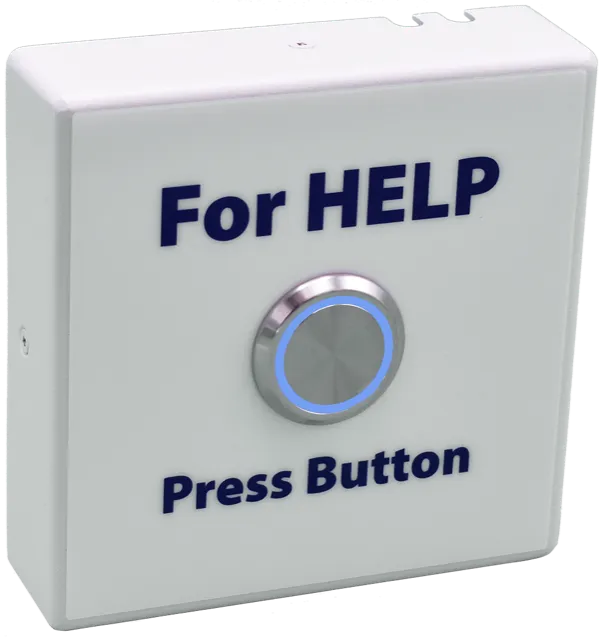
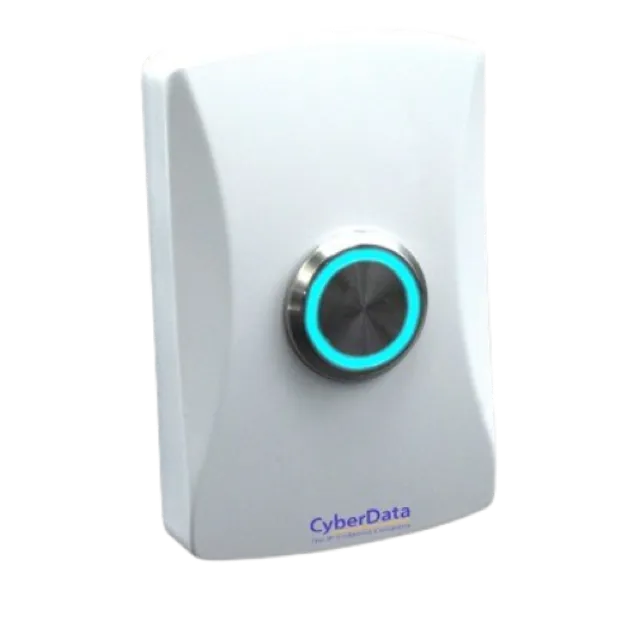
 CyberData 011508 Remote Call Button
$119 pre-configured & shipped ready to use
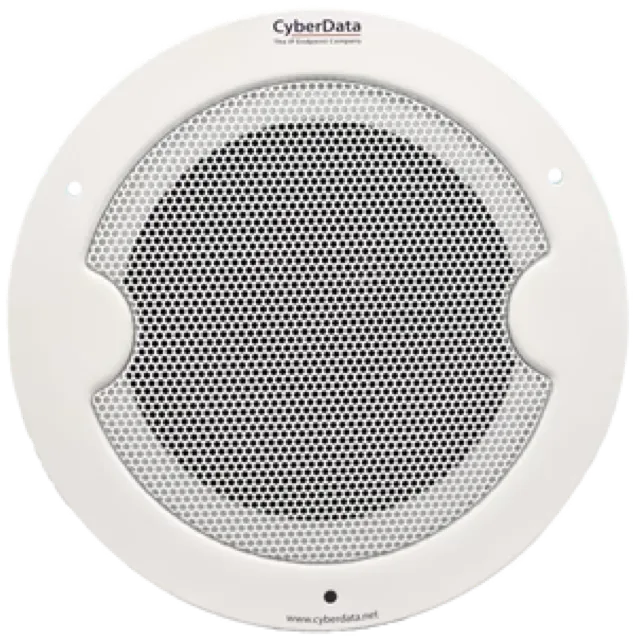
Click here to provision for CoreConnect Click here for Support directly from CyberData The CyberData Remote Call Button is an optional accessory that, when…
- Additionally, when the Talk-Back Speaker is called from a remote phone and Auto-Answer is not enabled on the Speaker’s Web Interface, the LED on the Call Button will blink.
- A press of the Call Button will answer the incoming call.
- If installed in close proximity to the Speaker, the Remote Call Button can also be configured for Push to Talk on the Speaker side.
- The Speaker’s Web interface allows user programmable scenarios of the Button’s LED light to show call activity.
Pre-configured & ready to plug in
Every device ships provisioned for your Dial Raven system — no manual setup. We handle deployment and support.
About the CyberData 011508 Remote Call Button
Click here to provision for CoreConnect Click here for Support directly from CyberData The CyberData Remote Call Button is an optional accessory that, when connected to a CyberData Talk-Back Speaker, allows users to make a call to a predefined phone number. Additionally, when the Talk-Back Speaker is called from a remote phone and Auto-Answer is not enabled on the Speaker’s Web Interface, the LED on the Call Button will blink. A press of the Call Button will answer the incoming call. If installed in close proximity to the Speaker, the Remote Call Button can also be configured for Push to Talk on the Speaker side.